January 31st, 2026
Google Pixel 6: One-Year Review.
Good enough.
Google Pixel 6: One-Year Review.
A little over a year ago, in October of 2024, I bought a Pixel 6. My Pixel 4 was having odd battery issues and was constantly running out of storage space. I bought the Pixel 6, knowing it still had about two years’ of Google-approved life left in it, and that LineageOS would probably continue to support it well after Google ended its official support.
One year and three months or so later, I finally finished writing this and getting all of the necessary info for this post together. I’m hoping this will be useful to someone. Enjoy!
Design, Build Quality, and Handling.
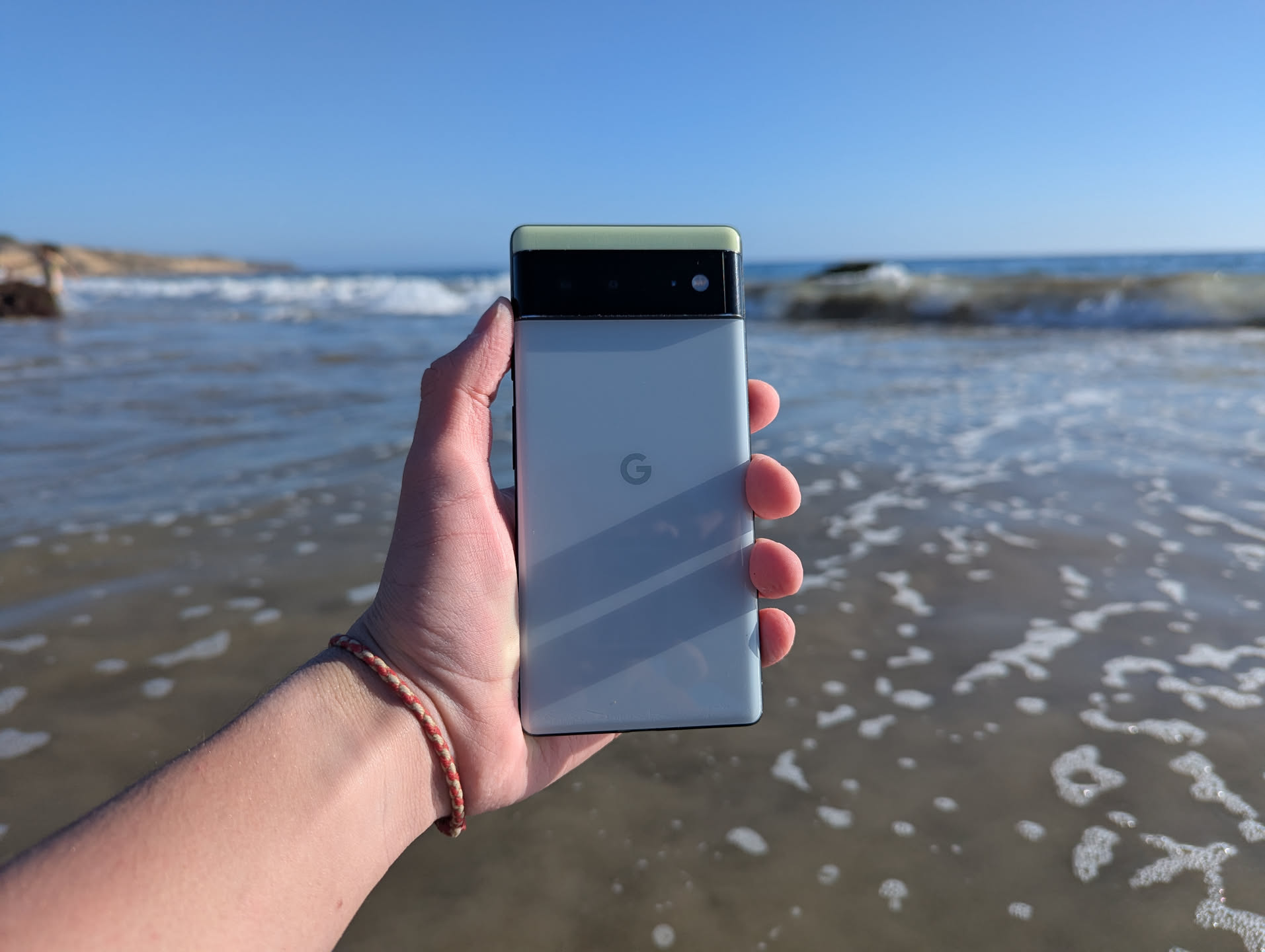
The Pixel 6 has an interesting design. Unlike its ill-acclaimed predecessors, the Pixel 4 and the Pixel 5 (which I don’t have), this phone lacks a camera square, and, as a matter of fact, lacks a monocolor design on its back. It brings something new to Pixels. It has a two-tone back, a camera plateau in-between each color. I have the Sorta Seafoam color. A small slice of a light-green color, made of plastic, sits above the camera plateau, while beneath the camera plateau, there sits a large, gray-blue colored piece of glass, with a Google logo in the center of the phone. The camera plateau is a black bar, with a piece of glass covering the majority of it, including the two cameras, the laser autofocus sensor, a microphone, and the dual-LED flash. The curved part of the camera plateau is made of plastic, causing there to be a small, noticeable divide between the glass and the plastic on the camera plateau. The camera plateau has two pieces of metal; one at the top of it, and another beneath it, separating it from the two different colors of the phone. These pieces of metal have a tendency to scratch, as indicated by the silver showing through the black paint on my particular unit.
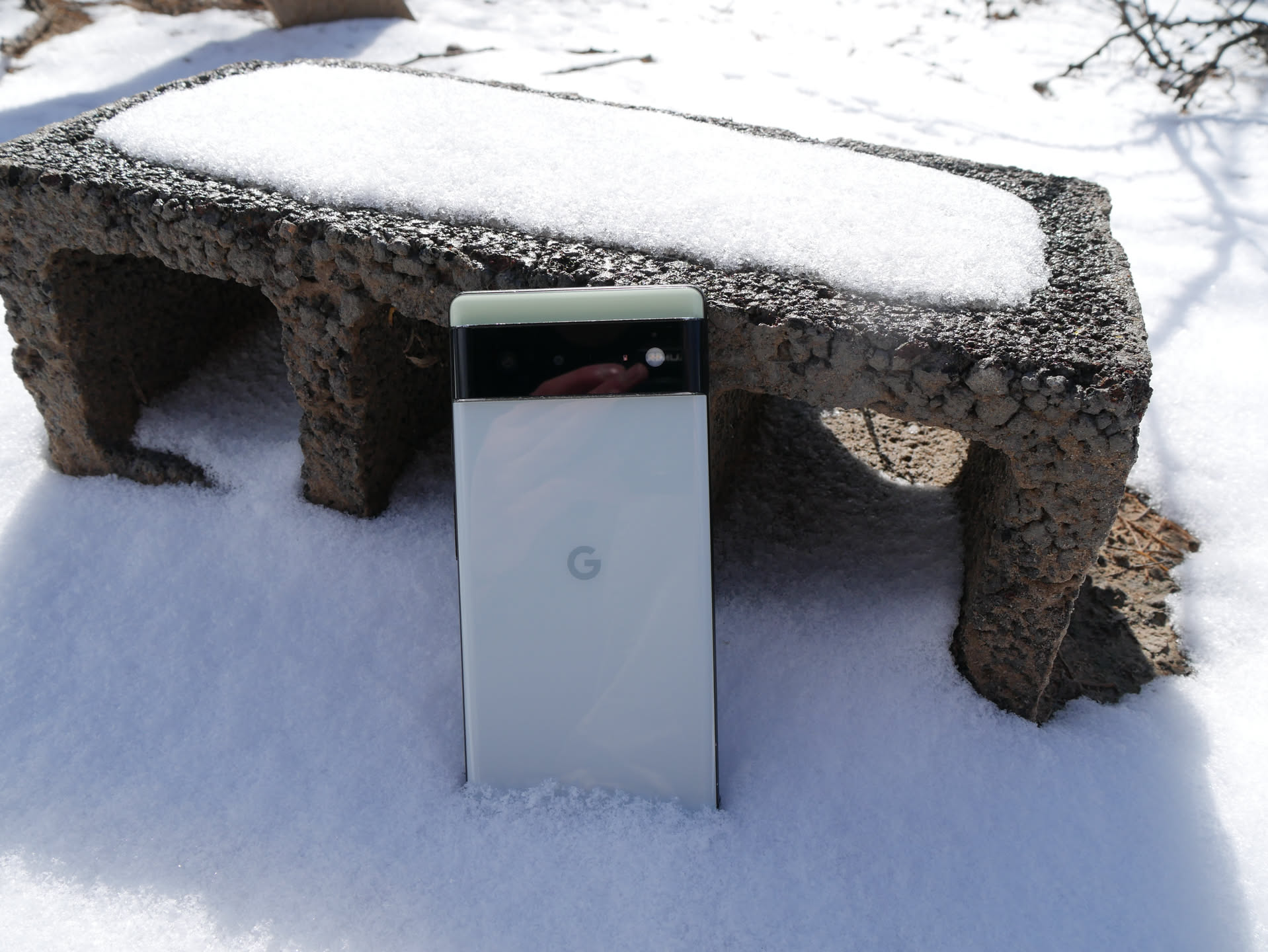
The rear of my Pixel 6, as seen sitting in the snow. It matches surprisingly well
The sides of the device, no matter which color you get, are aluminum, painted in that same black color that scratches nicely. It has two antenna bands on the left and the right side, opposite of each other. The right side of the phone features its power button and volume controls, while the left side of the phone features a SIM card tray near the bottom. The top of the phone features two antenna bands, opposite each other, and a microphone hole. The bottom features a single antenna band, which ruins the symmetrical look of the device. There’s also a speaker slot and a microphone slot, along with the USB-C charging port, which charges the phone fairly fast and allows for USB3 speeds. This phone lacks a headphone jack, as headphone jacks are, in this third decade of the twenty-first century, only for the lowliest of smartphones, and those who bought this phone at launch should have bought some Pixel Buds to go along with it. It’s not like wired earbuds of the same price can provide better quality.
The front of the phone is relatively plain. It has a flat 6.4-inch OLED display, with a refresh rate of 60 or 90Hz. The screen can get fairly bright in direct sunlight, which is quite nice. It features a hole-punch camera at the top center of the screen, much like every Android phone of a reasonable age that can be bought. The bezels are, in the eyes of some reviews I’ve read, “thick”, but they don’t really ruin the phone experience at all. The display does have a slight curve in the edges. It’s much less of a curve than the Pixel 4’s display. I quite like it.
The phone’s build quality is fairly reasonable. It’s held up well in my pocket, including being semi-dropped from a few inches onto my desk, and is a bit scratched up as well. I have had two major issues with this phone’s quality. The first has to do with the power button. I noticed the phone wasn’t responding properly, and that the power-off dialog box kept appearing. It turns out the button, despite still clicking, had something jammed. Slamming the phone hard on my hand a few times (ouch) fixed it. The second was much more recent. It thought something was touching the upper right part of the display, causing it to attempt to focus there while I was trying to take photos. Percussive maintenance fixed the device once more.
Handling of the phone is “ok”. Initially, I was going to get a smaller Pixel 5. They costed about the same as a Pixel 4 ($120 or so). Then I looked at the Pixel 6a. They sat at around the $150-170 mark. Then I realized, for about $200, I could get a normal Pixel 6, with supposedly better cameras and double the storage of the other phones. I spent a bit of time debating whether a 6.1-inch display was worth the trade-off of 128GB of storage, and decided not to. If I was going to upgrade, it’d better be a real upgrade. I got the Pixel 6. It’s “massive”, about the size of my Note 9. It’s actually reasonably nice to hold once you get used to it. The big size also means maps are easier to look at than ever before. I hated it at first, but have grown to enjoy it, even though I still yearn for a smaller device. Google does seem to have repented of its mistakes, with the Pixel 8’s smaller size being a joy to hold, and the fact they started making small Pro phones with the Pixel 9 Pro makes Pixels a bit more appealing for my next phone.
Software and Performance
Instead of using the default Android the phone came with, I opted to use LineageOS. LineageOS was actually fairly simple for me to decide on. I wanted the control and customizability that LineageOS provides, I wanted the few Google apps I do use to work well, and I didn’t want to deal with having to switch to LineageOS from either the stock ROM or GrapheneOS once the support runs out this October of 2026. I also was stuck in my LineageOS habits from my Pixel 4, which had gotten Android 14 thanks to LineageOS.
LineageOS has been a fairly solid experience on this phone. Despite its lagging behind Google’s ROM, it provides a solid user experience. It has an entire section of Setting dedicated to adding some nice-to-haves, such as a quick pulldown for the control center in the notification on whatever side of the phone you like, a “long-swipe” back gesture for adding an easier way to open the app switcher, and more. I changed my battery indicator to a circle. And I moved the clock to the other side for burn-in prevention. It’s fun.
It also has some abilities unique to LineageOS in the wallpaper-changer-thingy (some other Androids have this, Google’s stock ROM doesn’t). You can change the font in some parts of the system, which you can’t do with Google’s ROM. You can also change the icons on the home screen, something that LineageOS has had for years, and that Google has barely implemented. It’s nice to have that there.
The system looks like Android. The one issue I have is, with the LineageOS 23 update, the music controls now tints the album art with a weird gray-ish color, whereas album art in previous versions wasn’t tinted.
Most of the software I use on this phone runs fairly well. Web browsing is great. Maps are great. I don’t watch videos on my phone (I have an iPad and a laptop for doing so), so I don’t really know how well they look, other than the few minutes I have spent doing so, in which they look perfectly fine. Pretty much everything I’ve thrown at this phone runs smoothly, with one exception. It’s an old app for EXO Drones, a re-branded overpriced Hubsan drone that I have (EXO went belly-up, by the way). That app does not seem to like my phone that much, and last time I tried it was giving all kinds of connection issues.
Battery life is reasonable. Between staring at maps, taking some photos, and some web browsing in the car, I got about four hours of screen-on time, with the phone sitting at around 23%. It is a used phone, and as expected, the battery life isn’t going to be like new.
Thermal performance is AWFUL. It really is. This phone gets warm in your pocket, doing absolutely nothing. Open the camera app, take some photos, and it gets a bit warmer. Web browse while sitting in the back seat of an air-conditioned car causes the phone to get so hot my hand sweats. Swap car out for air-conditioned house and the same thing happens, just slower. When I first got this phone, I installed LineageOS and ran the updates and installed all of my stuff, and the phone ended up thermal throttling for a while.
Besides my complaints about its thermals, the phone’s performance is more than enough for what I use a phone for.
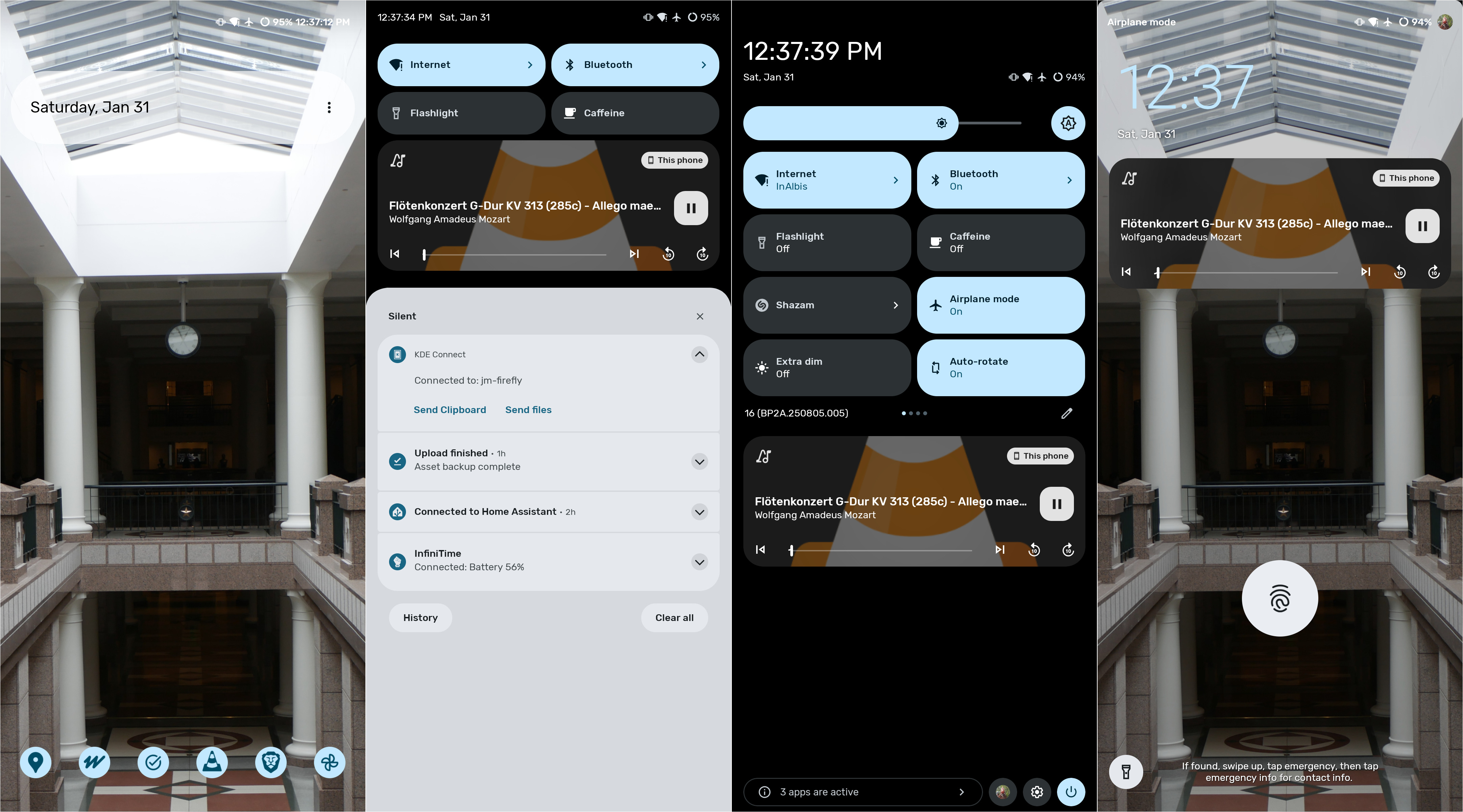
The main LineageOS 23.0 (Android 16 QPR0) UI.
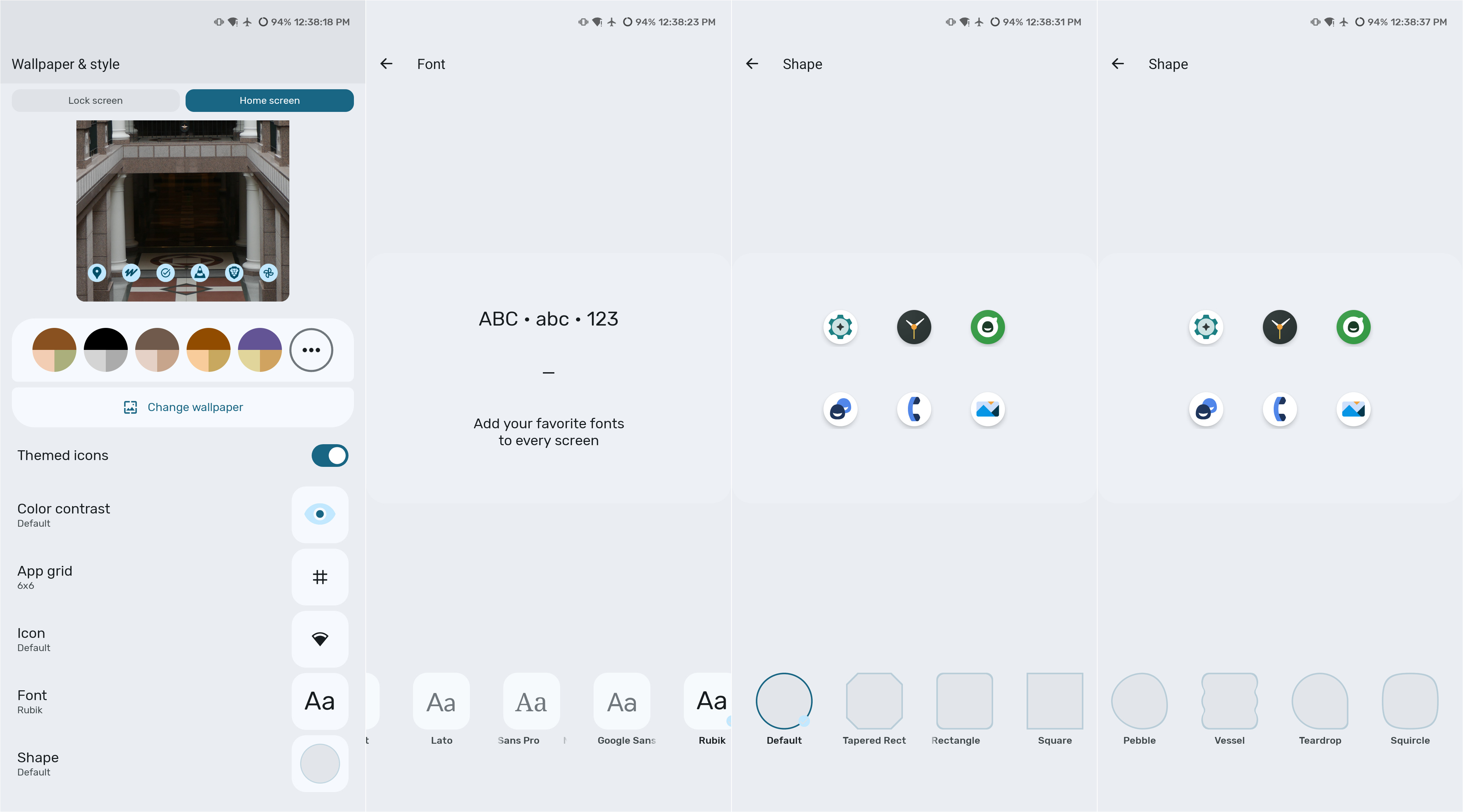
Some of the options in Wallpaper and Styles. There are five fonts to choose from, the default is offscreen in this photo.
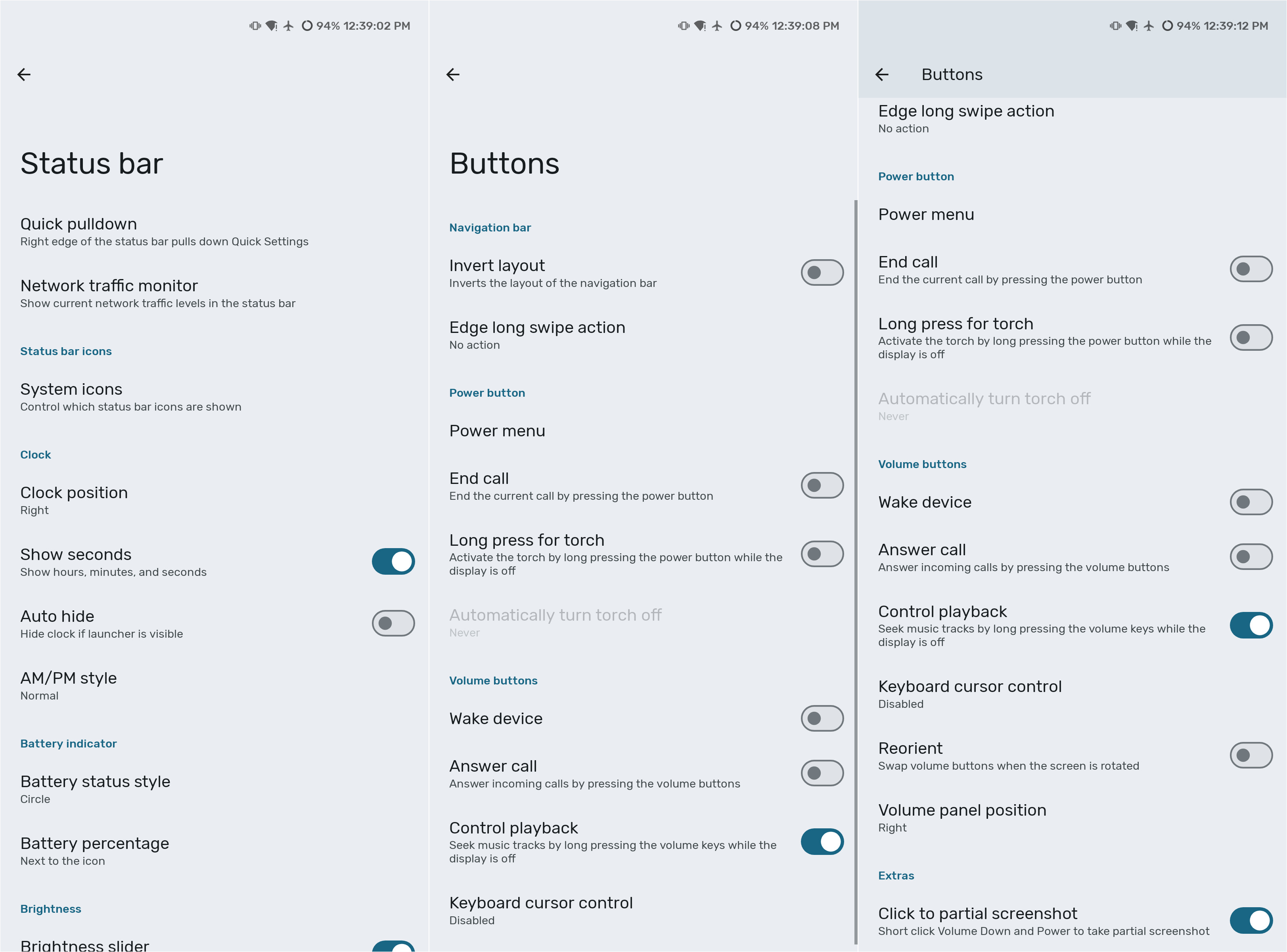
Some of LineageOS's special options.
Camera
The main thing with Google’s Pixel lineup is the cameras. In fact, it’s one of the reasons I ruled out other phones when I was choosing a phone that could run a custom ROM. For me, cameras are pretty important. I have a Lumix G7, but carrying around a camera everywhere can be very annoying. The Pixel 6 is a phone, and it fits in my pocket. I may not be a good photographer, but I at least want my pictures to look nice.
The Pixel 6 has two cameras: a 50-megapixel main camera, and a 12-megapixel fixed focus wide angle camera, which adds a “0.7x” zoom option. The phone also has a 2x digital zoom, done fairly well thanks to the increased resolution of the main camera. It does allow for up to 7x digital zoom, though that usually looks fairly bad. I’ve had a fairly nice experience taking photos with this phone. However, it does leave me wishing I had a telephoto lens.
The biggest flaw is the terrible issues with the autofocus on this phone. It has a bad habit of refusing to focus on the obvious subject, instead choosing to go completely blurry. I have to switch to the wide angle and back if I want it to focus. In some very nasty cases it won’t even respond to that. It has caused me to have ruined photo opportunities in the past. This flaw, is, according to my sister, still present in her Pixel 7.
Below are some of the photos I’ve taken with my Pixel 6. If you want real professional testing, others have done that much better than I could. See HERE.

Agathae.

Agathae.
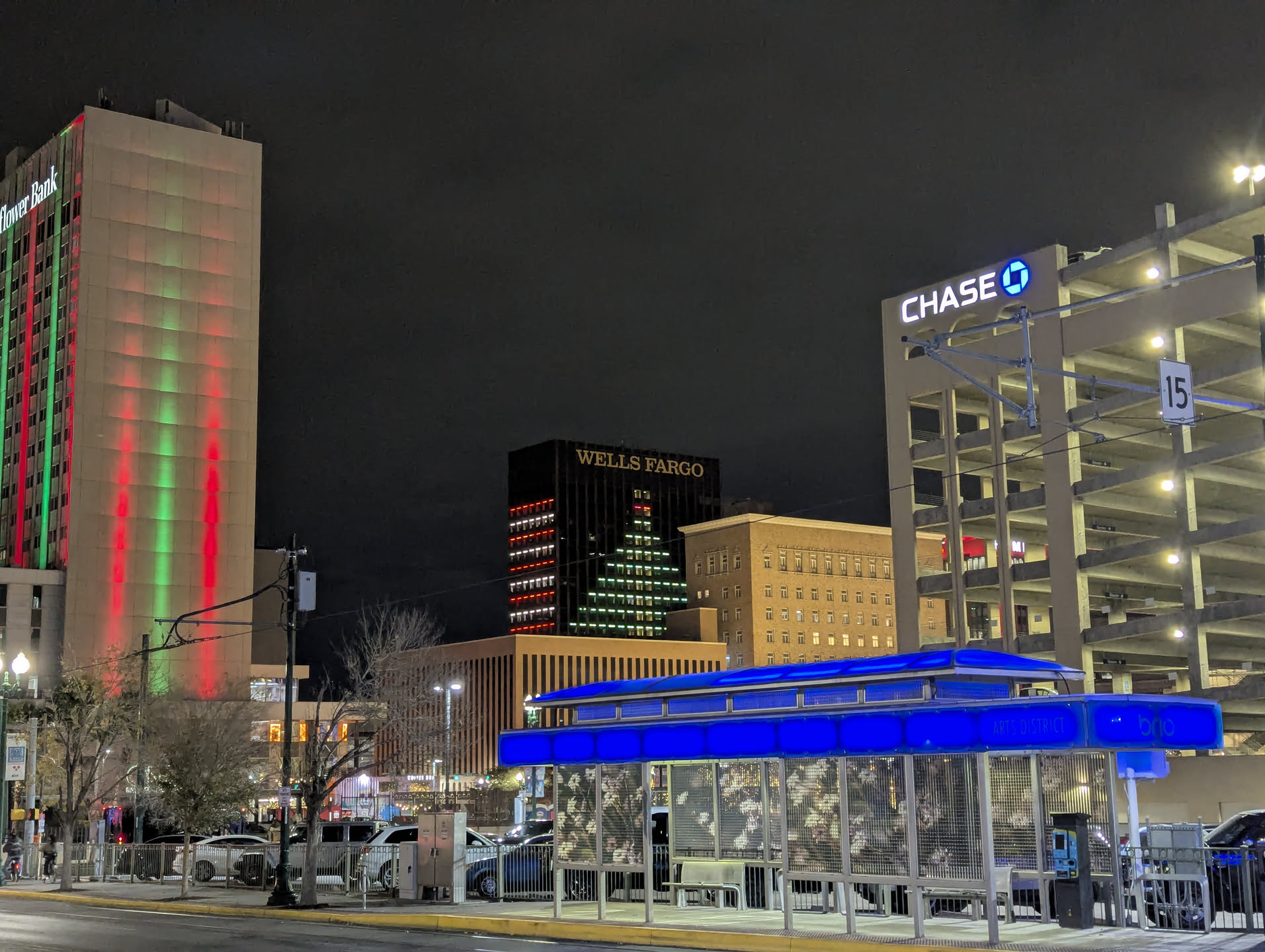
Downtown at night.
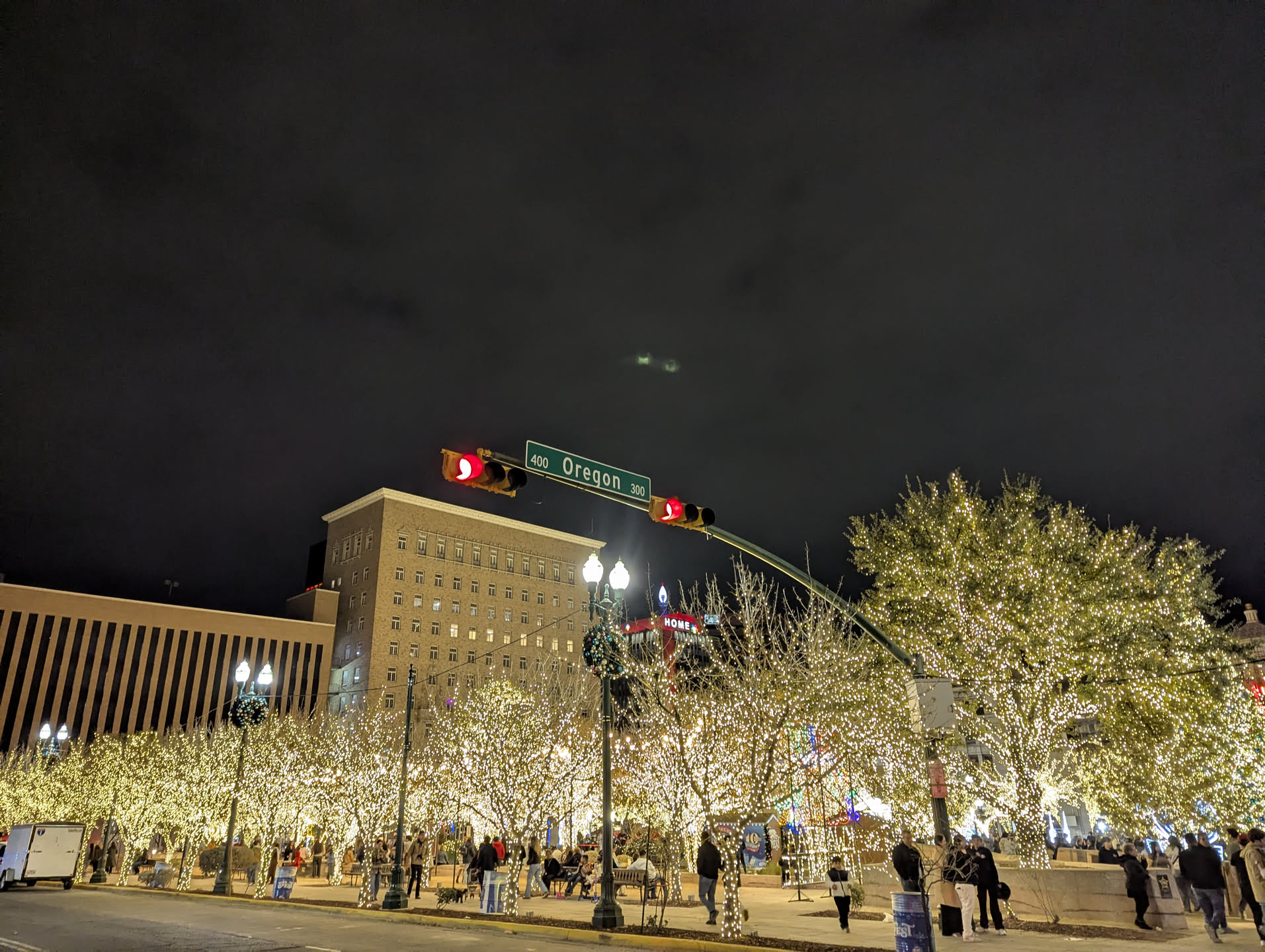
More downtown at night.

Christmas tree downtown at night.
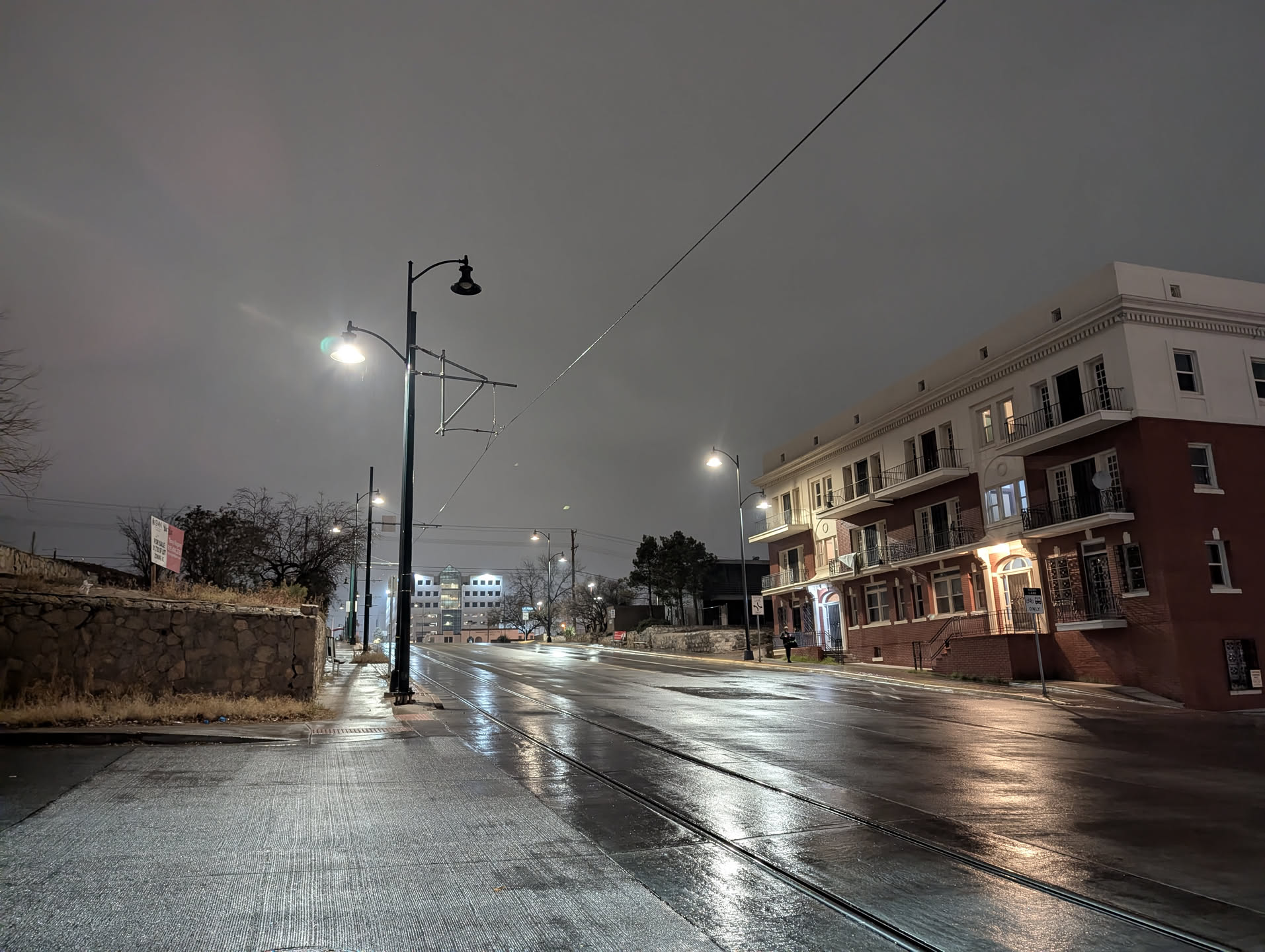
Downtown in rain at night.
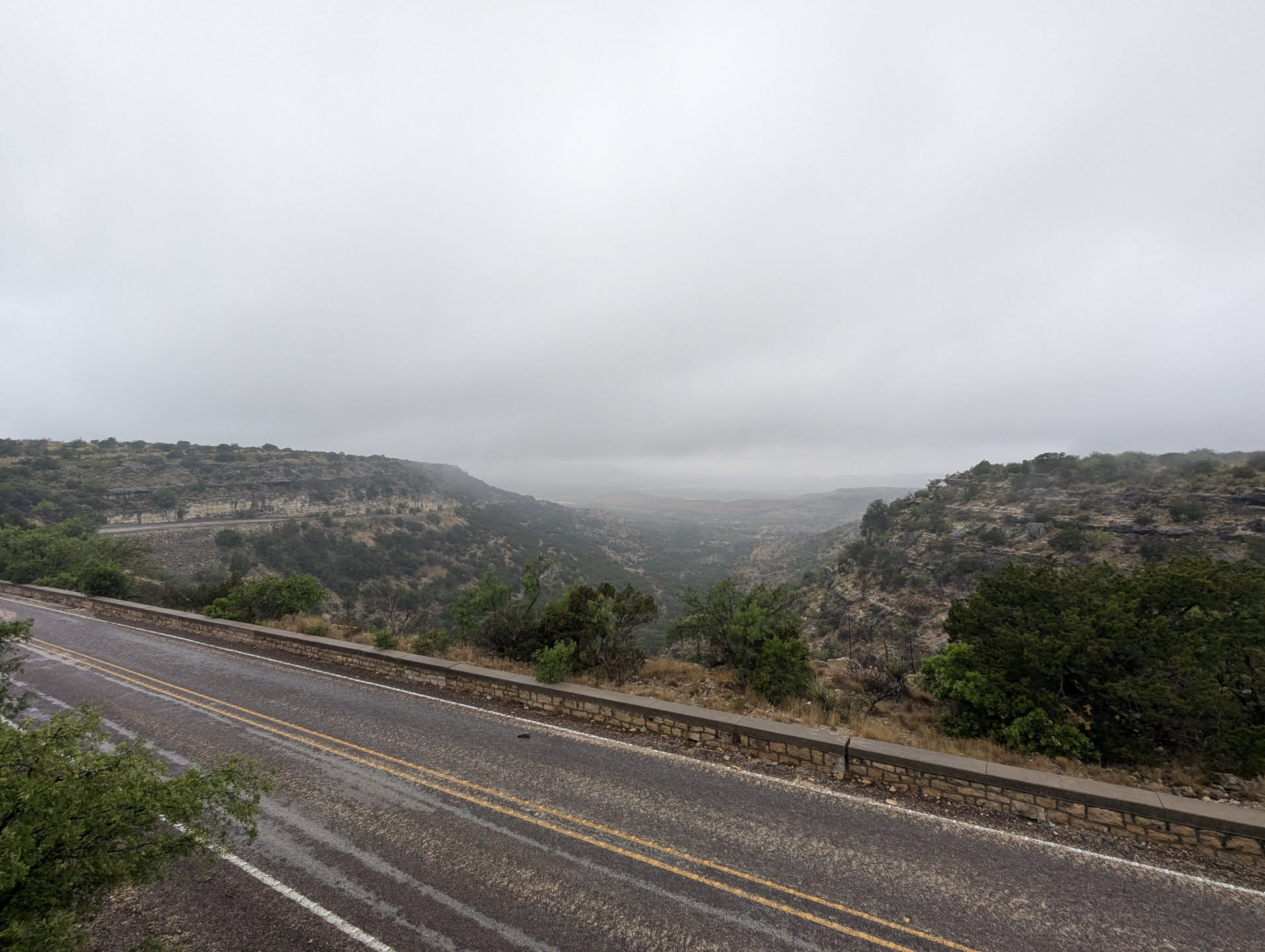
View from a hill or mountain thing near Fort Lancaster in Texas.

Empress Josephine glaring.

Friendly cat.
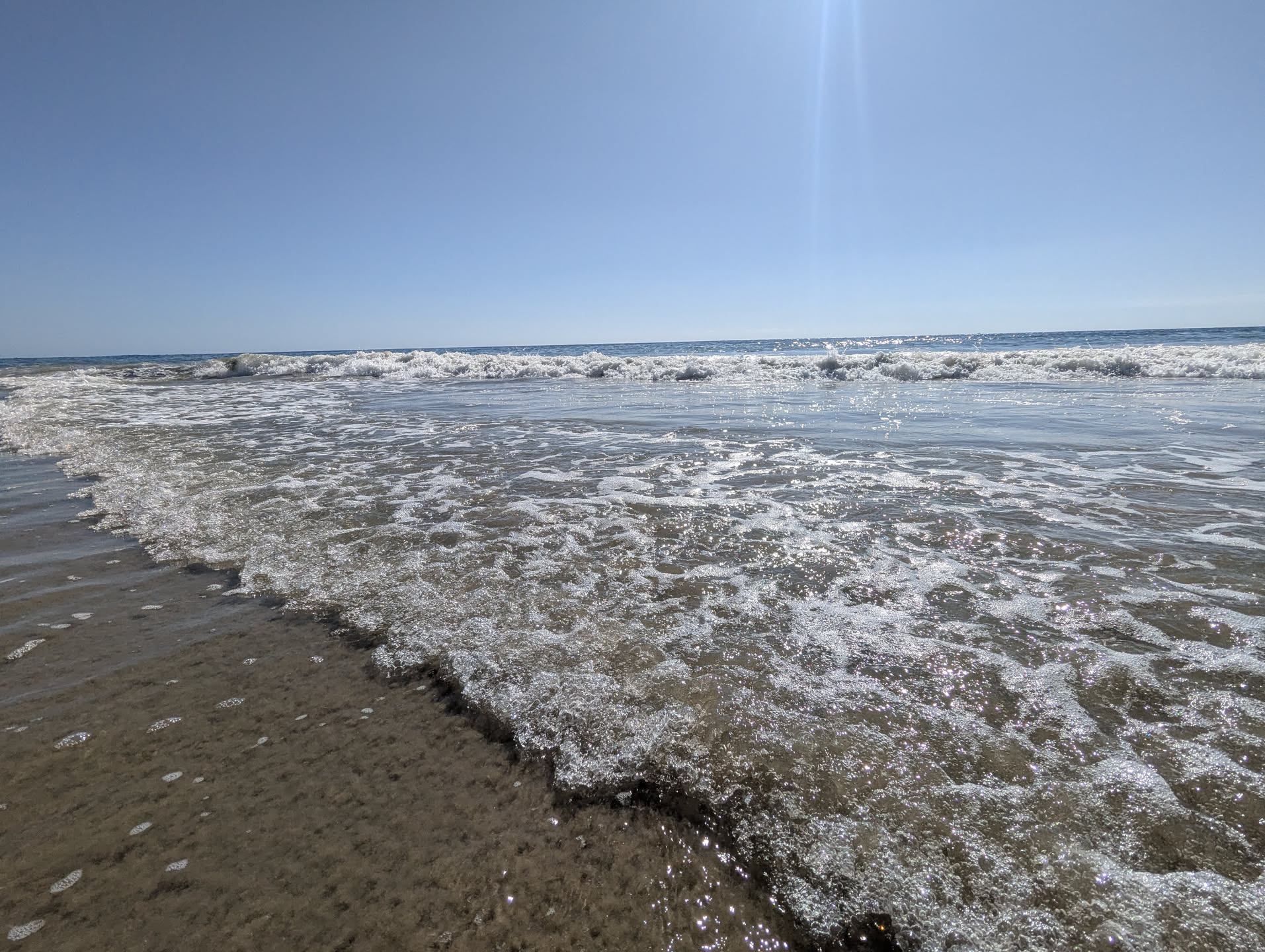
Crystal Cove Beach in California.
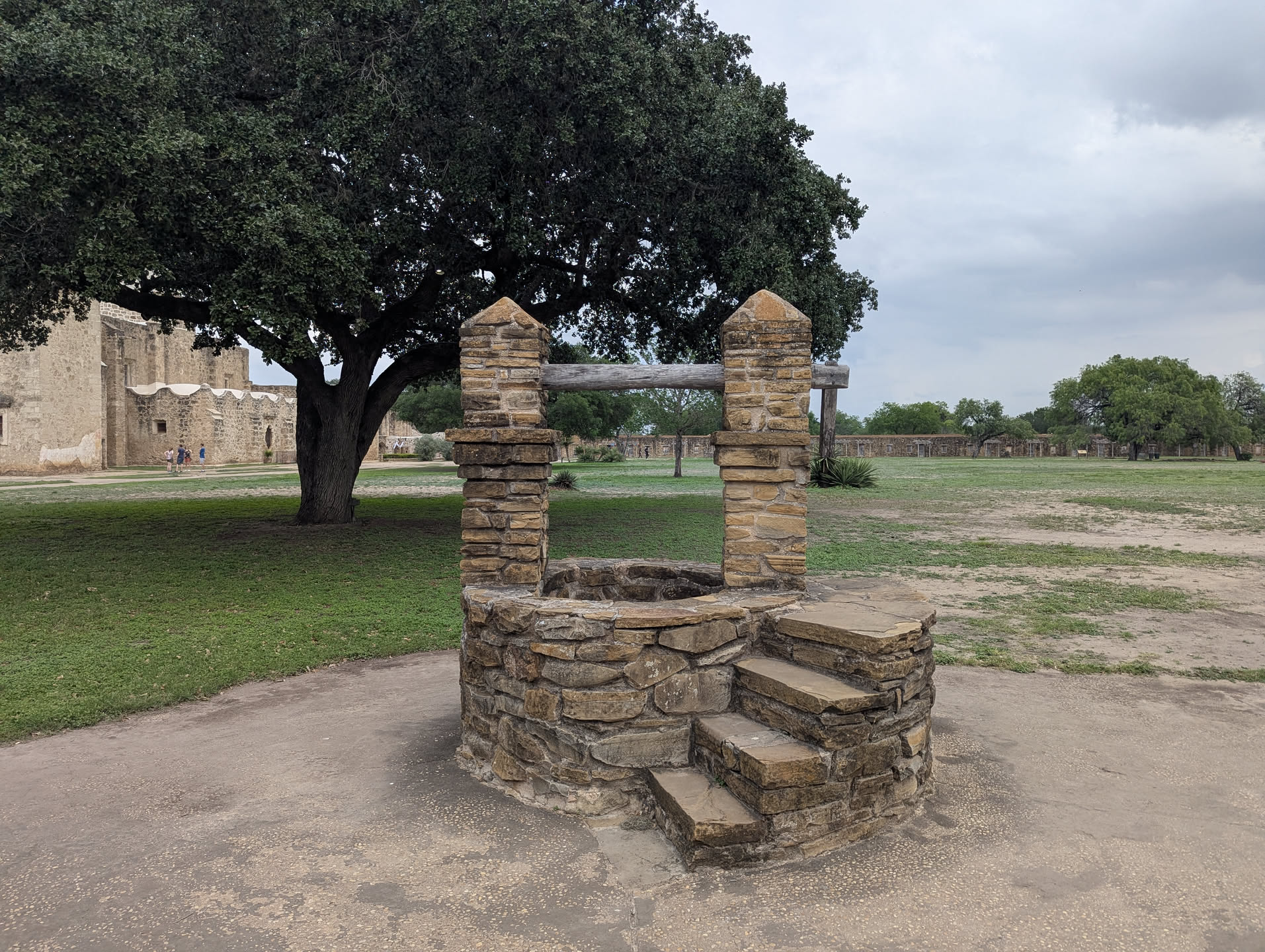
Well thing at San Jose Mission in San Antonio.
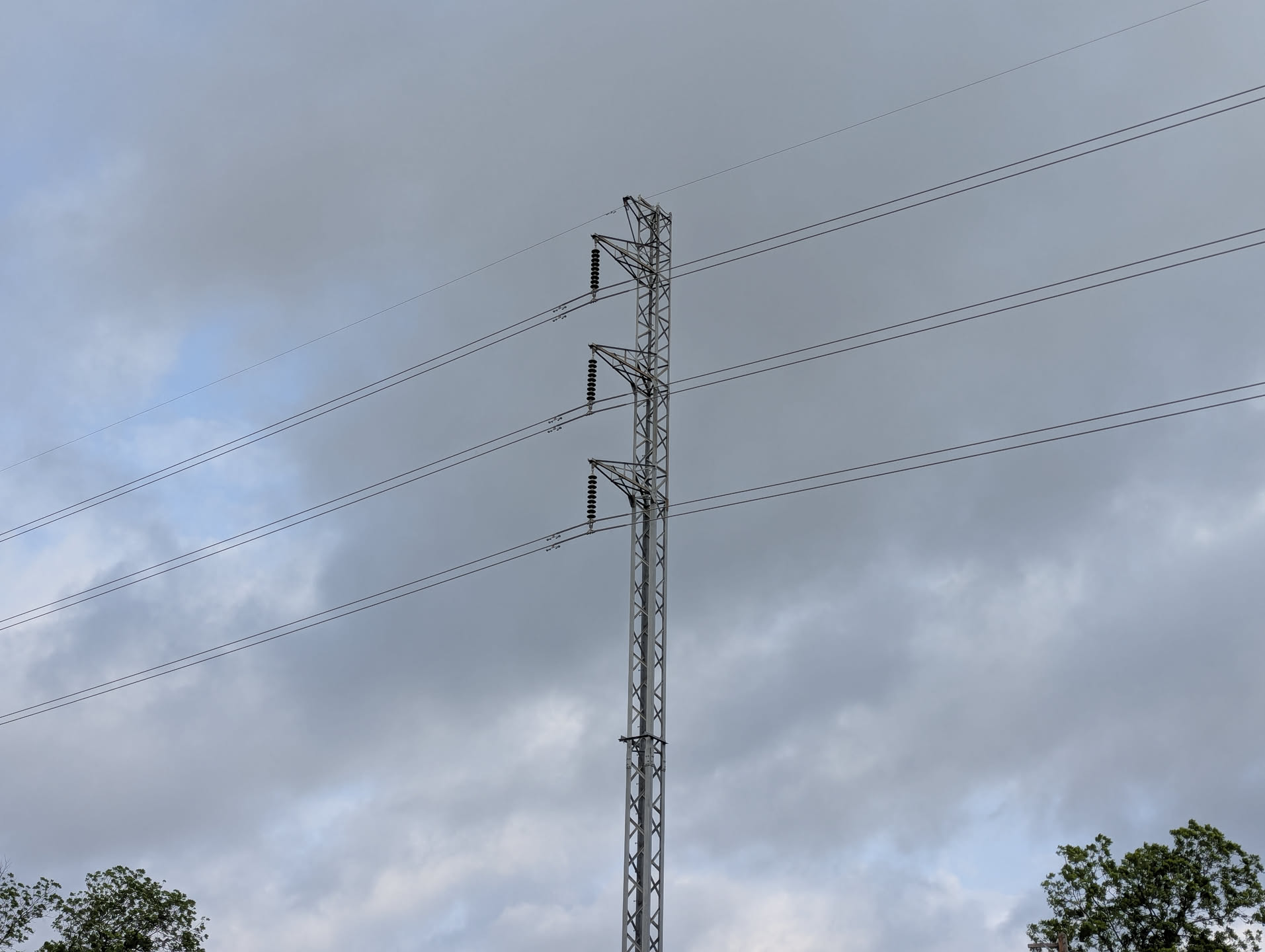
Power line by train track in San Antonio.

Seafoam at a beach in CA.
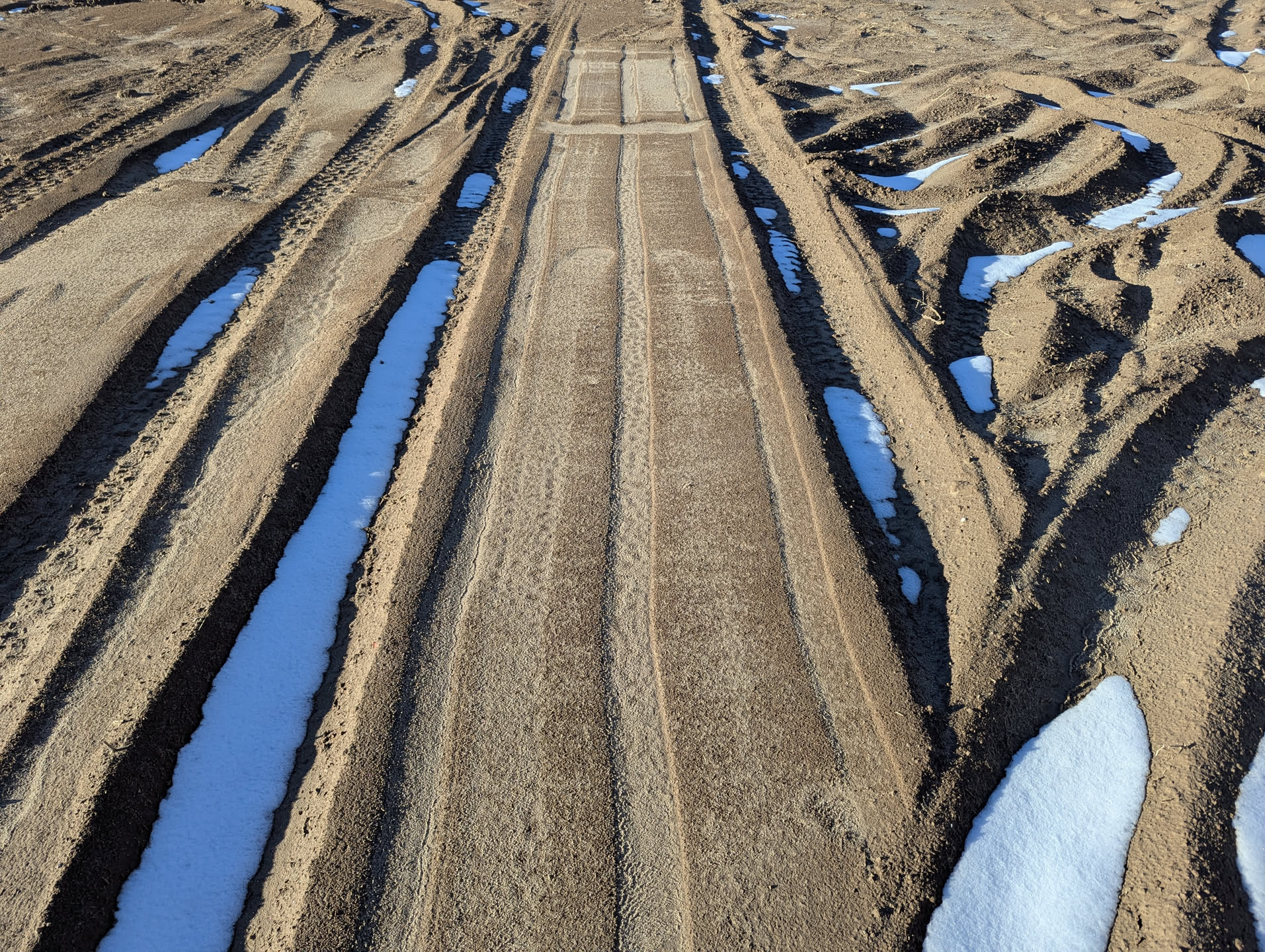
Neat snow photo.
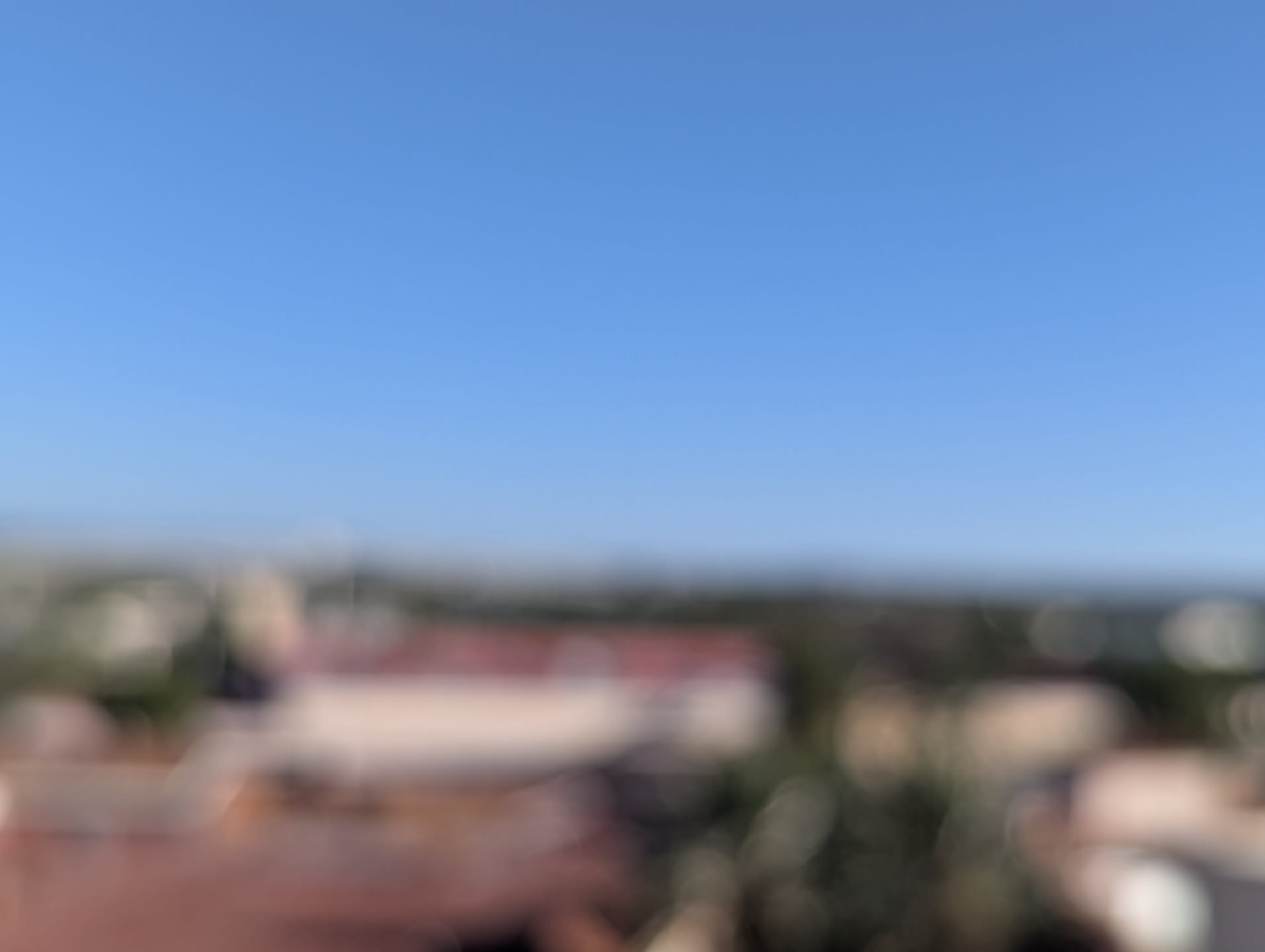
Pixel 6 not focusing. There's no reason it shouldn't be focused.
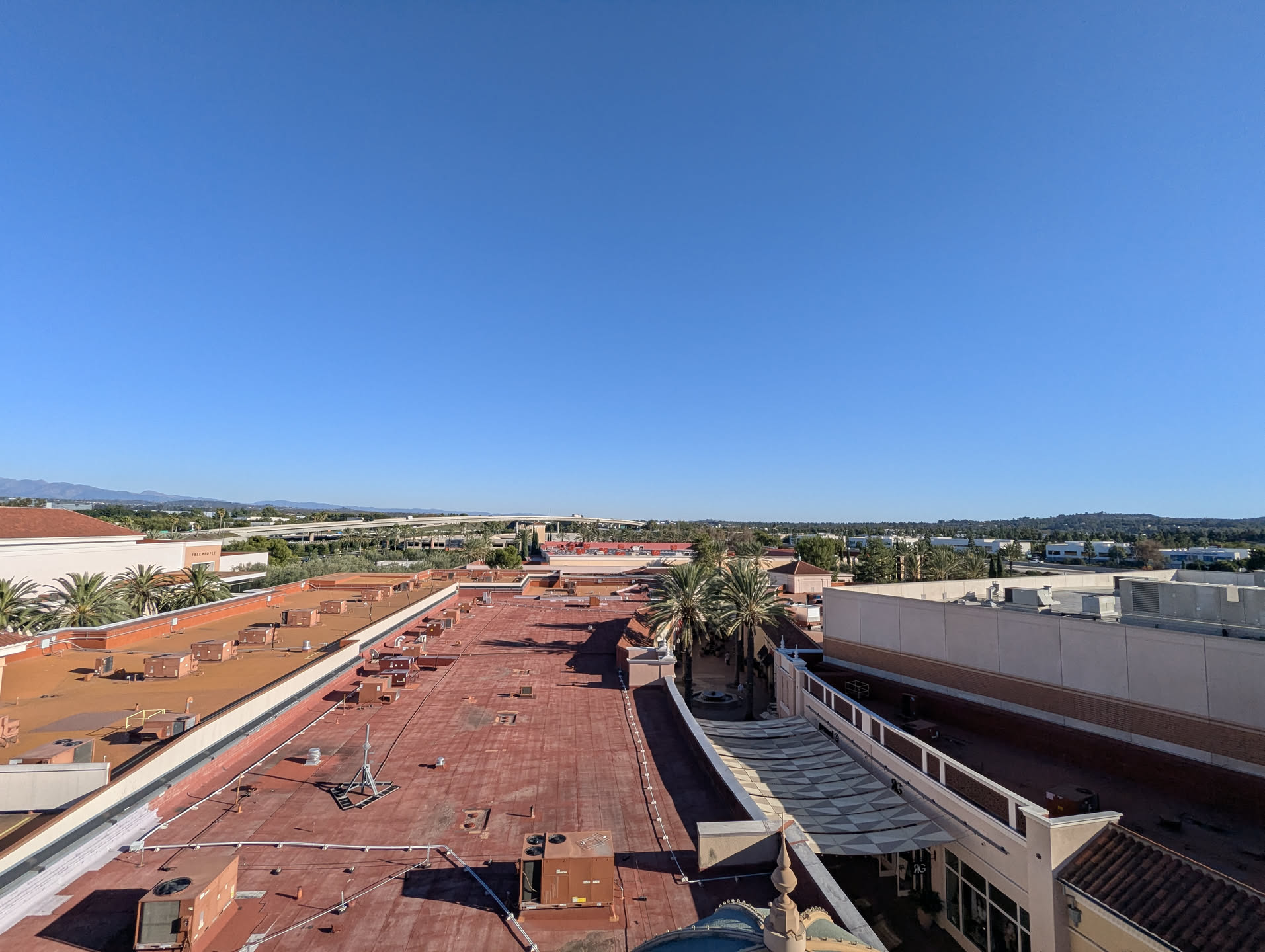
Pixel 6 using the wide-angle to resolve the blur.
Conclusion
In the end, I’m fairly happy with this phone. It’s not perfect, but it does the job. As much as I like to keep tech alive for ages, this phone could potentially be replaced sometime this year. The 256GB of storage continually gets quite full, and the lack of a telephoto lens is annoying at times. Otherwise, it’s satisfactory for me, and will continue to live happily in my pocket for quite a while.
Pixel 6 at the Crystal Cove beach in California. It's qutie literally "sorta seafoam"
Other Things.
We had some snow, and it was quite nice to have a change of scenery for a day. And a bit of fog the next day (I think). The chickens are doing quite well, and I have two who lay eggs now, Dominica and Gaby.
And, as this season of Christmas closes, I hope you had a Merry Christmas, and that you enjoy these last days of Christmas (the last is on February 2nd).