April 10th, 2026
OnePlus 12 Review: Leaving Pixel Behind.
Never settle, they said.
OnePlus 12: It’s Not a Pixel.
When I published my Pixel 6 review, I had mentioned that I needed more storage and a telephoto lens in a phone at some point. I was also a bit frustrated with the build quality of the Pixel I had, and its weird focusing issues. Add in the price of everything going up significantly, and the idea of buying another gadget wasn’t that bad. I also had enough saved up, so I started looking.
The obvious choice for me was an iPhone. I had narrowed it down to the iPhone 15 Pro, but I did want to look at the Android side. Samsung’s S23 Ultra and Google’s Pixel 8 Pro were obvious options. I ruled Samsung out on the note that I do not like the way Samsung handles its software (I do NOT want to have to sign into TWO ACCOUNTS to use the phone, I have a Note 9 and that’s a pain), and Google on the fact that I didn’t want another Pixel. I did more research and eventually decided on the OnePlus. It’s a weird decision, I’ll admit, but one I don’t regret.
Reviews promised that the phone’s cameras were less “lab-like” than Pixels, that the battery life was excellent, performance would be great, all things I wanted. I did like the samples of the camera, which to me is very important, so I went ahead and started shopping. People wanted $450 or so for these things despite them being in imperfect condition. With tax, that would be too much money. I ended up buying one for about $400, counting tax and shipping. It has 512GB of storage, and, since it was so cheap, a cracked back panel. Perfect. Quite frankly, that really didn’t bother me too much, so the savings were well worth a beautifully smashed back.
One more thing. OnePlus claims you should never settle, but that’s a lie. They want you to settle on their hardware. Feel-good is a BIG thing with their marketing.
The Condition and Design of the Phone:
The phone arrived in the standard cardboard box with some paper in it to cushion the phone. Normal stuff. Boring. The contents of the box weren’t boring though. Inside was my pre-beat-up smartphone.
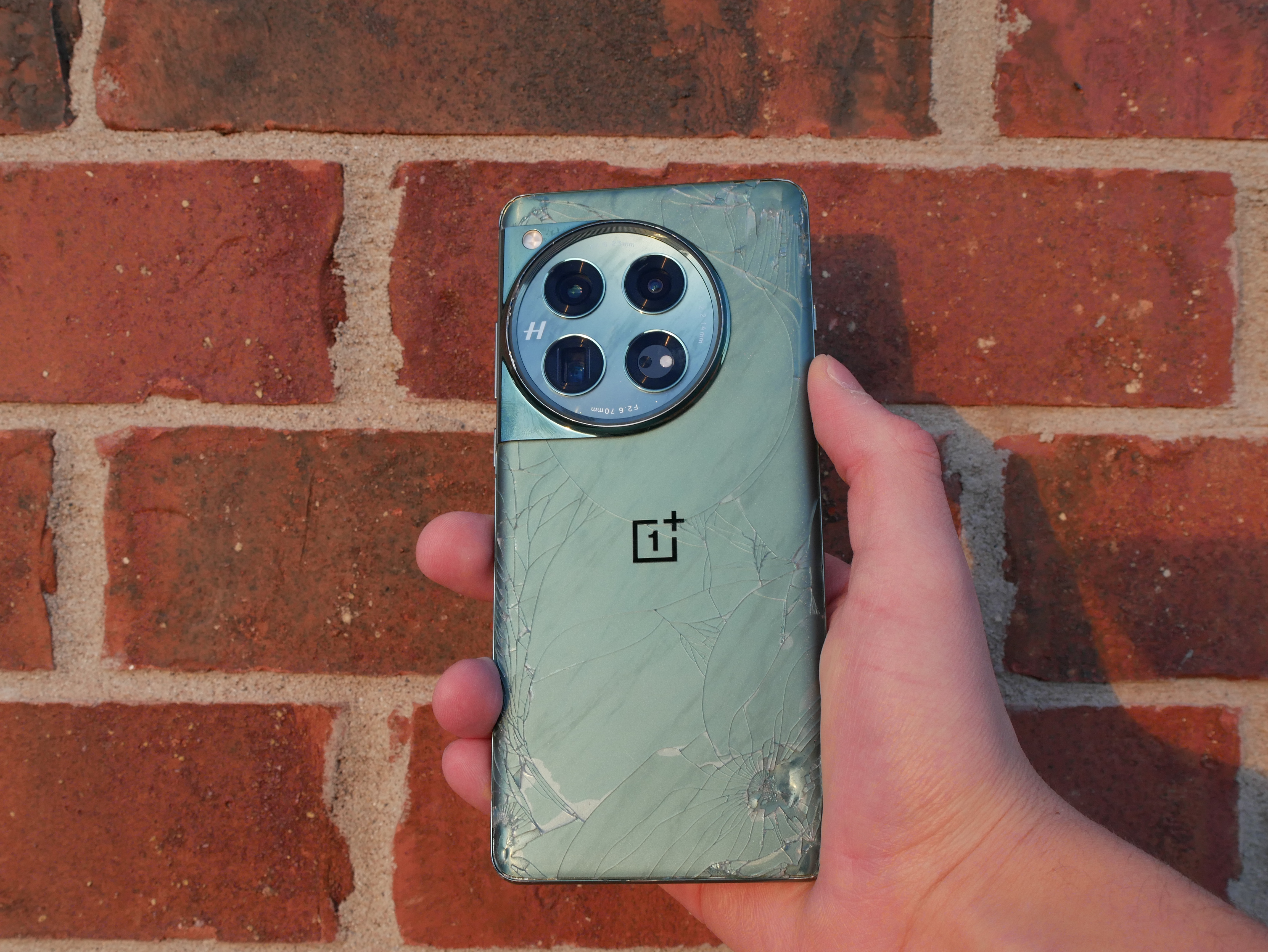
The condition it was in was “not great”. The back was cracked, as normal. I didn’t care about that. The front is pretty scuffed up around the curved edges of the display, and the main part has a few scratches. None of this really bothers me.
The rear of the OnePlus 12. Yes, it's smashed.
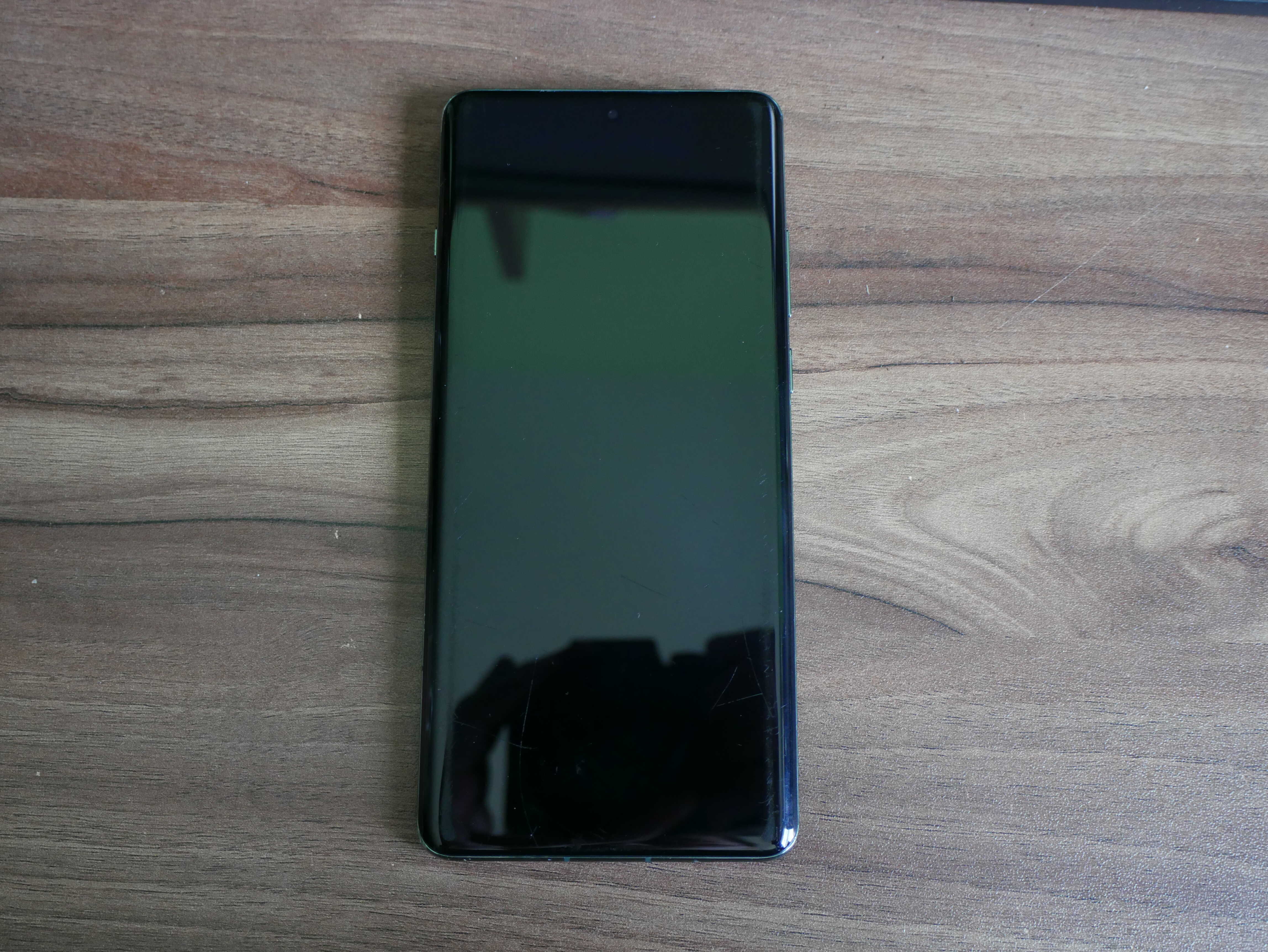
The front of the OnePlus 12. You can tell it's had a rough life.
Ignoring all of the obvious damage to the device, the design of the thing is very well done. The front has one of those curved displays. Turning the phone around, you get a look at the “Flowy Emerald” back glass. Yes, it’s green, my favorite color. Ignoring the obvious cracks, it’s very pretty. It even sparkles. And, to give the phone some extra zazz, there’s a camera plateau in the shape of a circle in the upper left corner of the back. It’s very pretty, and has four rings: three for the three cameras, and a fourth for the color sensor. They’re all covered by the same piece of glass. OnePlus claims it’s supposed to look like a luxury watch. As someone who enjoys the simple luxuries of his PineTime, I have to say the only similarity is the chipped glass on the corner. It’s also got the focal lengths of the cameras, and an “H” for Hasselblad, something OnePlus really rubs in your face
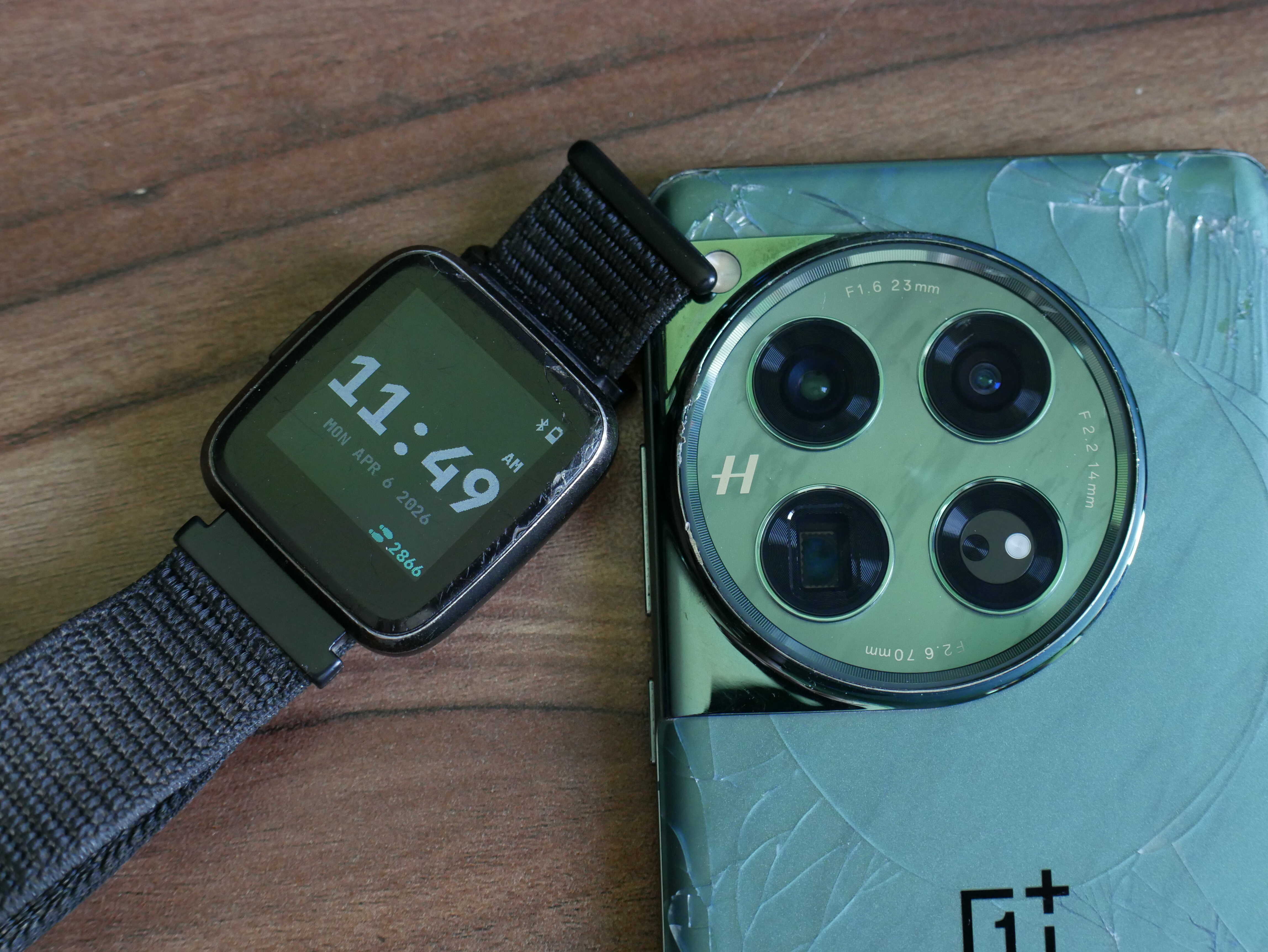
The camera plateau of the OnePlus 12 and the face of my PineTime.
I was initially concerned about its size, but it’s only slightly larger than my Pixel 6. It’s fairly easy to hold in the hand, and the frosted back glass keeps it from being too slippery. However, it is easy to smudge the camera plateau with your fingers.
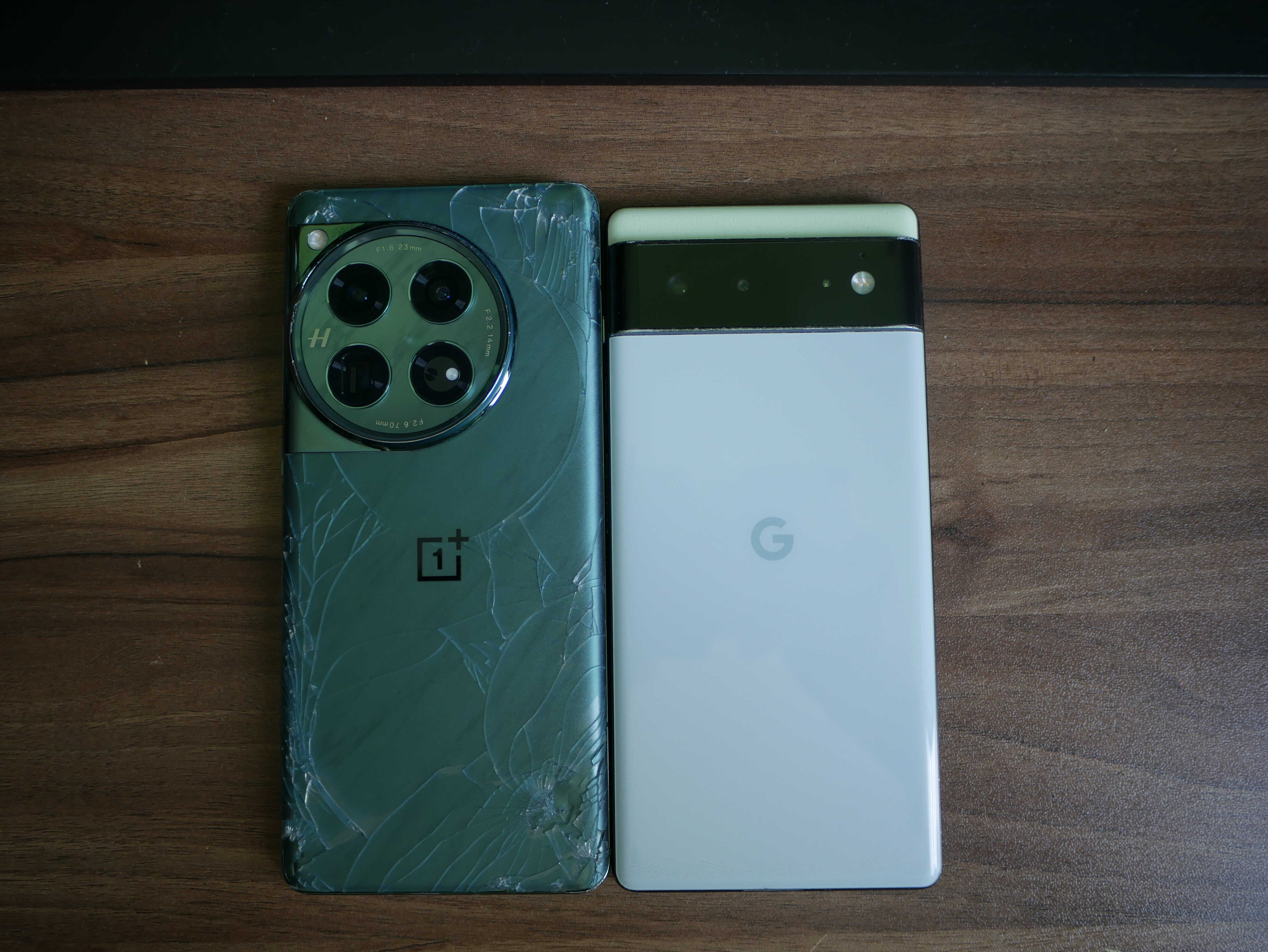
The OnePlus 12 and the Pixel 6.
Software Impressions.
Setting up the phone was a breeze. It was your typical Android setup. They all feel the same, just with a different UI. It suggested some Google bloatware, but I told it to move on and stop collecting all of my data.
The phone was relatively bloat free. The only third-party app on the phone was Netflix, which promptly met a swift end in the uninstall bin. I can’t remember which Google apps I deleted, but all of the ones I didn’t want that couldn’t be uninstalled were binned. The ones that I couldn’t uninstall were disabled, especially Gemini. And duplicates weren’t really a problem. There’s only a few (OnePlus Photos and Google Photos are the most obvious, seconded by the file managers). The only other thing were all of the obvious OnePlus apps. Any of the ones I didn’t want got uninstalled. There were so little I can’t really remember what got uninstalled. As a side note, you do not need a OnePlus account to use most of the OnePlus apps. You only need a Google account, whereas on Samsung you need a Samsung account as well.
The UI itself is very nice. Say what you will about it not being plain. Quite frankly, I think it’s nearly excellent. It’s very well done for the most part and seems to be mostly thoughtful of your average user. There are plenty of nice touches. The red “1’s” in the clock, the smooth animations, the faux Liquid Glass, it’s all there. There’s even a split control center and notification center, a la iOS. The knockoff iOS is a repeated theme throughout the software and I like it.
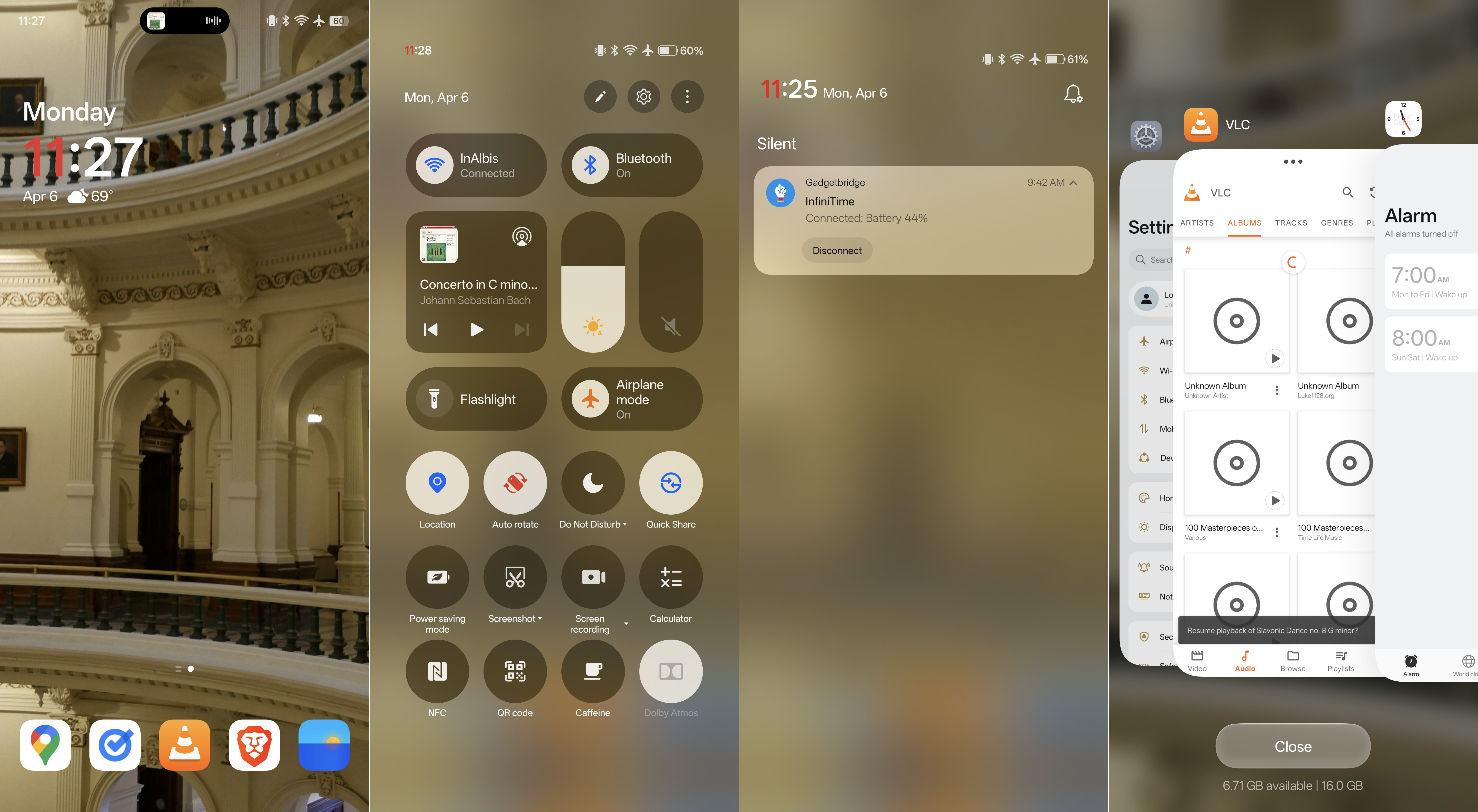
The Home Screen, Notification Center, and App Switcher.
In fact, this phone tries so hard it’s even got a Dynamic Island. They call it Live Alerts but we all know what it is. It works with very little right now. Media playback, timers, Google Maps, and a couple other things are about the only things it does. As apps add Live Alert support they’ll slowly start to appear in the Island. It’s been useful when an app supports it. Also, if there’s multiple Live Alerts, there’ll be these little parentheses around the Alert that’s showing. Tap it and you can see both. It’s really nice.
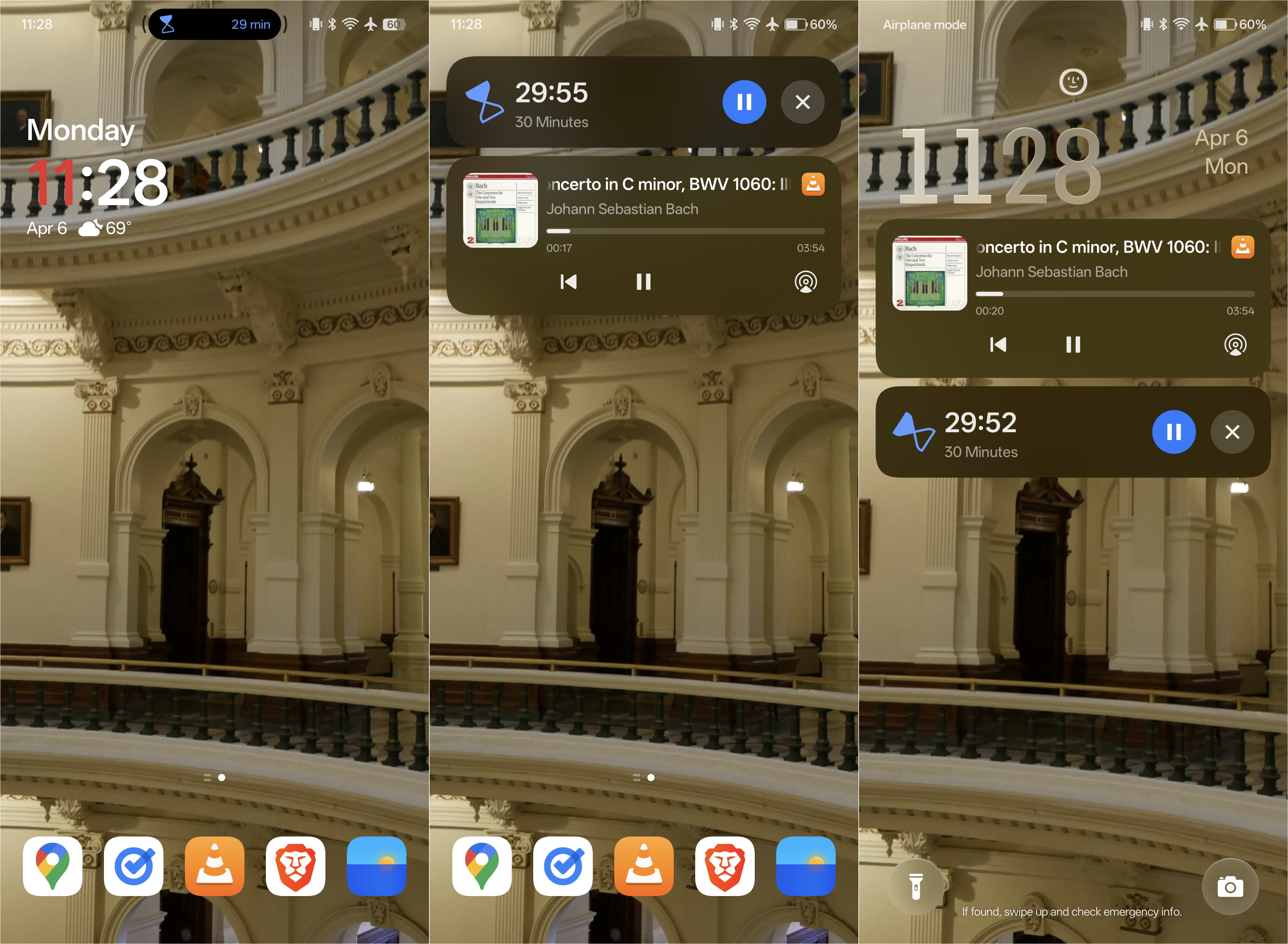
Live Alerts. Note the little parentheses around the Live Alert.
The lockscreen also has some very knockoff Apple features, specifically the depth effect clock. While I do wish it had more fonts you could use with it, I still like it and use it all the time. It works well some things, but other things it can be a bit buggy with. You can also add text, such as a big motivational quote, or your favorite Bible verse, to your lock screen, and it’ll get the depth treatment too. I like the fact that you can do that, though I don’t really care for having quotes on my lock screen yet.
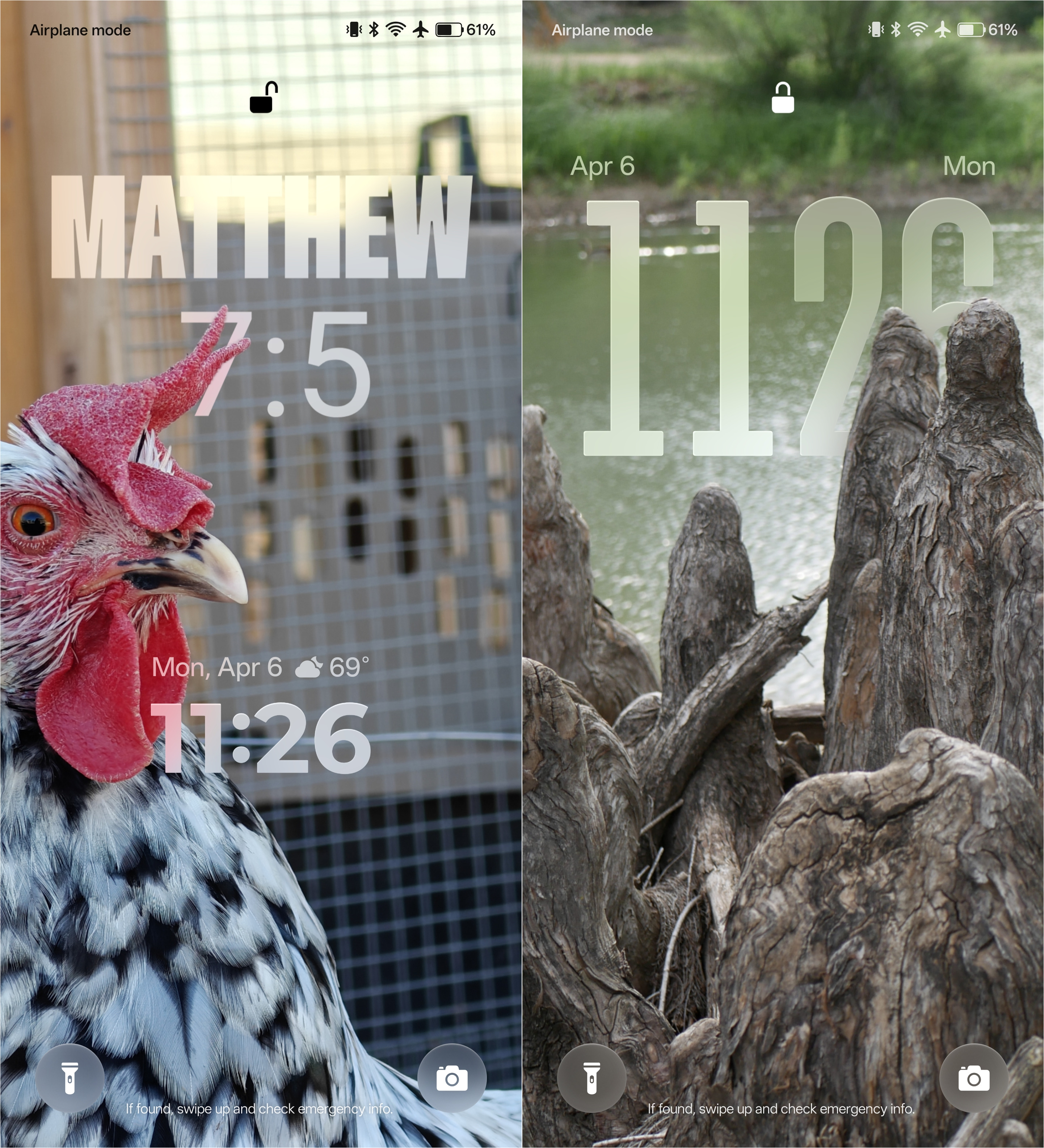
The lock screen on the OnePlus 12. Oh, there's also supposed to be widgets, but supposedly us North American people don't get them yet. Sigh.
There’s the normal AI garbage, all of which I pretty much ignored and disabled. I don’t need it, so it can stay in the bin.
The phone does manage to irk me in some ways though. First off is the amount of stuff that’s buried in Settings. I had to dig to find some setting I wanted to use. I like to have text on my lock screen telling people to check the emergency info if they find my phone. On more stock Androids, this is called “add text to lock screen”. Here, it’s called “lock screen signature”. Searching for my favorite option didn’t pull it up. I found it by accident when poking around in Settings. On LineageOS, it’s in Display, Lock Screen, Add text on lock screen. Three steps. Here, I had to go to Settings, Home Screen, Lock Screen, and style, then scroll down, Lock Screen settings, and then Lock Screen signature. Annoying. Same goes for notification history. I use that, and OnePlus couldn’t be BOTHERED to add a button for it to the notification shade. That’s plain ridiculous.
Then was the issue I had with Dolby Atmos. The phone claims it has it. I didn’t know this for some reason or another. So when I went to plug my headphones in to test out my music via VLC, I was met with literal garbage audio. It turns out Atmos’ lovely auto-detect mode had selected “movie” instead of “music”. Annoying but at least easily fixed if you know where to look.
Another thing is how touchy the curved screen can be. A slight bump at the edge while taking a photo in landscape mode can pop the camera settings open, or change the mode the device is using. Trying to deliberately interact with something near the edge? Forget it. This gets annoying and I do wish the system was a bit better tuned.
Last but certainly the most annoying is the UI’s scale. On my old Pixel 6, with its just-over 1080p screen, I could scale it down to a reasonable size, where I could squish a lot of content on screen but still read it and interact with it without error. This phone, with its 2K display, can’t. Technically, it can, but the software won’t let it. You have Normal Sized, Oversized, and Insanely Oversized. I can crank it down in Developer Options, but rebooting the phone ensures that it won’t be permanent. I would love to see this fixed in a future update for this device.
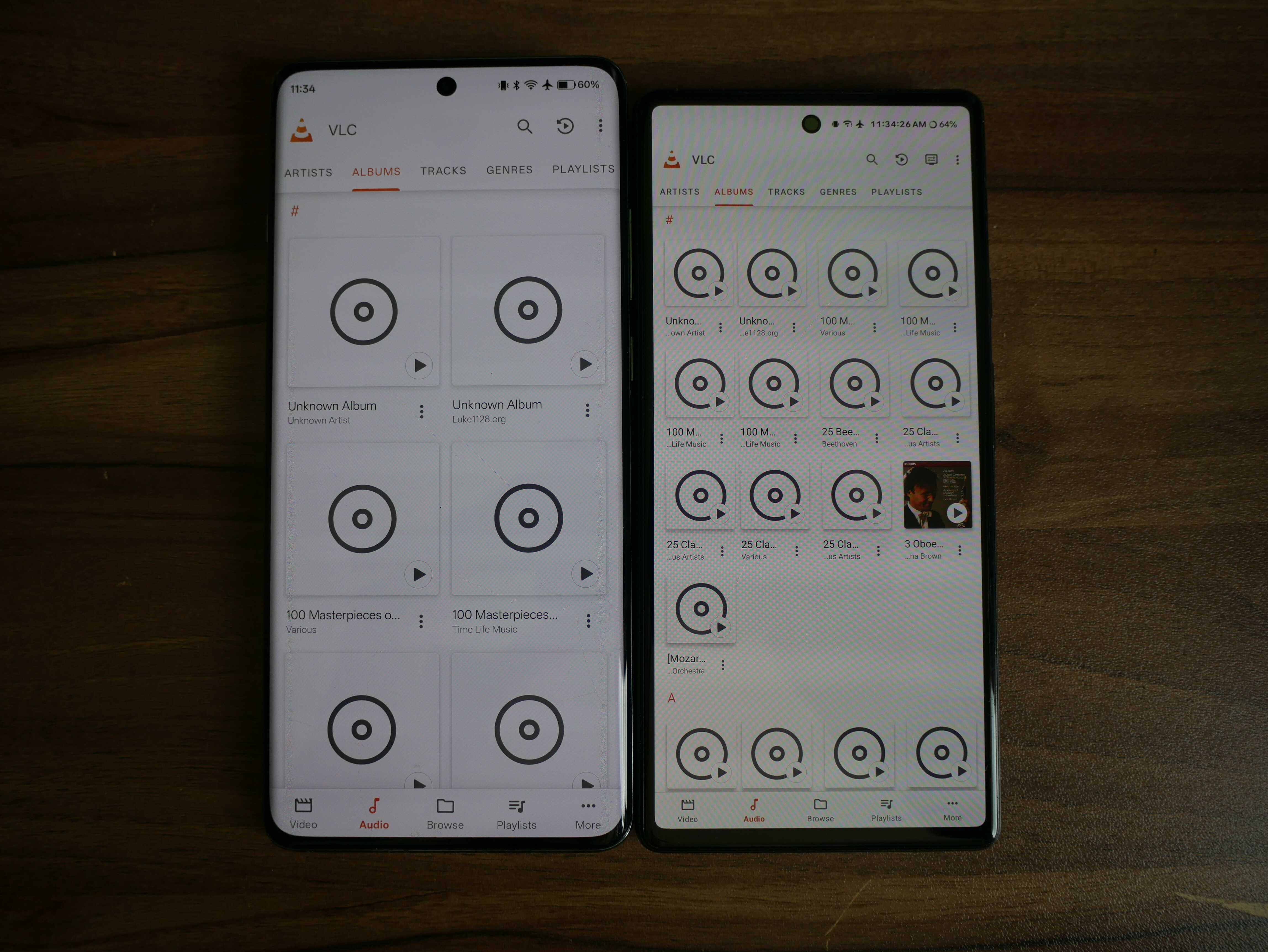
The display scaling differences. I have used VLC for this demo. Four rows on the inferior Pixel as opposed to a MEASLY TWO on the OnePlus. Shame on Oppo and OnePlus.
Performance:
The performance on this thing is absolutely stellar. Before I praise the performance, I’d like to bash it as well. This phone has a cooling issue. OnePlus goes ON and ON about the “Cryo-Velocity Cooling” vapor chamber on their website. I simply HAD to put that claim to the test. So I connected it to a charger, fired up AnTuTu and ran the benchmark. It turns out that the phone really didn’t like that. It straight up overheated. I was able to do that on my Pixel 6 without it overheating. I ended up plugging it into a much slower charger and then running the test. Only then did it outperform every phone I’ve ever held. Fantastic. It seems to emit the heat out through the display, and the back was colder than the front. I have a theory that this is because they’re expecting the phone to be running hot whilst being used in the palm of your hand, and not laying flat on a desk. By the way, the score I got from AnTuTu was 1,974,339.
Besides this, performance is top notch. When I first set it up, aside from a bit of download lag, apps installed incredibly fast. I could install all fifteen app updates in a mere minute or two, whereas the Pixel takes quite a bit longer.
The responsiveness of the device is top notch as well. I cannot believe how fast things really are on this phone (and it isn’t just 120HZ helping out here). Apps launch nearly instantly, and switching between apps is super duper fast. Every little thing about the experience is fast. The phone also has 16GB of RAM. Since it has so much RAM, it likes to hog about 10GB without me really even using the phone that much. I’m sure this contributes to the experience. It’s amazing what modern devices do nowadays. By the way, that’s double the 8GB my Pixel 6 has.
Aside from the aforementioned AnTuTu misbehavior, I have ZERO complaints about this phone’s performance. If that’s all you care about, it’s easily the best performing Android I’ve ever used.
Cameras:
The cameras are pretty much the #1 make or break thing on any phone. And these cameras make this phone excellent. I saw reviews saying they really liked them, and other reviews saying they didn’t like them as much as Pixel, or that it took more work to use them. However, I liked the sample shots I saw, so I wasn’t too put off by it. I believe I made the right choice.
As I mentioned earlier, there are three cameras. These cameras are as follows: A 14mm 0.6x ultrawide at 48MP, a 23mm 1x wide (main) camera at 50MP, and a 70mm 3x telephoto lens at 64MP. There’s also the 32MP selfie camera, but that’s not what I bought the phone for. They’re also all Hasselblad branded. This means that the color style was done by Hasselblad. Otherwise they had nothing to do with the lenses or the Sony sensors behind them. Just remember, Oppo is probably shelling out some cash to Hasselblad for this, so don’t forget that you have faux Hasselblad cameras in the phone.
There are two things with this phone: the camera experience, and the actual photos.
We’ll start with the camera experience. The camera app is fairly nice. It’s well laid out, and is fairly easy to use. It’s even got an orange camera button. It’s even got a Pro mode (called Master) that allows you to have finer control of the cameras. I missed that on my Pixel quite a bit. Overall I’m very happy with it. I have had issues with accidentally switching modes, thanks to the touch screen being a bit touchy. It also remembers what mode you were on, leading to my annoyance when trying to capture something fast and it’s in video mode instead. The other problem is with the pocket detection sometimes sets off, causing me to miss a nice shot. I ended up turning that off in the system settings.
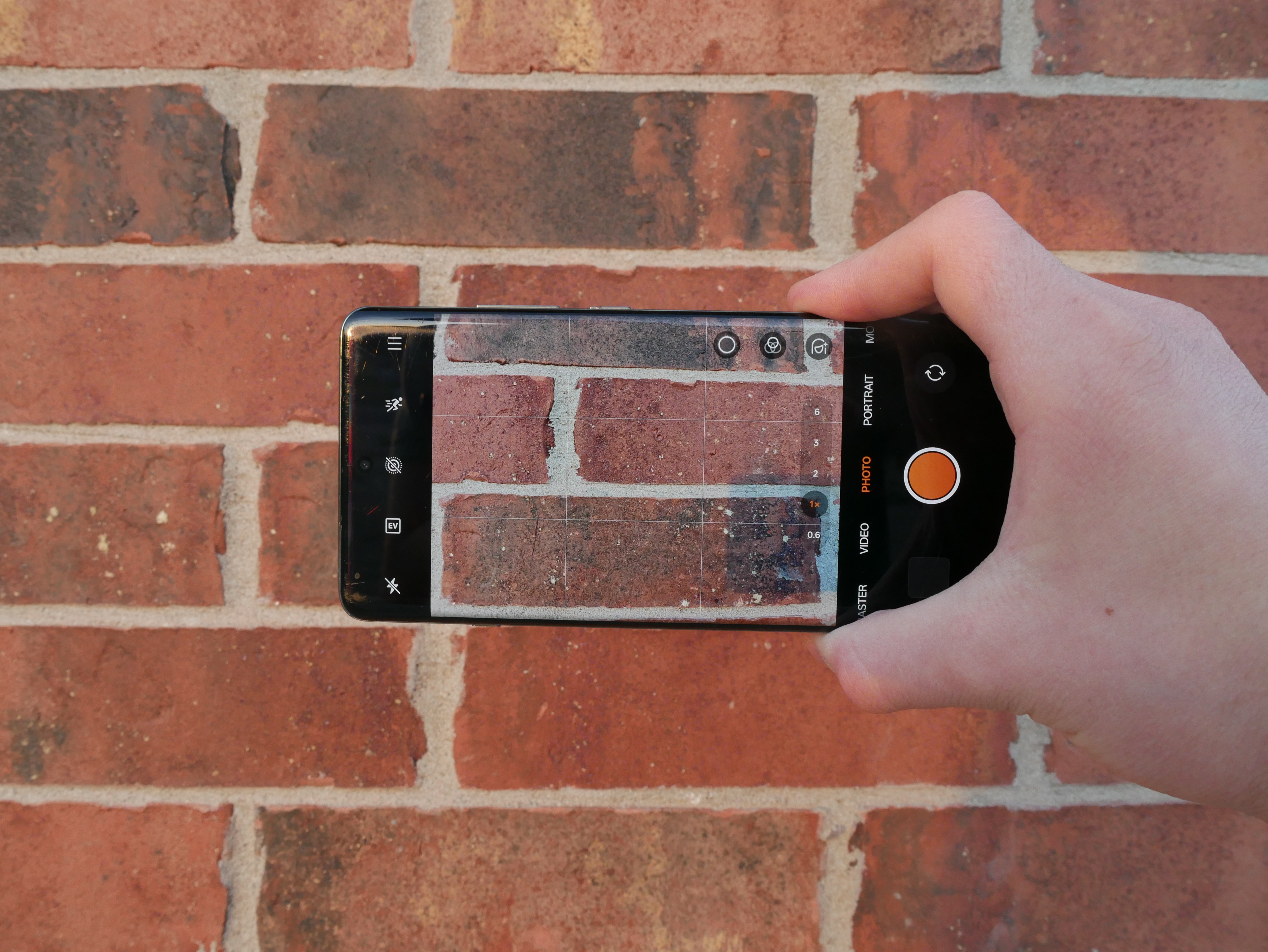
The main camera interface.
Also, when you first use certain modes of the camera app, it makes certain that you know these cameras were tuned by Hasselblad. It gets a bit annoying when poking around and “DID YOU KNOW THIS MODE WAS —“ YES PLEASE STOP I GET IT.
Autofocus on the phone is fairly solid as well. I have had a mostly positive experience with it. It seems this phone doesn’t have the laser thingy the Pixel does. Somehow that causes it to focus better most of the time. It even focuses through windows with little to no issues. If it has issues, I can manually focus it. Google could take a note or two from this phone.
I really do like the way this phone takes photos. Some colors really do stand out, and I like that. Take Josephine’s comb for example. The red on it really does pop, or not depending on the lighting.
I’ve included some sample shots here.
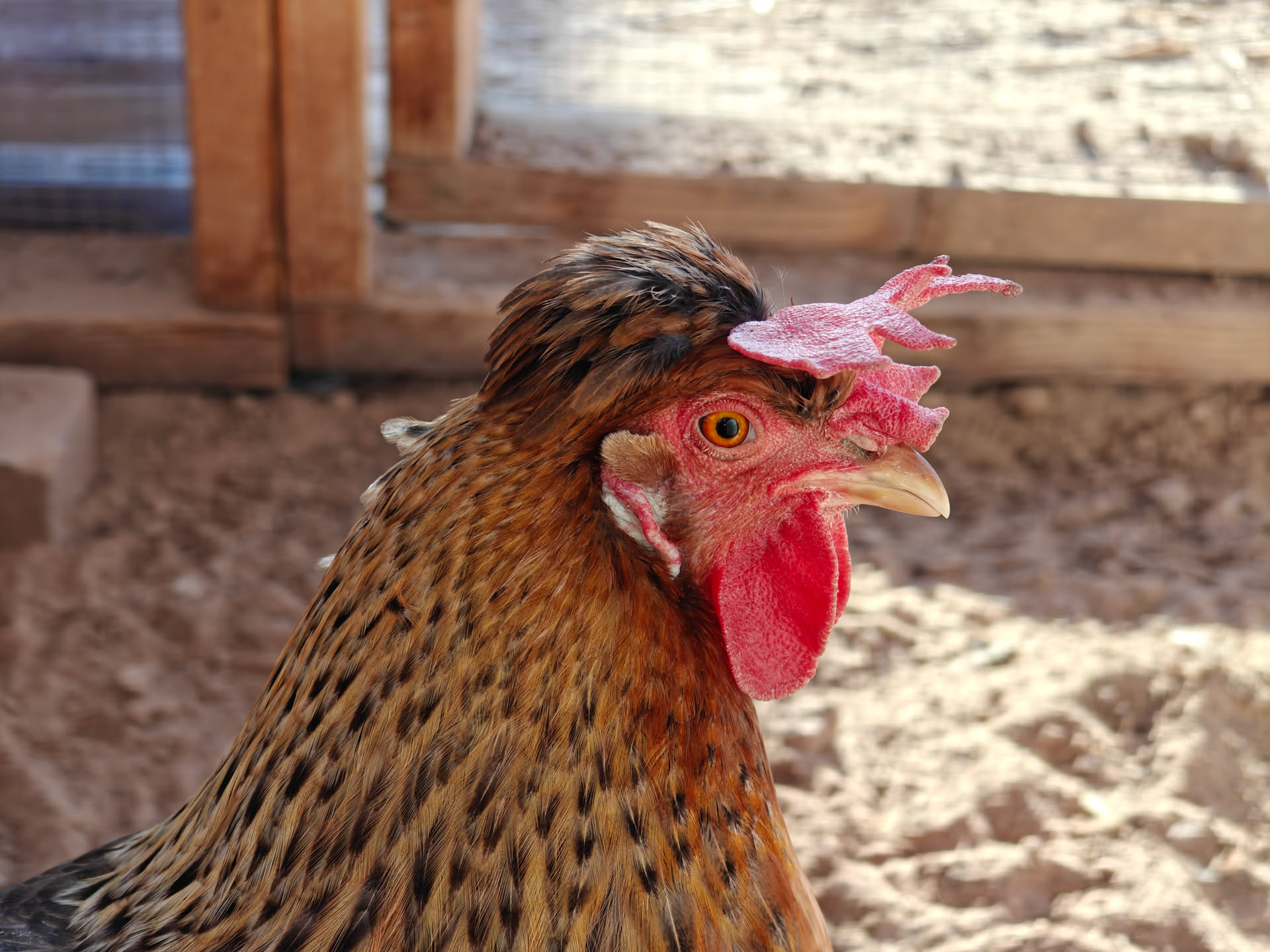
Agathae with the 3x lens. Yes, most of these are 3x shots.
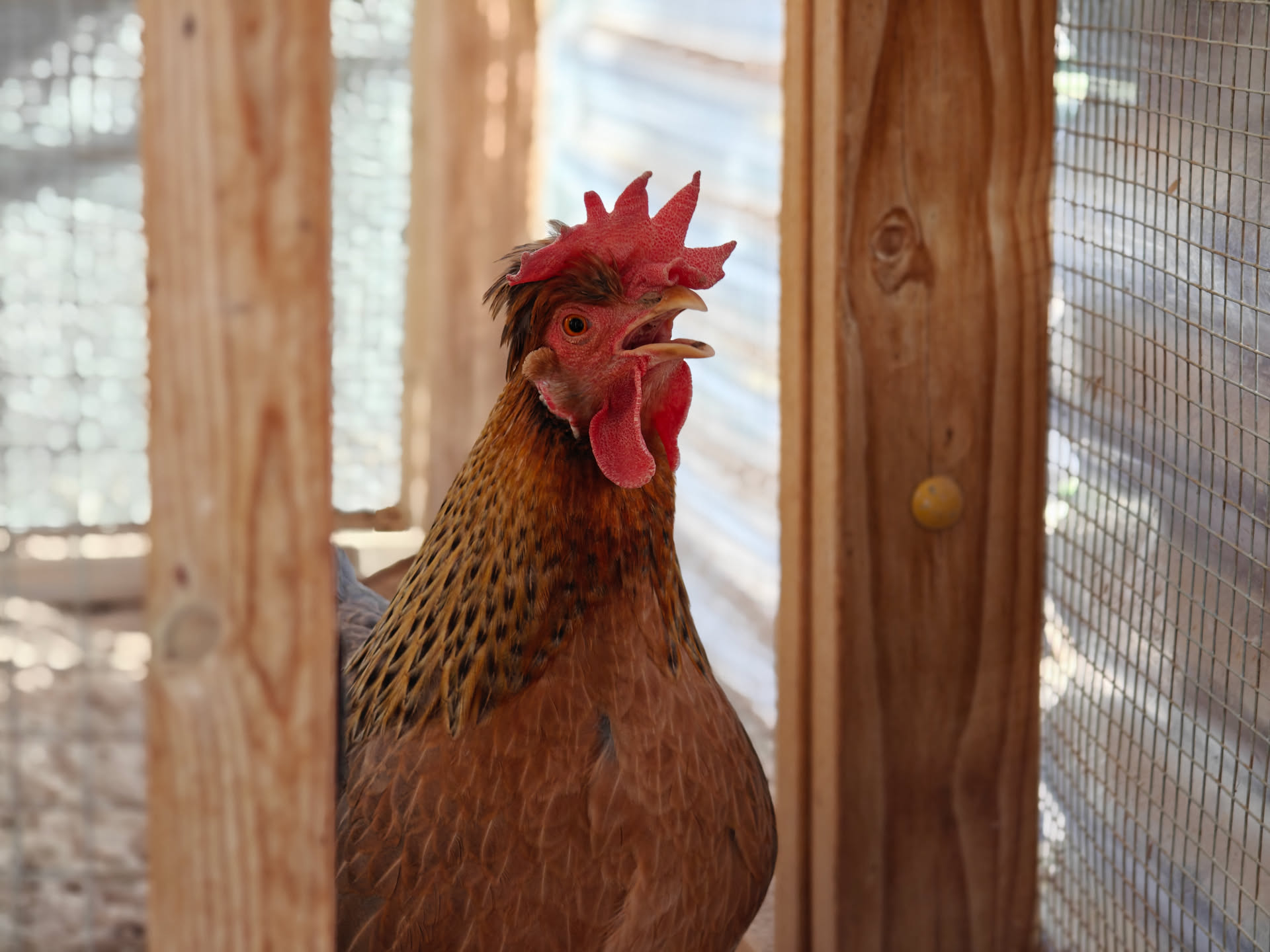
Another 3x of the same subject.
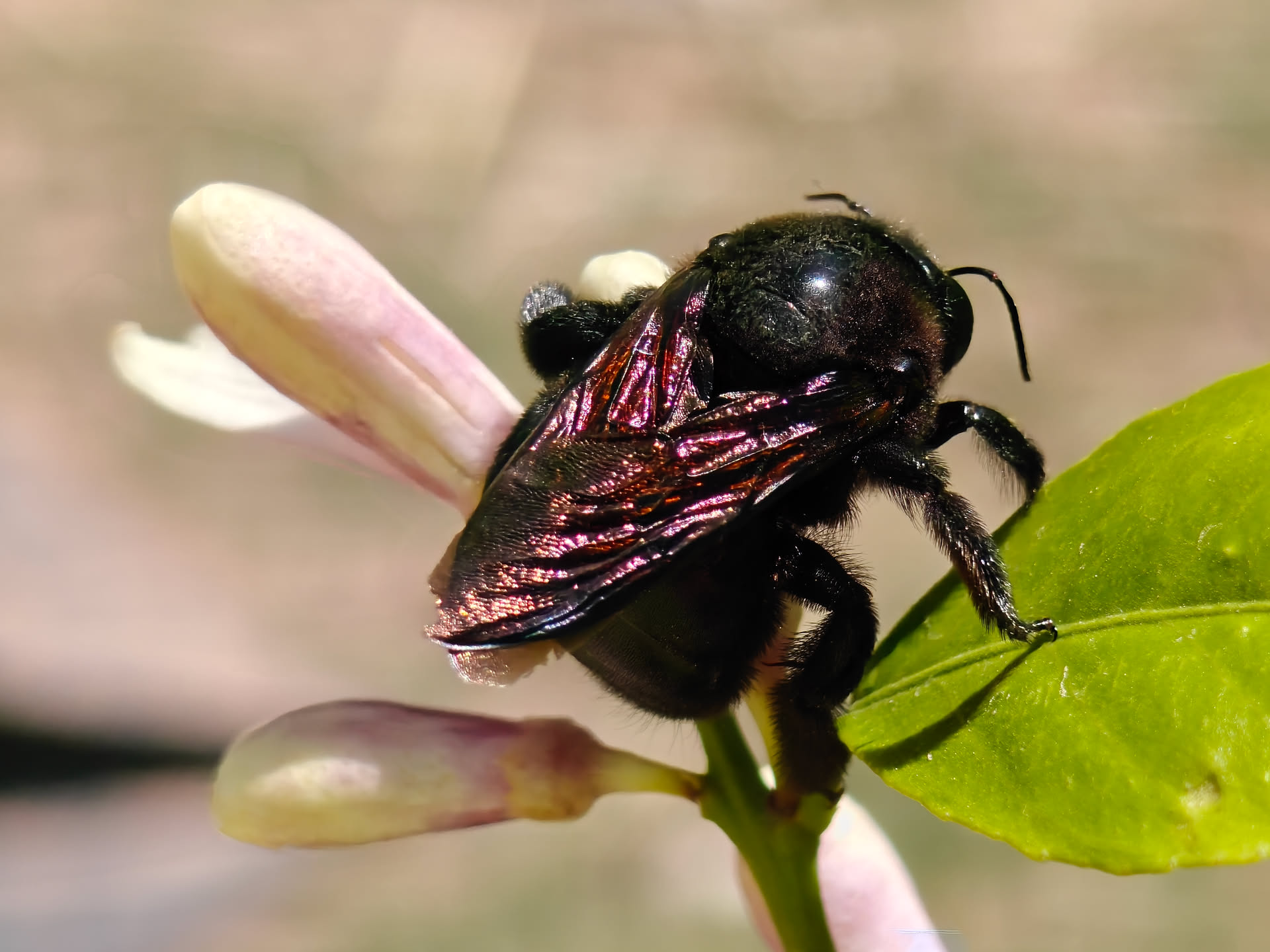
6x digital zoom close-up of a bee.
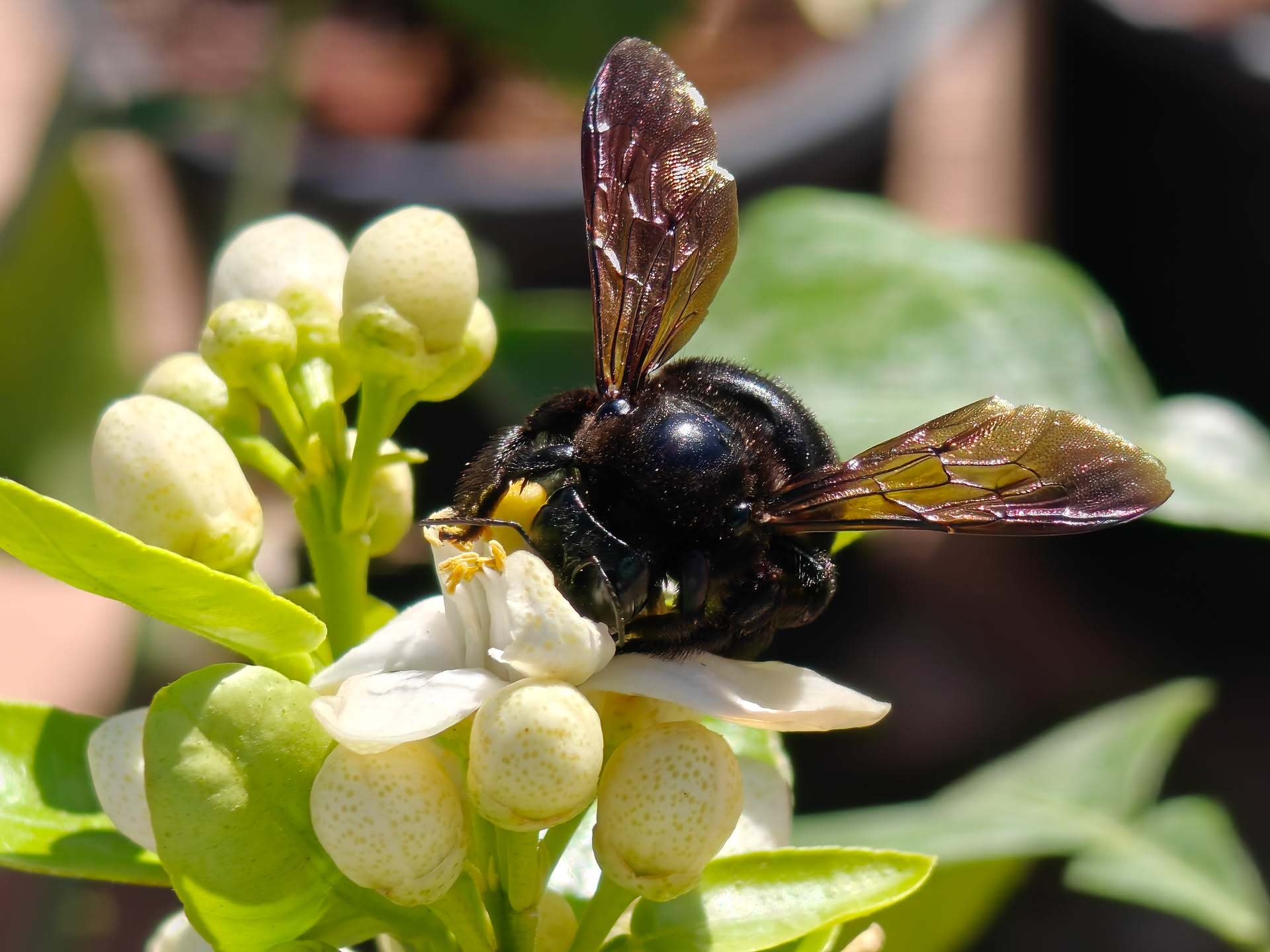
Another 6x close-up.

Yet another 6x one.
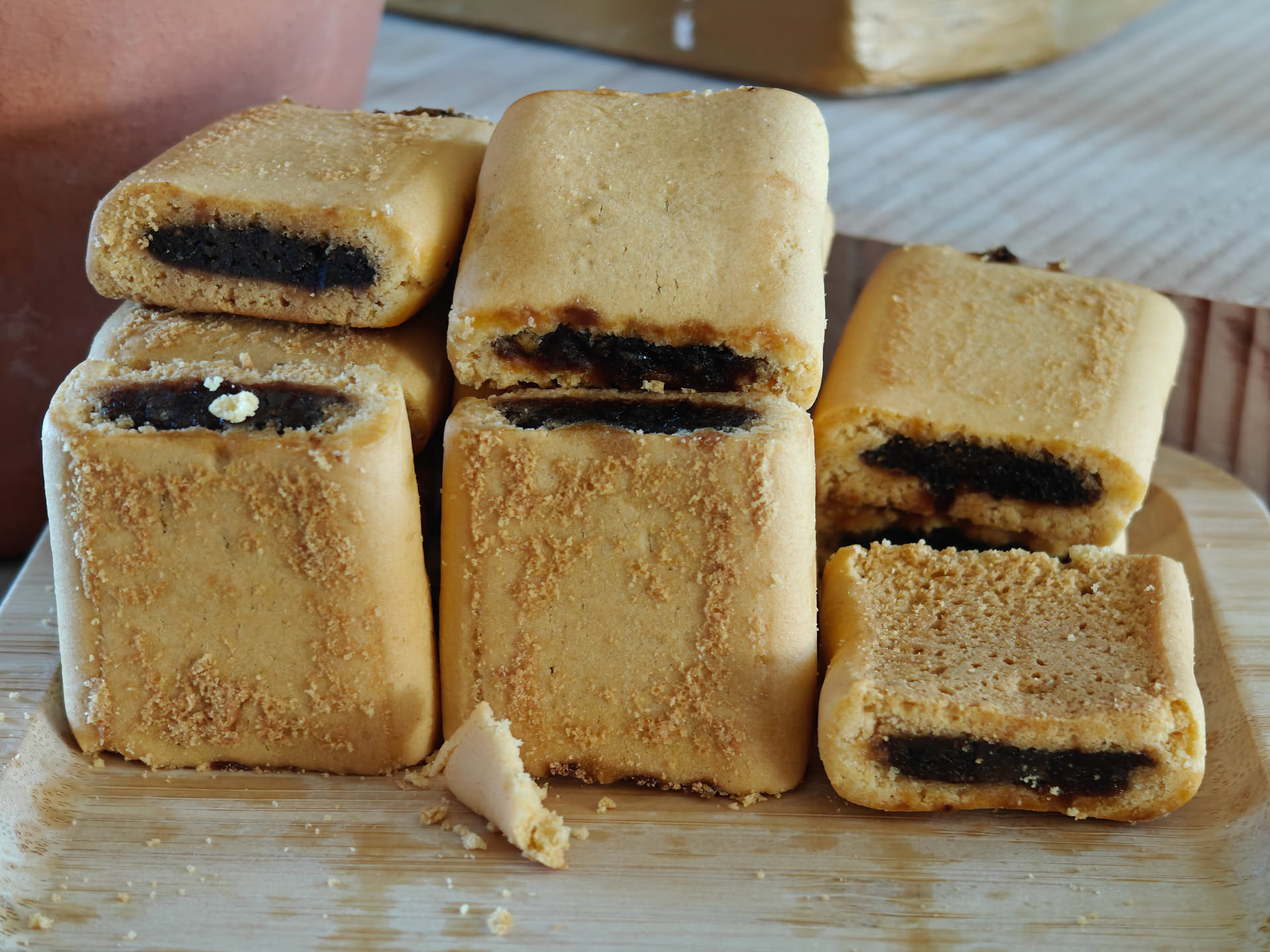
Fig newtons on St. Joseph's Day. This is with the 3x lens.
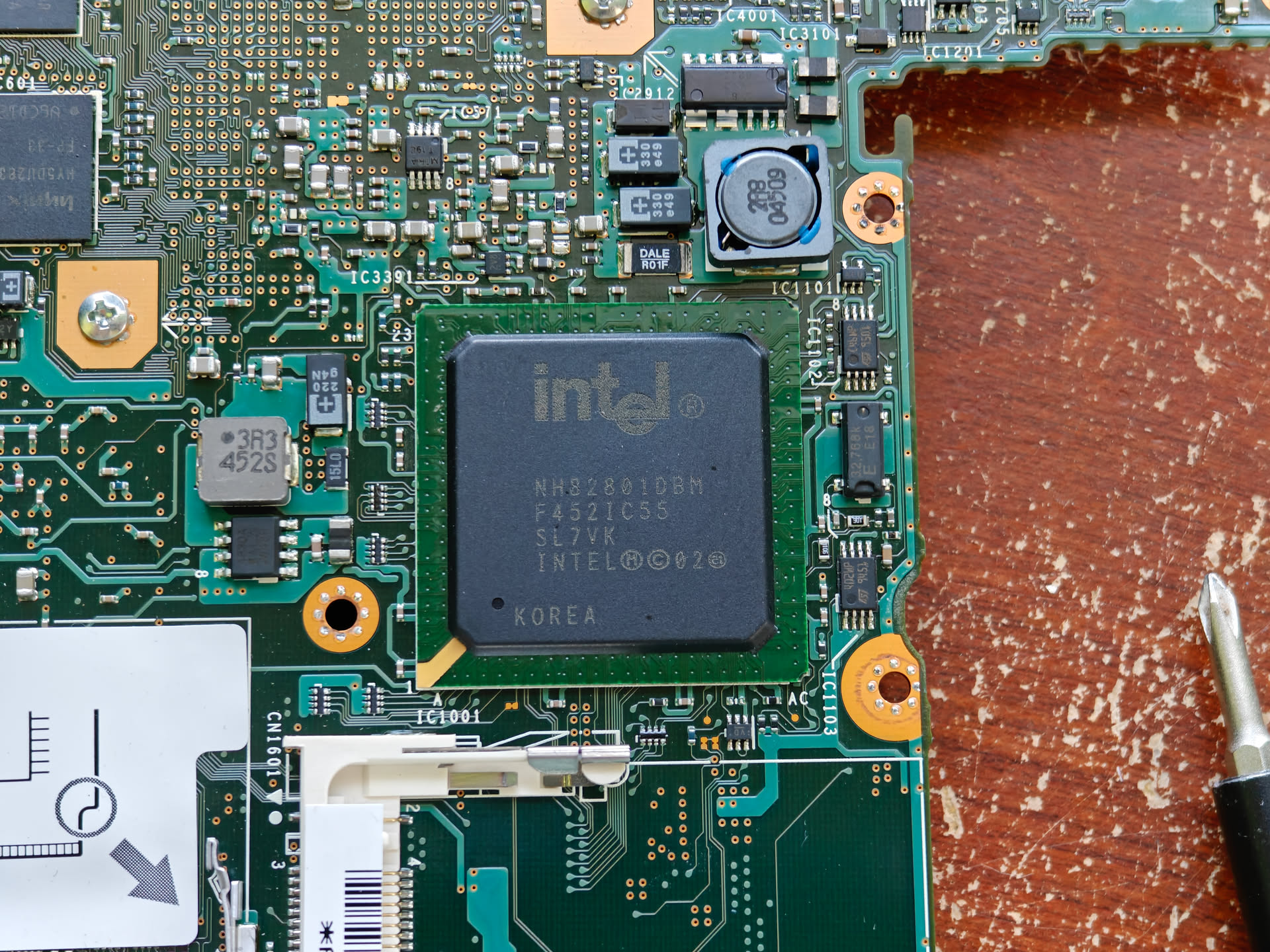
Intel chipset on a Sony VAIO VPCCW21FX. 3x lens.
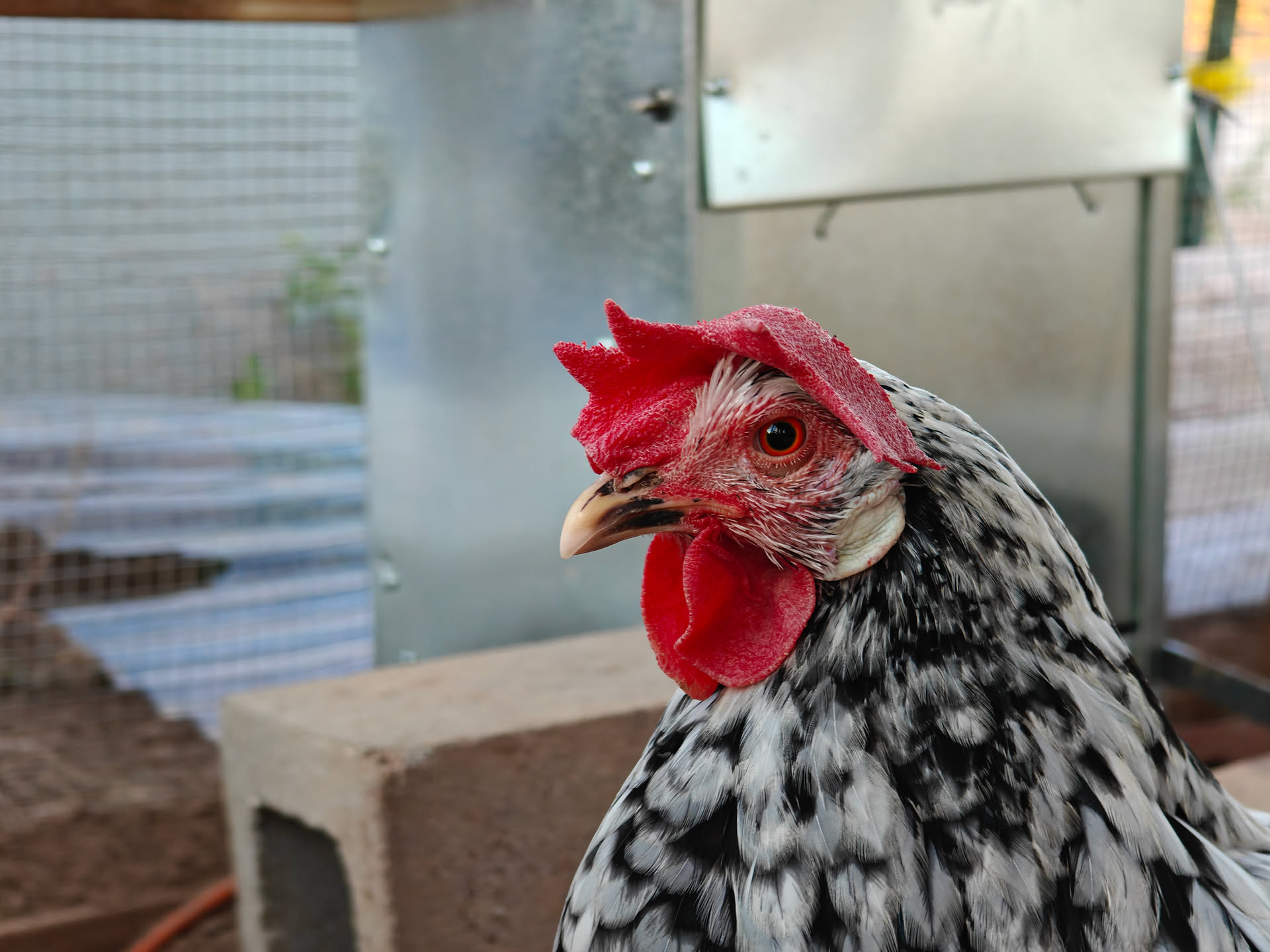
Empress Josephine, 3x lens. That red comb really pops.

Empress Joesphine again, notice the more subdued comb color this time. 3x lens.

6x close-up for good measure.

Pretzels on a pan. 1x shot. I did not make the pretzels but I did eat them.
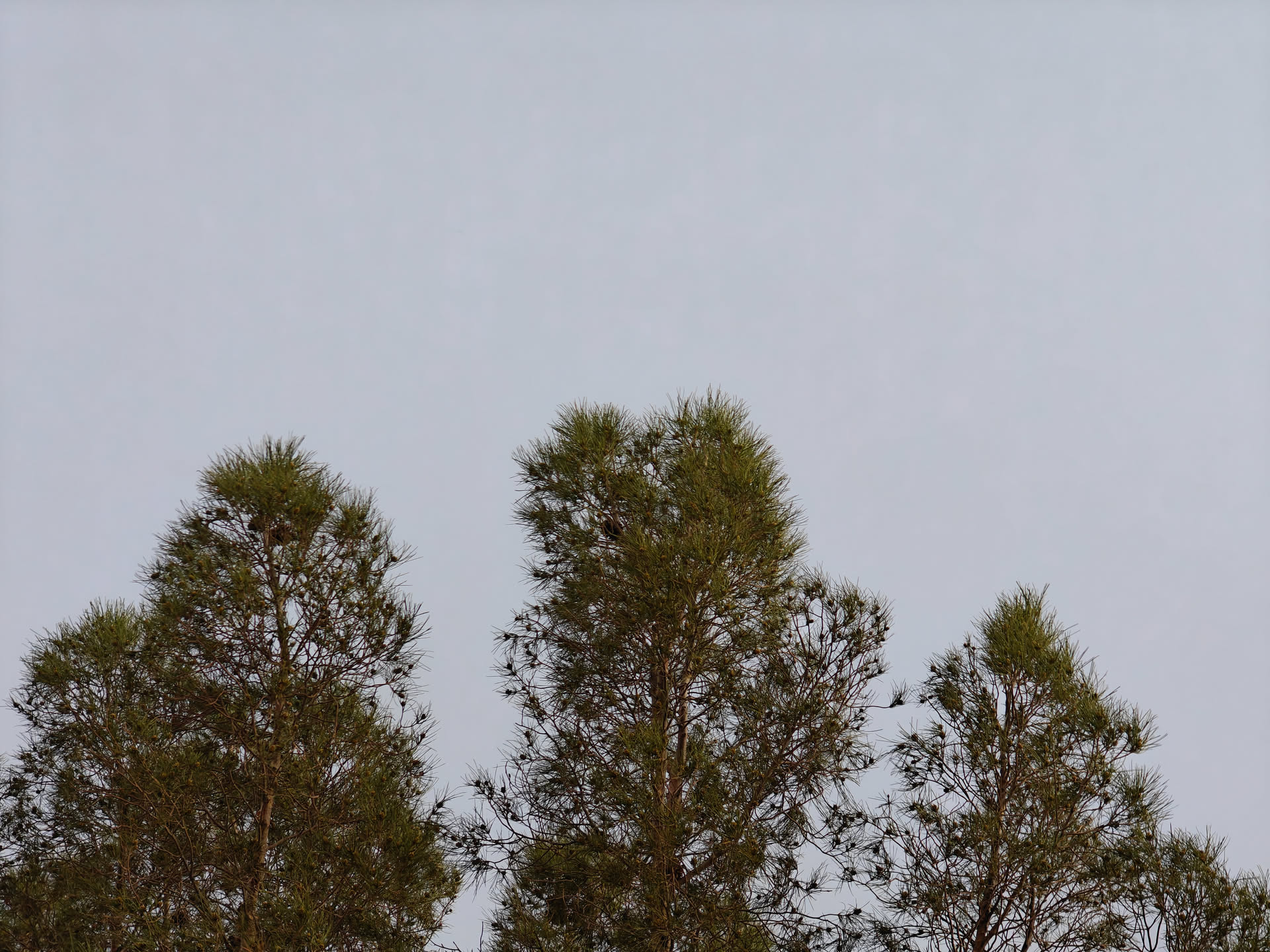
Tree. 3x lens.
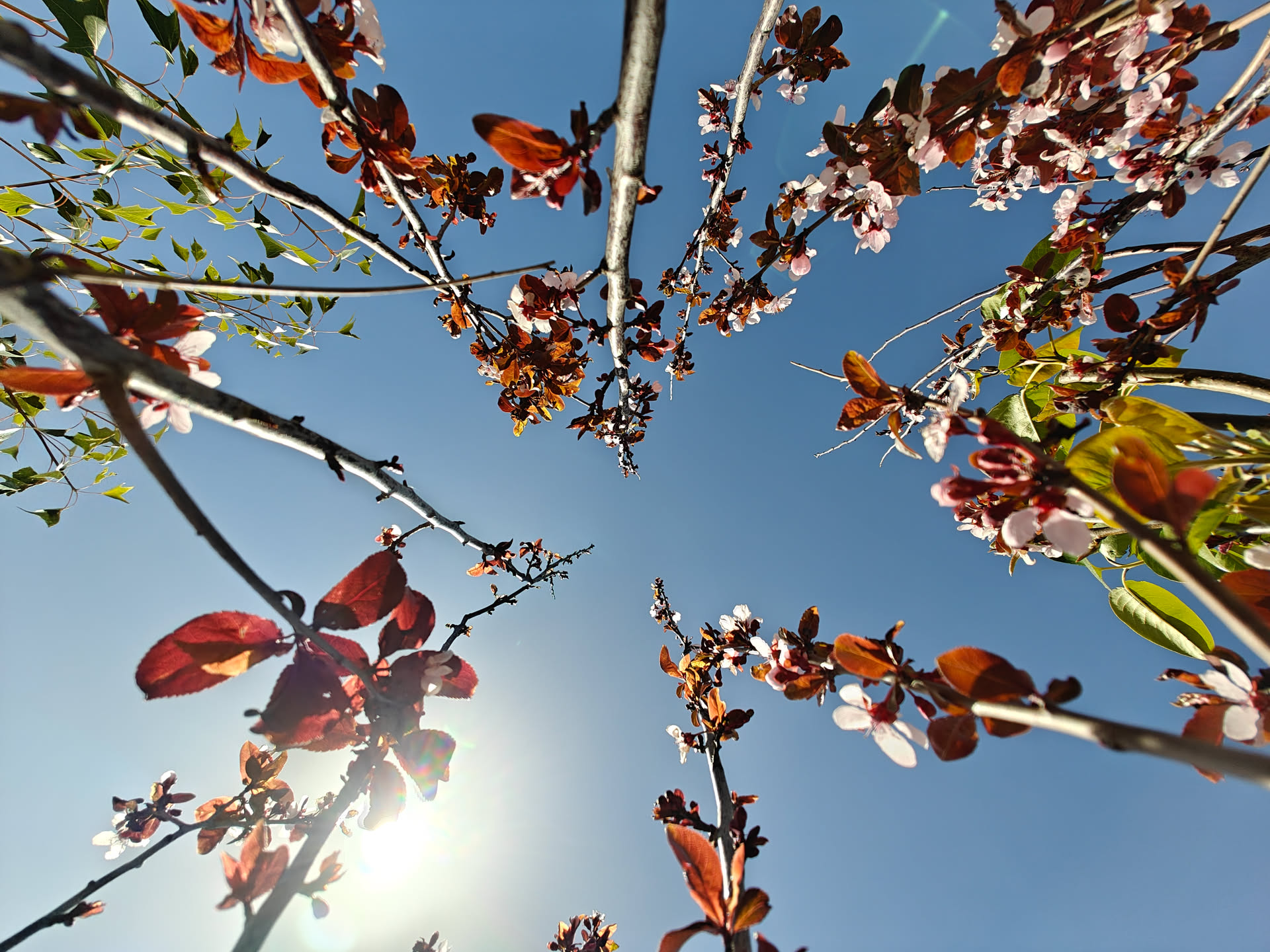
I inverted the phone so that the screen faced the ground for this photo. 0.6x lens.
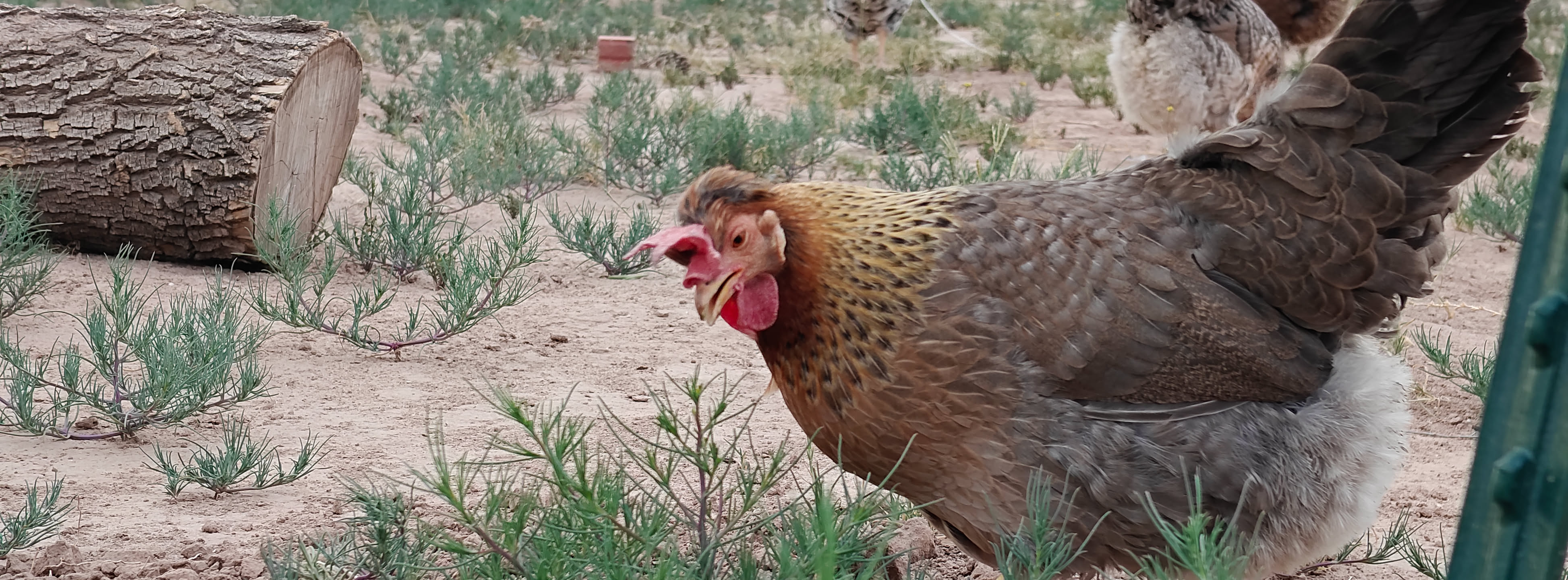
Oh yes, and, because I can, a shot of Agathae. The phone has this "X-Pan" mode built in, with Hasselblad branding all over it in case you forgot the phone has Hasselblad-tuned cameras. It takes it a few seconds to take the shot and is kinda clunky, hence the blurry-ish photo. It's kinda cool, but I wish it was better.
And, for comparison with my lovely Pixel 6, here’s some photos. I will note what camera I’m using to get the photo, and at what zoom level, for your convenience. The Pixel has no telephoto and as such solely relies on its digital zoom.

St. Patrick, 1x, OnePlus 12.

Pixel 6, 1x.

OnePlus 12, 2x digital zoom.

Pixel 6, 2x digital zoom.

For bonus points for me, OnePlus 12 3x.
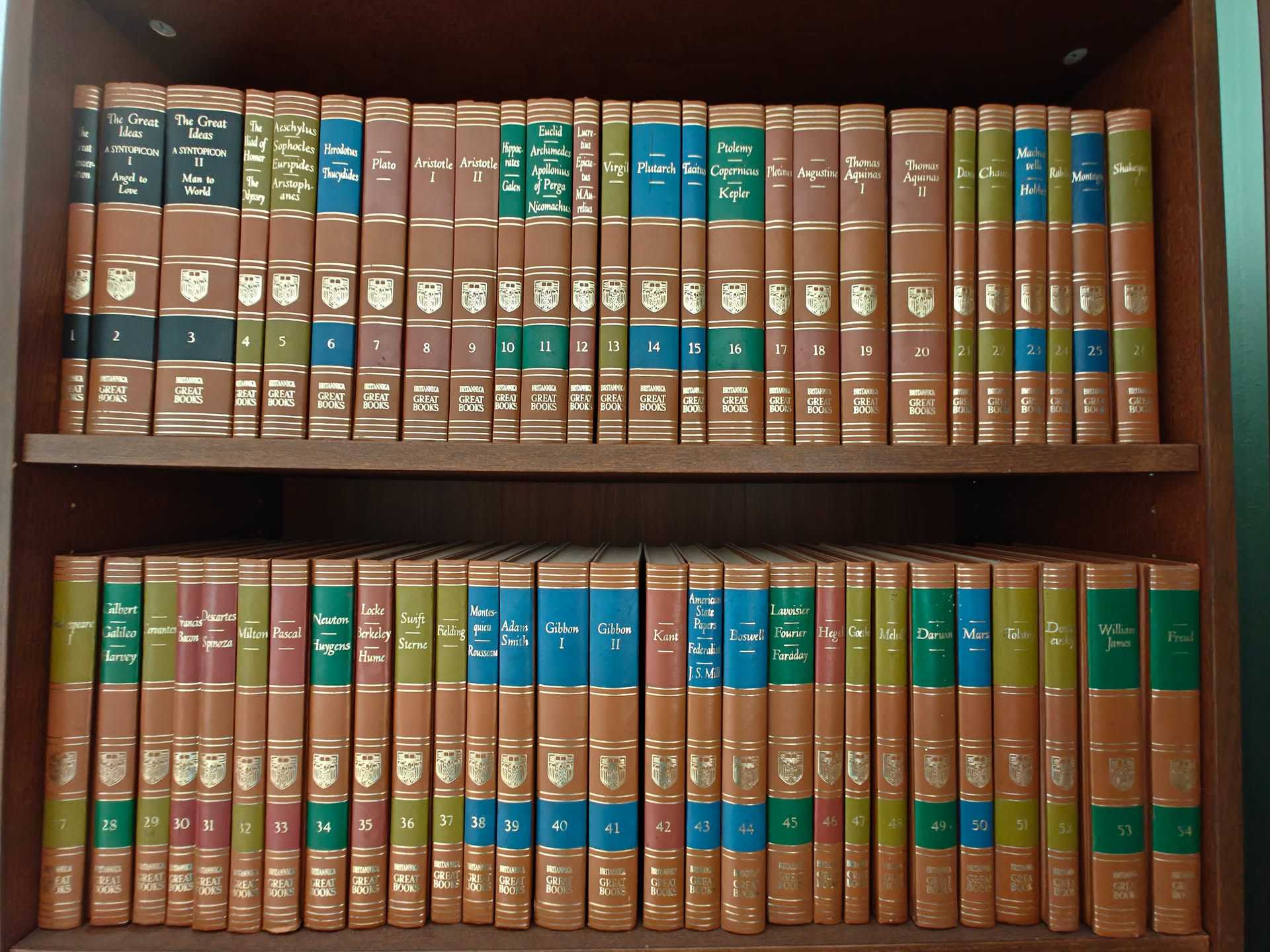
The Bookshelf, OnePlus 12 0.6x.
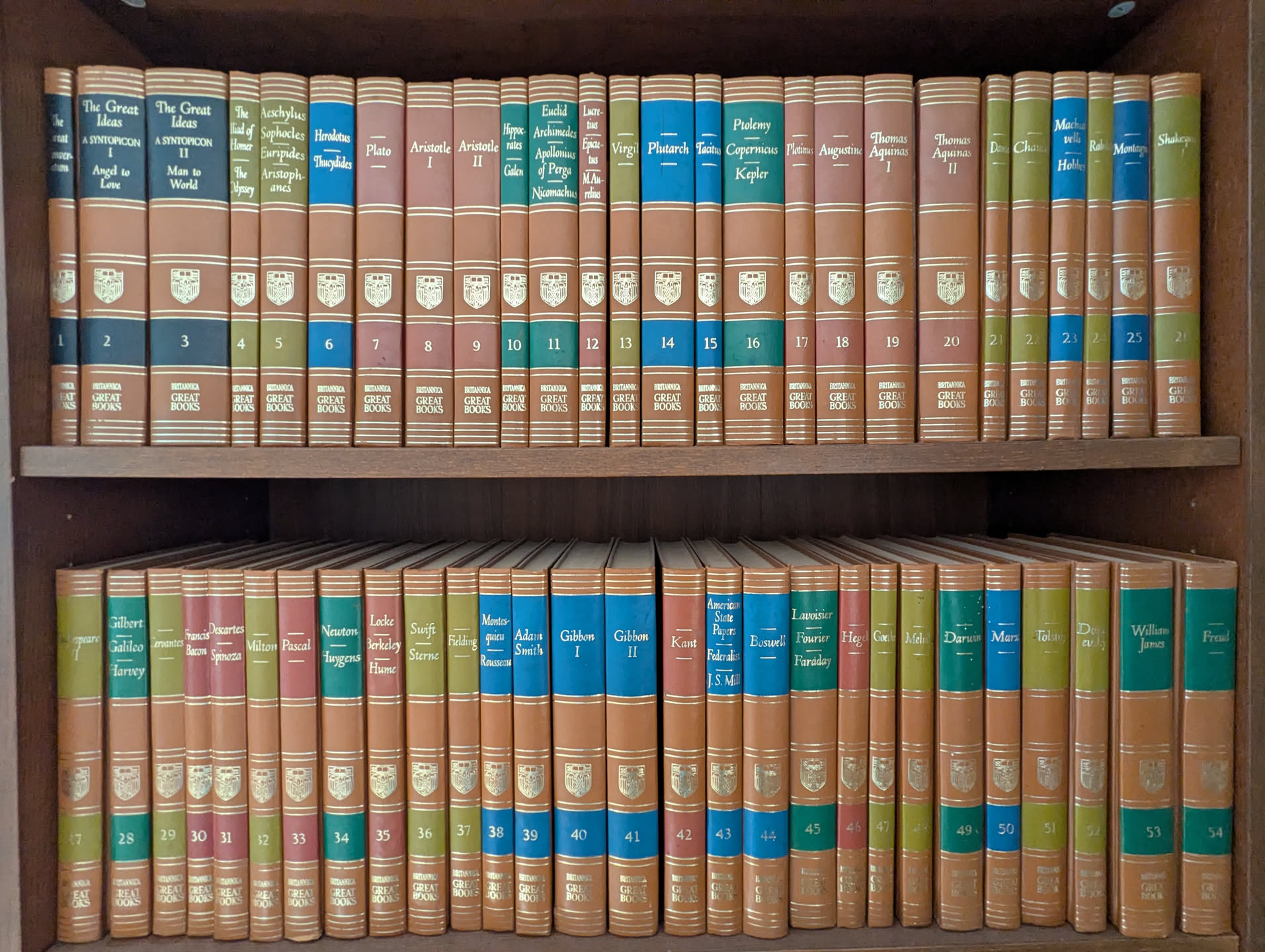
Pixel 6, 0.6x.
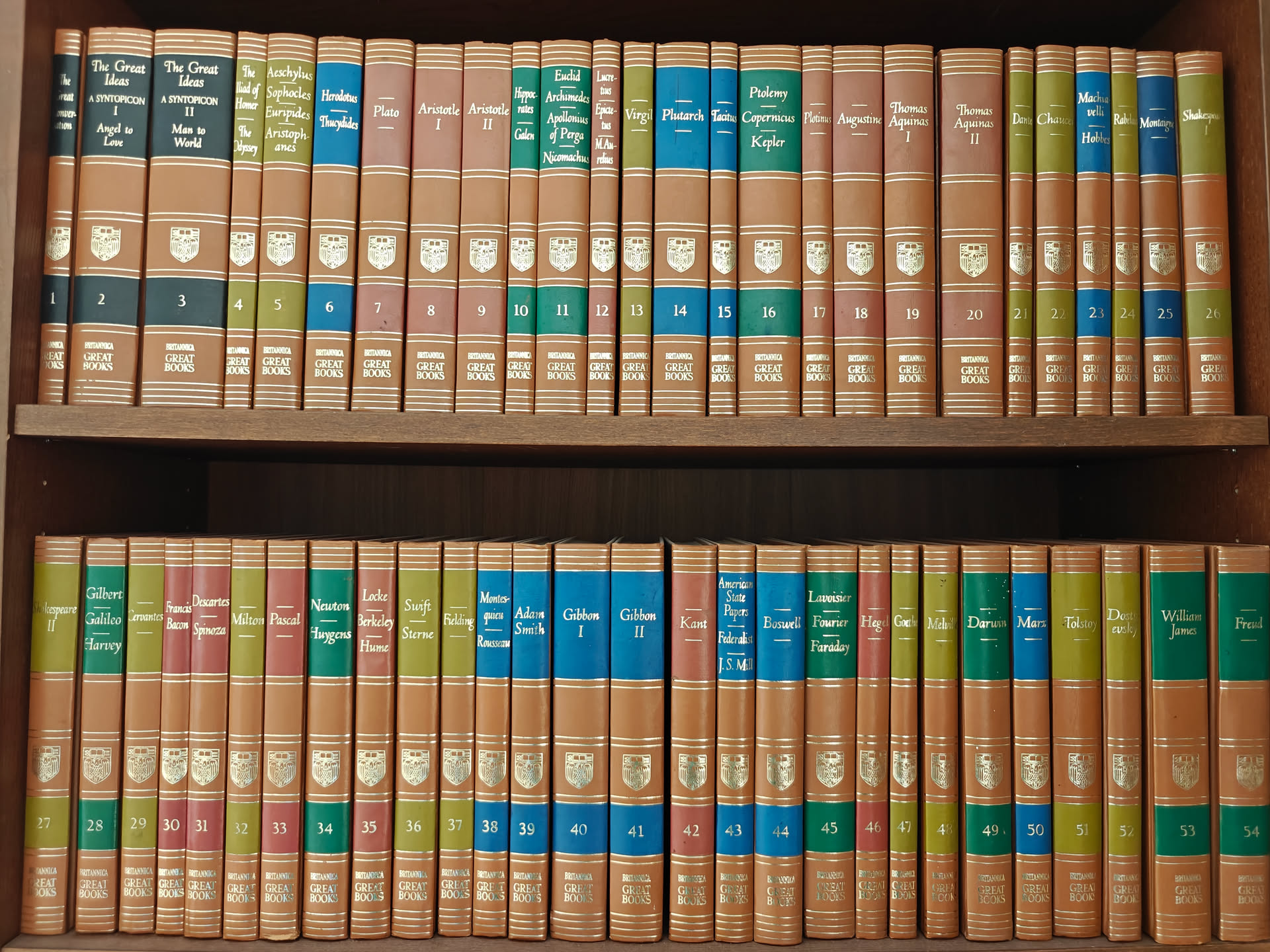
OnePlus 12, 1x.
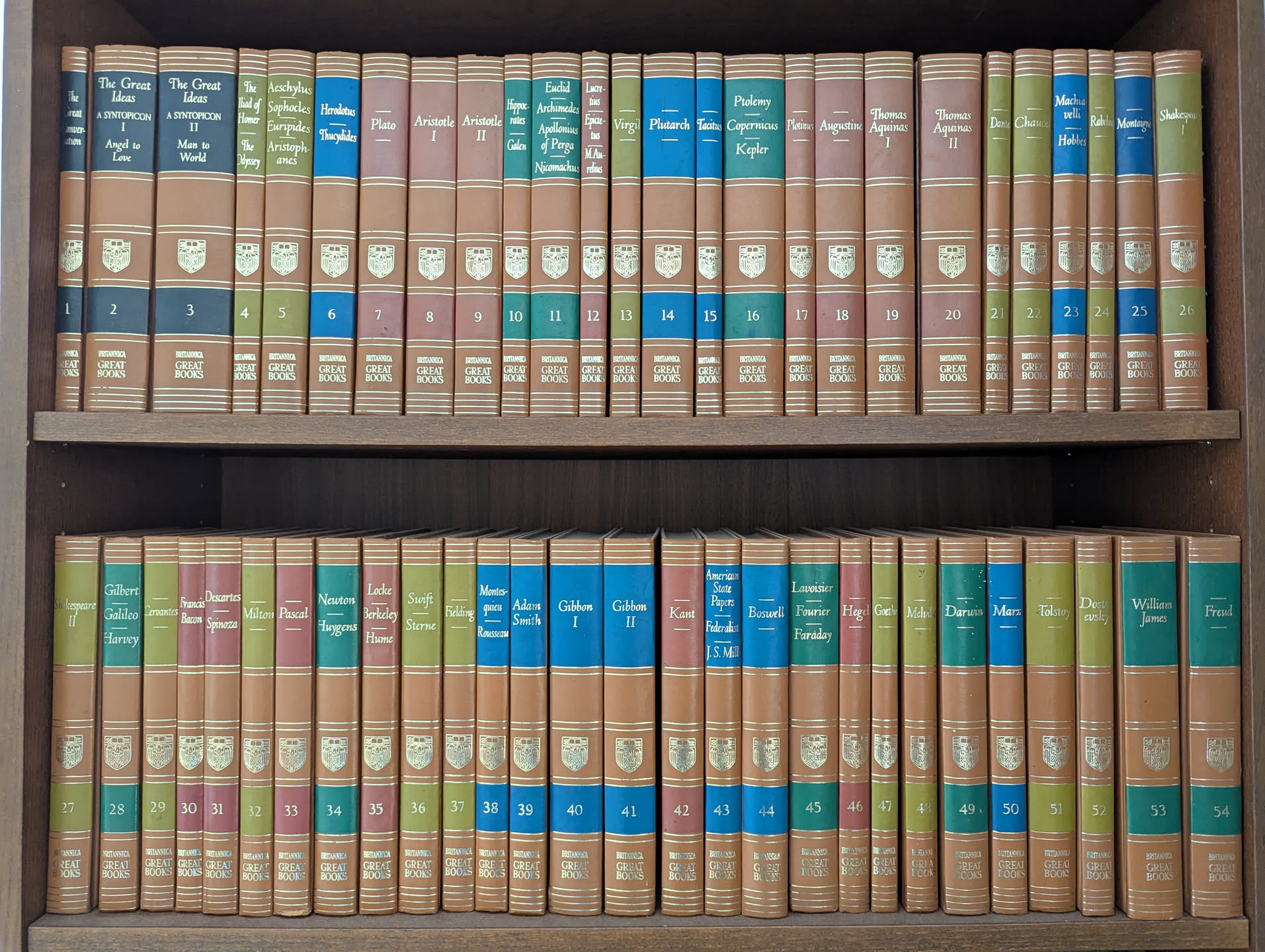
Pixel 6, 1x.
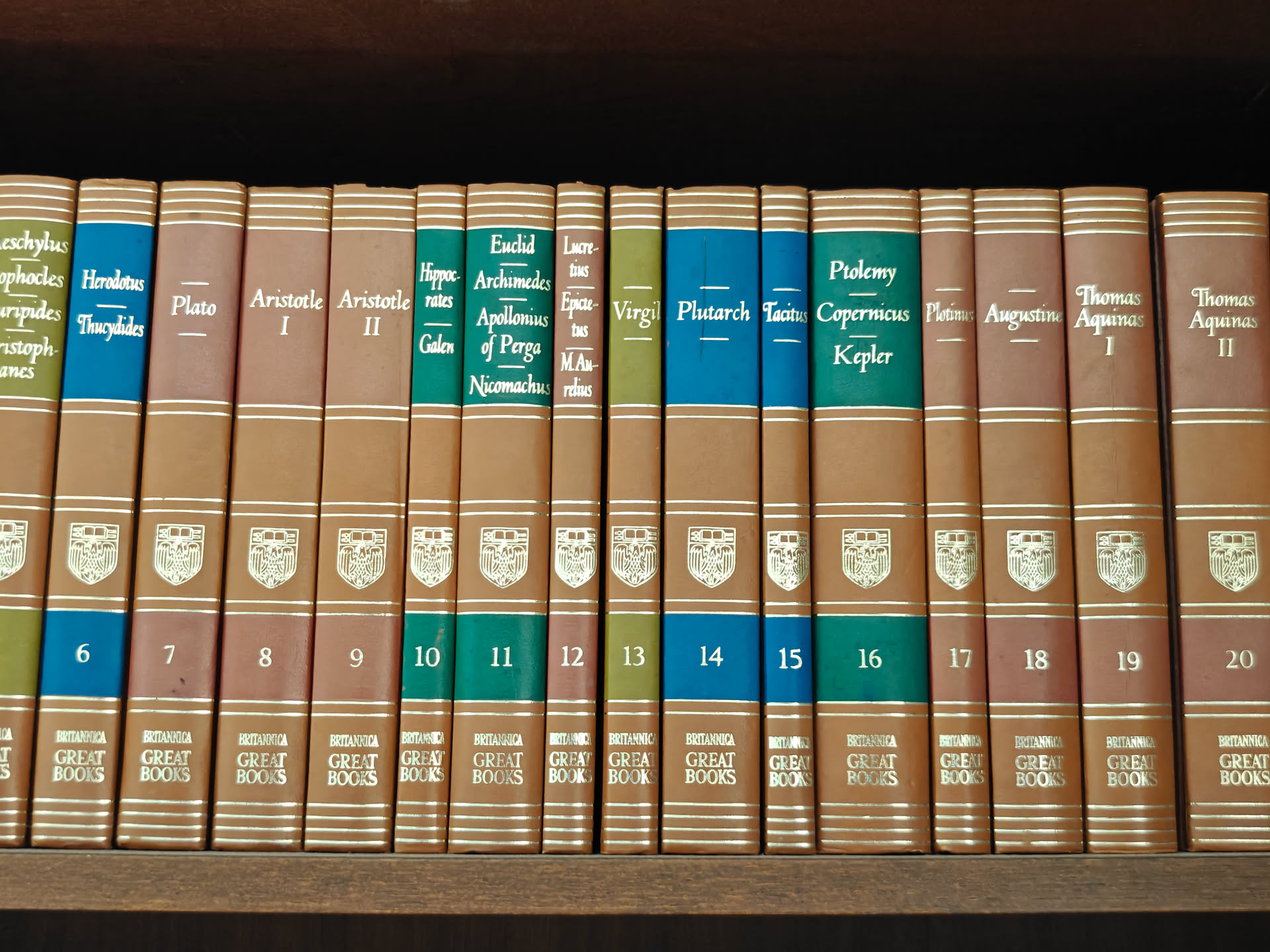
OnePlus 12, 2x digital zoom.
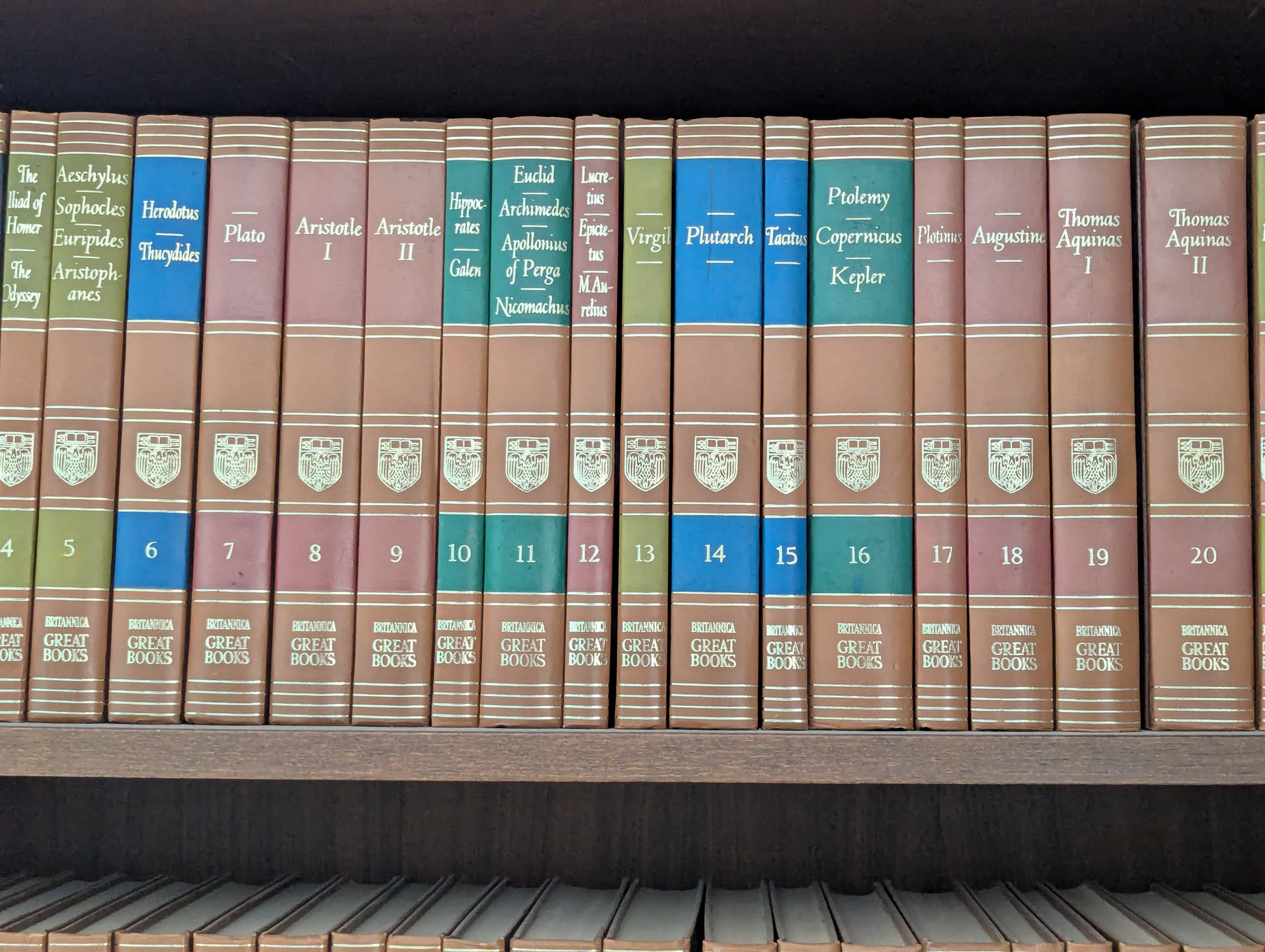
Pixel 6, 2x digital zoom.

OnePlus 12, 3x.
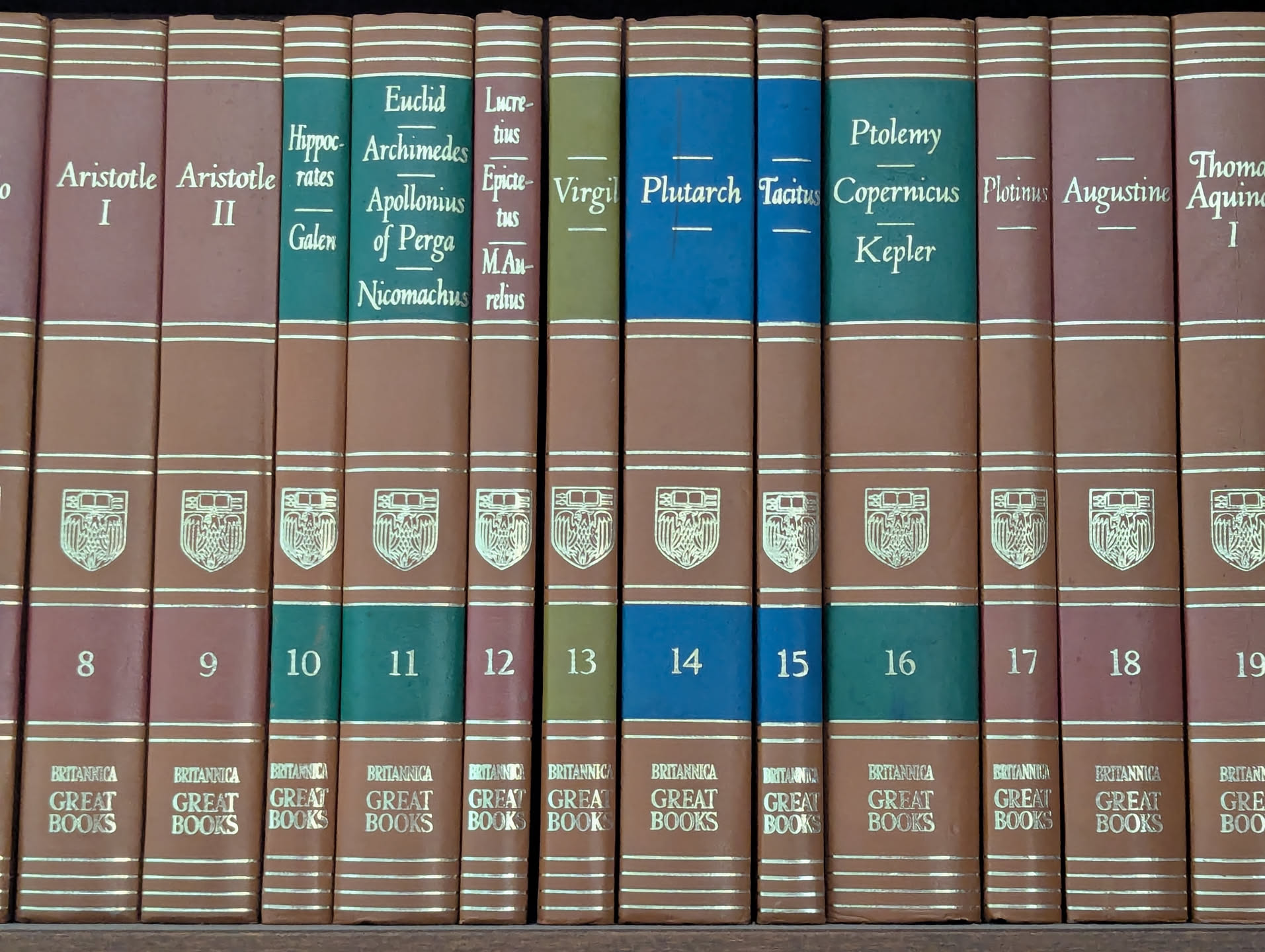
Pixel 6, 3x digital zoom.
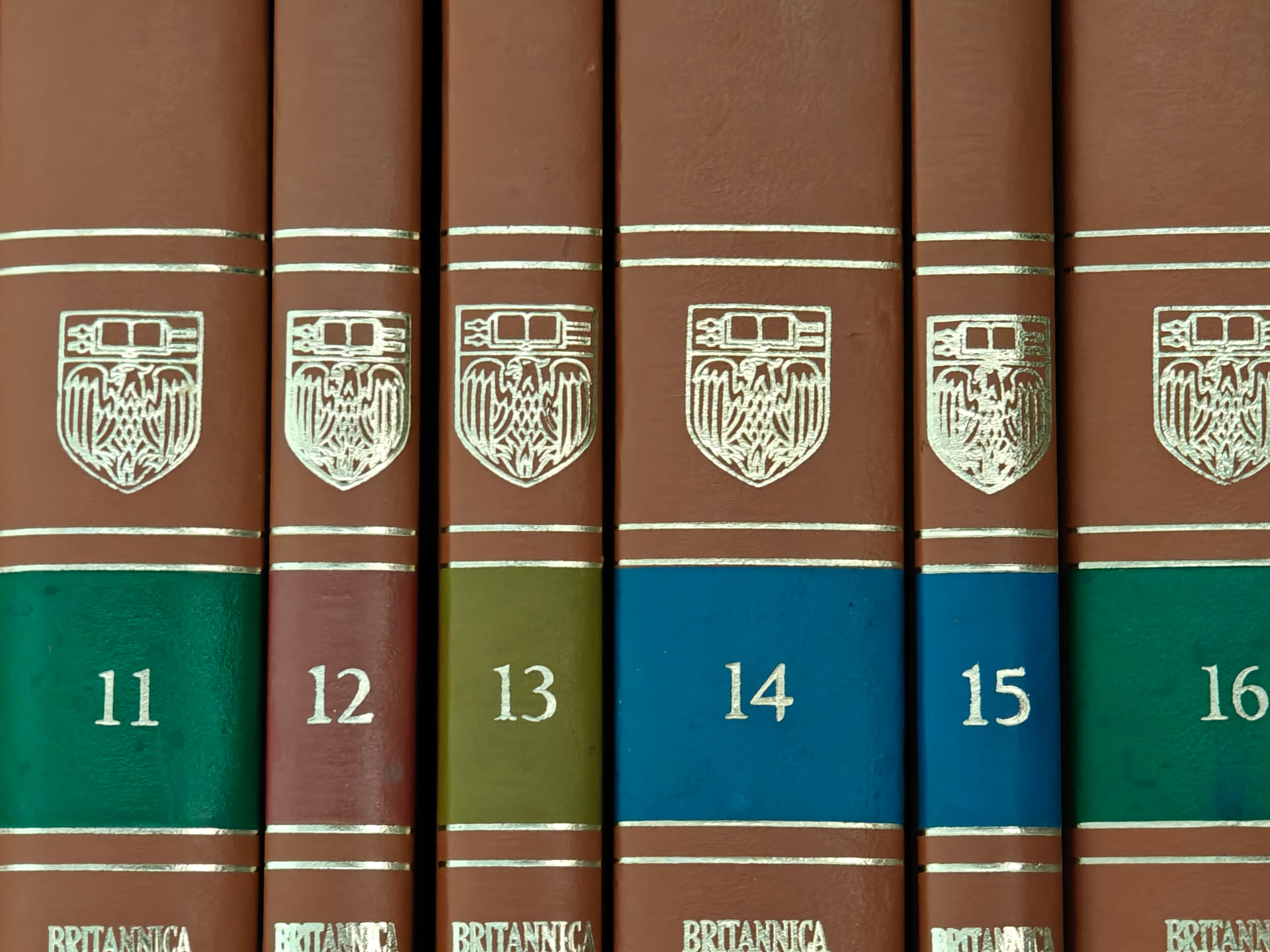
OnePlus 12, 6x digital zoom.
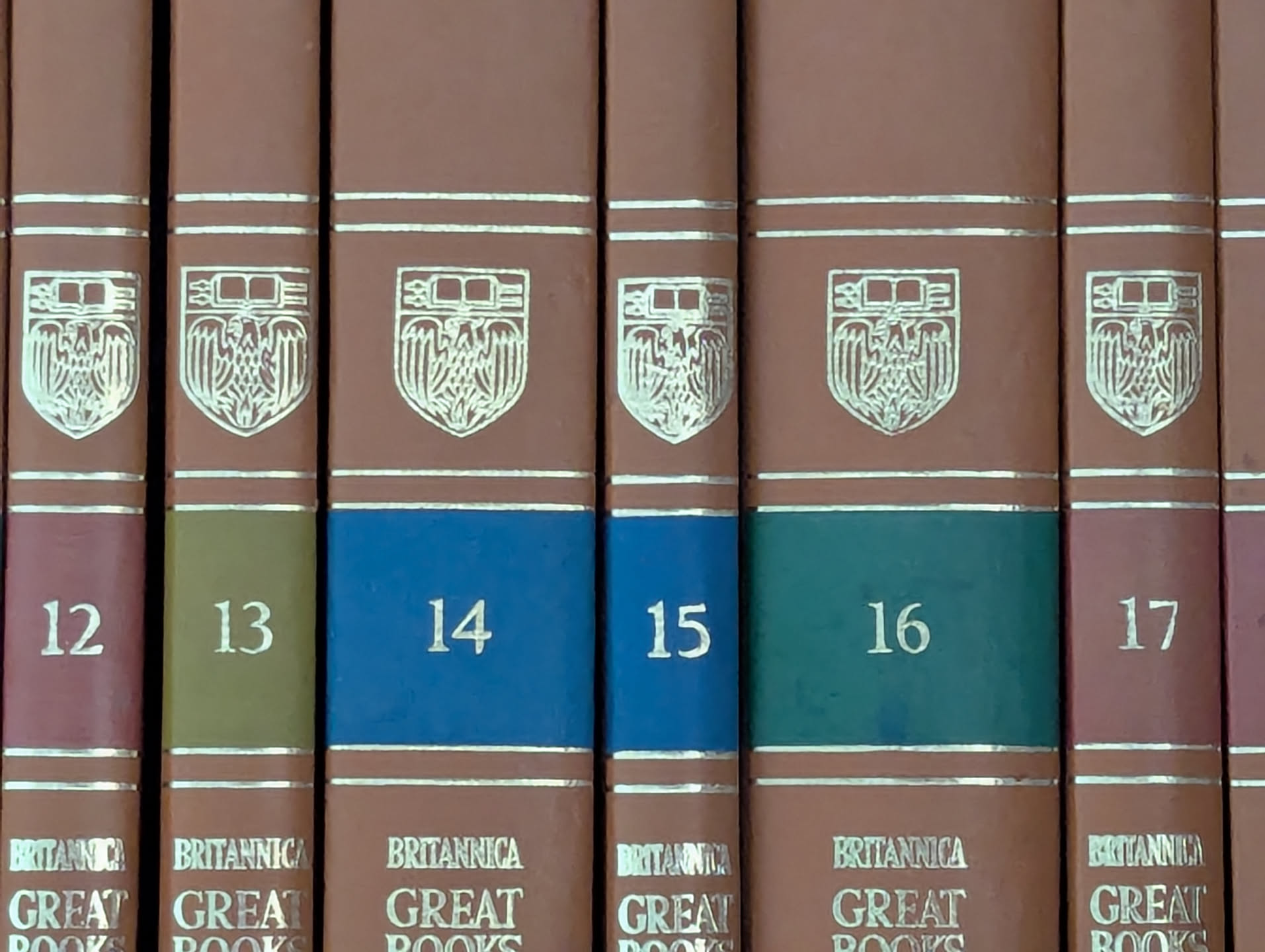
Pixel 6, 6x digital zoom.
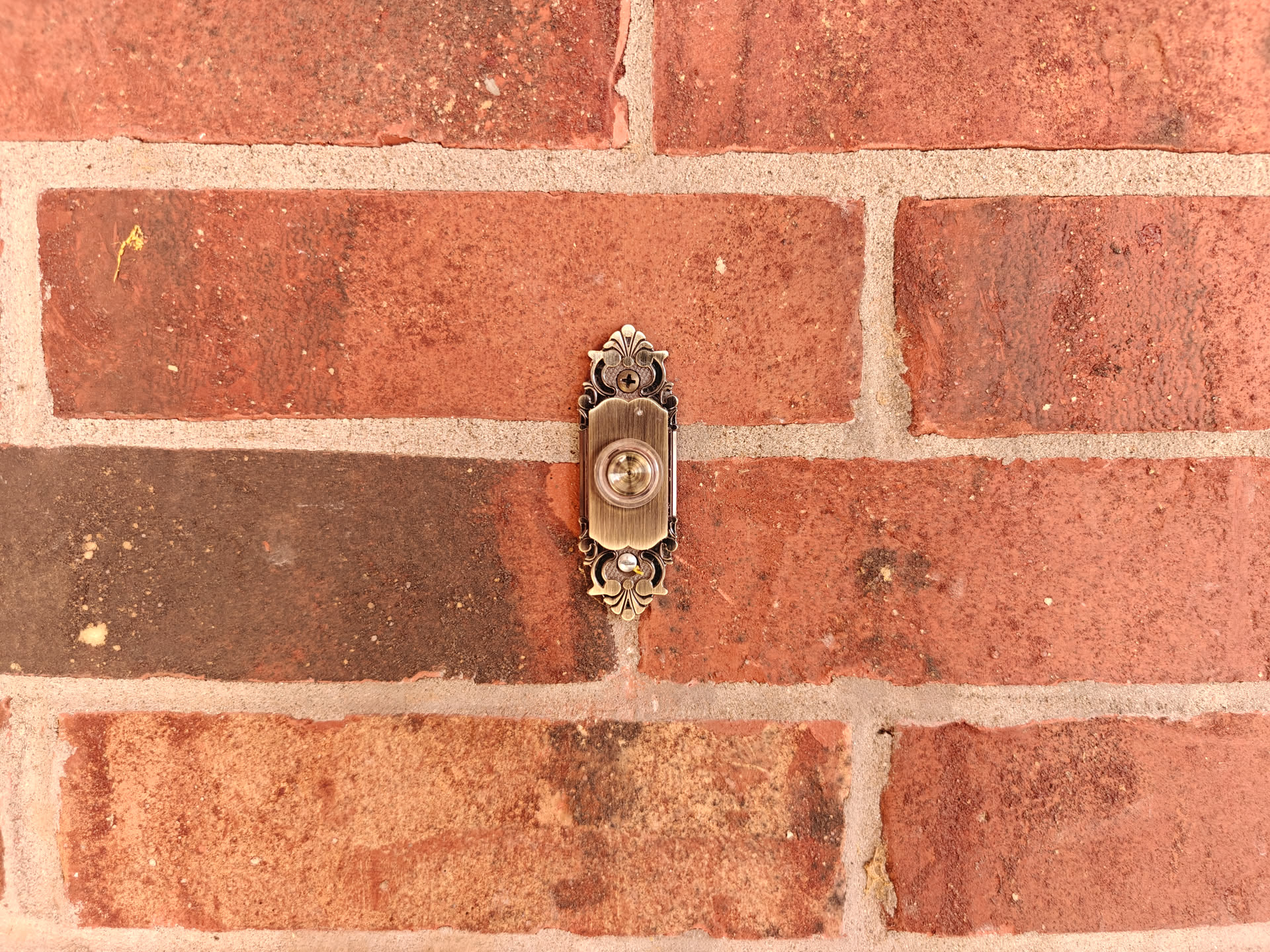
The Doorbell. OnePlus 12, 1x.
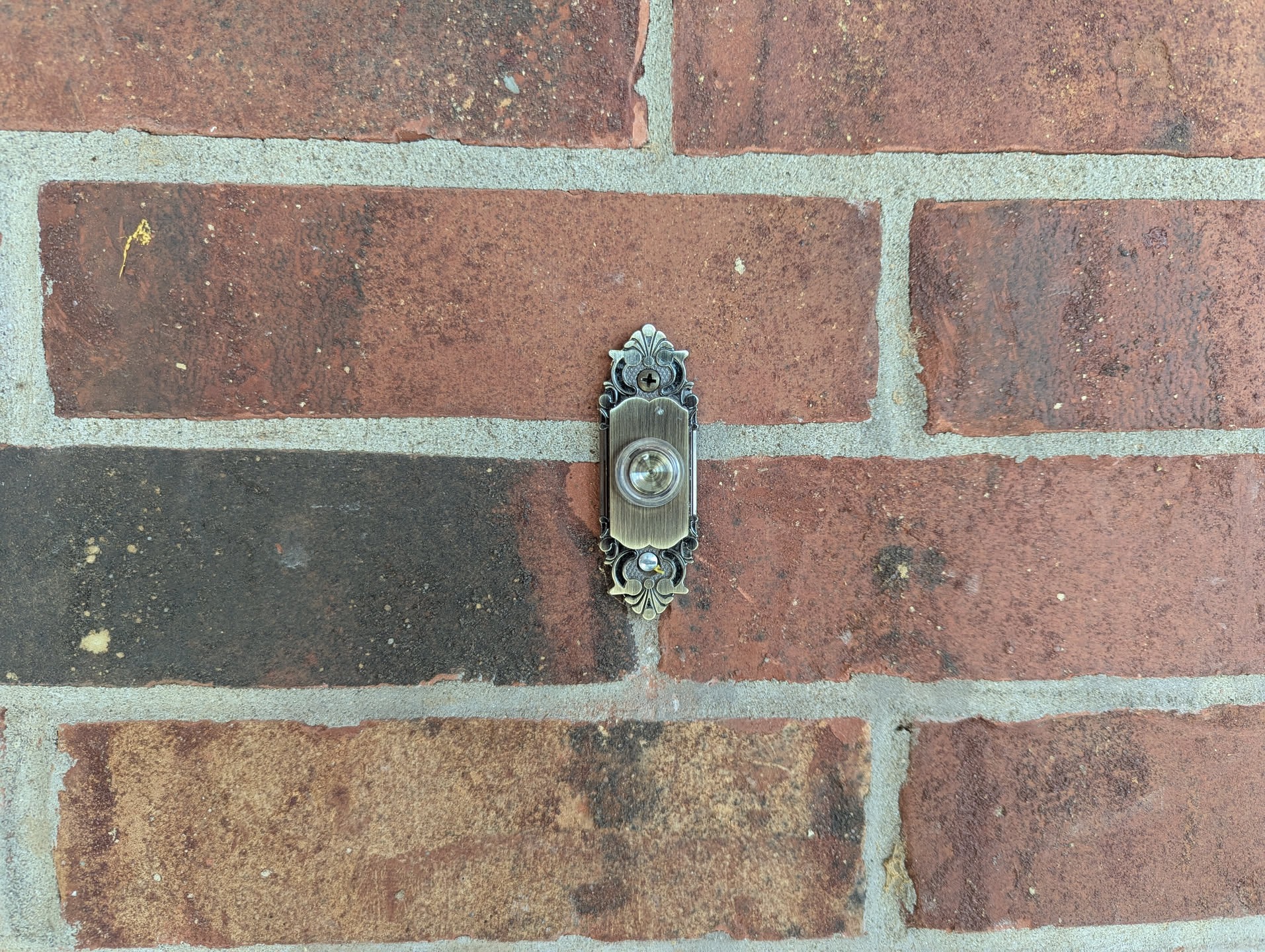
Pixel 6, 1x.
ONE MORE THING:
I took this moon photo, and noticed it whilst sorting photos for this review. I took this with the OnePlus 12, at two different levels of digital zoom. The more zoomed in one looks weirdly detailed for the digital zoom. Maybe someone with more brains that I can test this, but could this be a case of slightly smarter AI than what Samsung was using for fake moon shots?

The moon. NO, it was NOT RED.
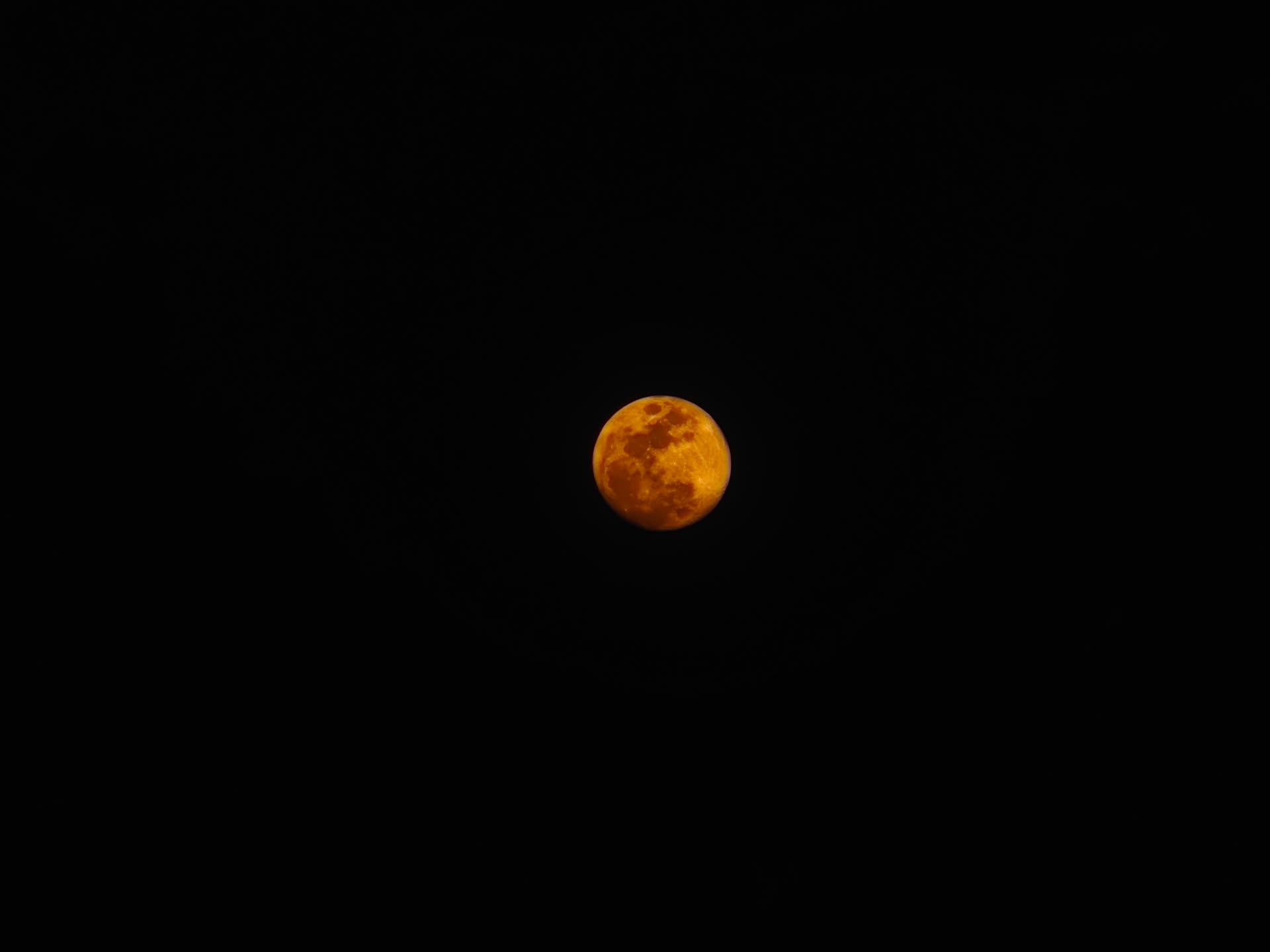
Adding more digital zoom on top produced this oddly good looking photo.
Final Words About This Phone for Today.
I’ll admit, when I bought this phone, I was worried. Worried about its size, its software, even its cameras. Yet, after spending a while with it, I do not regret my purchase. It’s a very good all-around package. I thought I’d miss leaving Pixel behind, but I’m glad I tried something different.
Other Things:
The chickens are, in fact, doing quite alright. Agathae was on a mean streak one day, and chased Felicitas onto the roof of their coop. Thankfully, it appears that was a one-off instance, and Agathae has since calmed down. Agathae was broody, but seems to have given up for now. This is a relief, as she can be a bit of a pain to deal with some times.
I did skip an additional two weeks or so. It’s not worth it for me to post something I’m going to be unhappy with. However, I’ve also been itching to post this post, so I decided not to wait another two weeks.
Happy Easter!
JM.