
May 8th, 2026
A Rant About Dell, and a Brief Mention of VAIOs and Chickens.
#Titles should be nine words or less.
The Dell Rant.
After experiencing around twenty-one or so Dell devices, I can say that Dell makes them with obsolescence built in. Especially their laptops, which is what this complaint is about.
The obsolescence that is in the laptops is pretty much always going to be the battery. In quite a few of the Dells I have, the batteries have quit working properly, either refusing to charge, or simply charging but at a reduced capacity. I know that batteries do start to lose their ability to hold charge over time, especially lithium-ion, which is used in pretty much every laptop battery I have.
I have three Dell Inspiron 14z-N411z laptops. Only ONE battery out of the three genuine and one replacement I have works. I can’t remember which one it was. That’s pretty bad.
Yes, leaving a battery flat for a while can lead to it not charging anymore. I know this to be true. Yet, I have had a PowerBook G4 with what seems to be its original battery that still holds a charge to this day. The same goes for the Fujitsu Lifebook P5020D that I have. It still holds a charge. Both batteries still charge, allowing the device to perform its best.
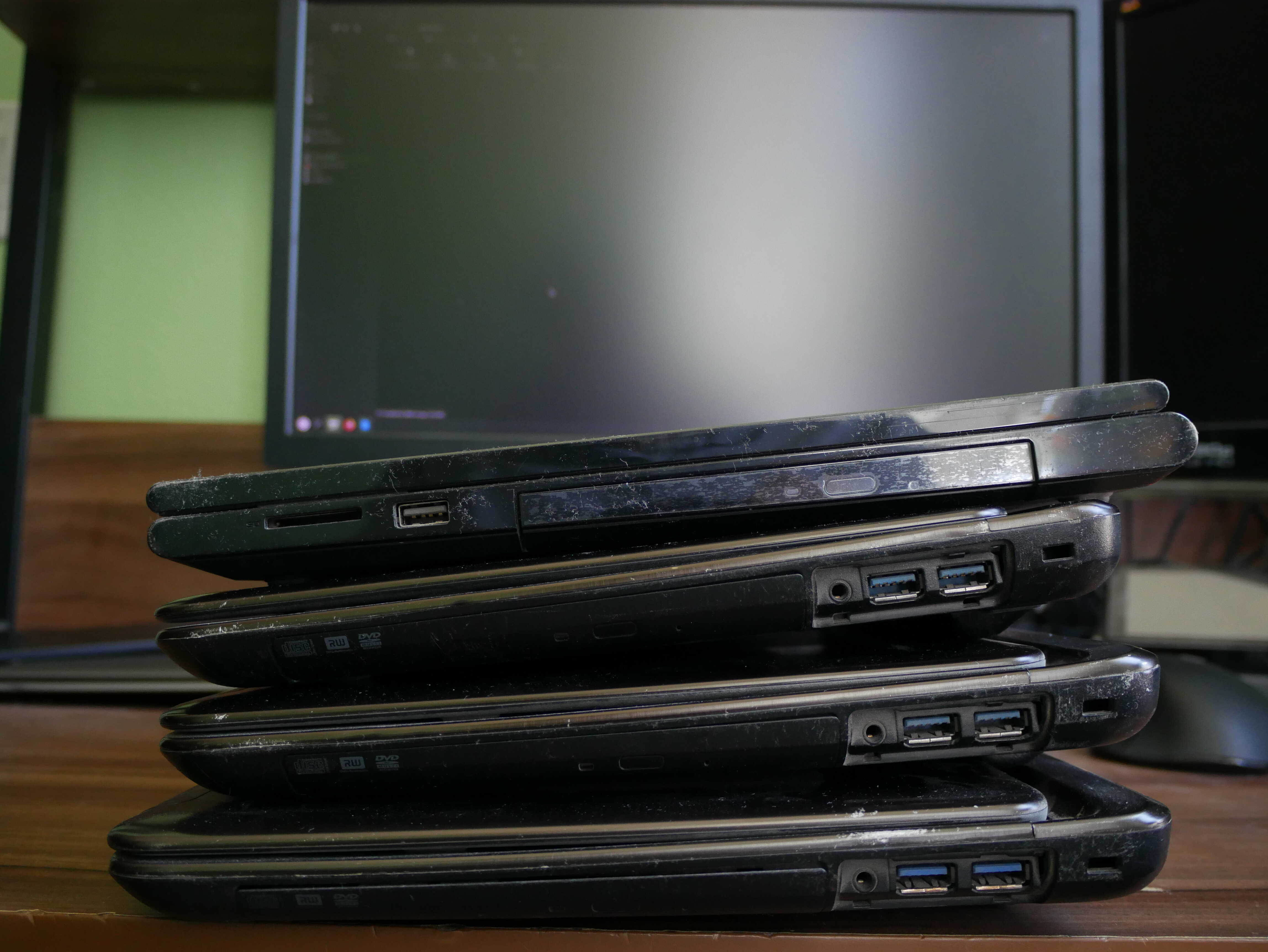
Only ONE out of these sub-15-year-old laptops has a good-ish battery. ONE. 1.
The battery that powers the device isn’t the only way Dell bakes obsolescence into their hardware. Oh, no. They use the other battery in the laptop to do so as well. I was given a Dell Inspiron 15-3541 laptop by someone at church. I got the laptop home, and turning it on I thought it was broken for a few seconds. Instead of a nice, quiet, “Your CMOS battery is dead” message, like most sane computers, the laptop emits FIVE LOUD OBNOXIOUS BEEPS every couple BEEP BEEP BEEP BEEP BEEP seconds an—BEEP BEEP BEEP BEEP BEEP it won’t stop until Windows gets past the part where the UEFI BIOS is still hanging around, usually about fifteen seconds or so.
That, to me, seems to be a scare tactic. To add on top of that, that laptop has a completely dead battery. So first make the battery go. Then, drain the CMOS battery instead. Then the laptop starts screaming when you turn it on. You bin the laptop because you don’t know how to fix it. I was able to fix it by pretty much removing the keyboard, and, if memory serves, the palmrest, in order to find the CR2032 battery’s location. Ugh.
The worst one is the Alienware Alpha R1. My Uncle sent it down here late 2024. It is pretty much one of my favorite devices. Super small, decent amount of power, quiet, and reasonably fast. I really liked it. Well, one day I went to pull it out in order to use it. I got no output on the display. Instead, all I got was the power button’s light flashing five times. And another 5 times. A quick search reveals that, in fact, the CMOS battery is bad on it.
It’d be quite alright if it simply told me it was dead, and then proceeded to boot. But NO. Instead, the machine refuses to boot, even though I’m fairly certain it full well could, had Dell not prohibited it from doing so. A quick search around the internets shows that this is a fairly common problem with these machines.
Replacing the battery is another mess. You have to take out the whole logic board. This requires being comfortable with popping open the device and doing so. Then, you have to buy a specialized part of sorts. It is a small connector that connects to the logic board, with the battery wrapped in some yellow stuff and the leads soldered onto the battery. I have so many normal CR2032 batteries, that I doubt it will hurt to try and tape one in there.
Shame on you, Dell. Do better.
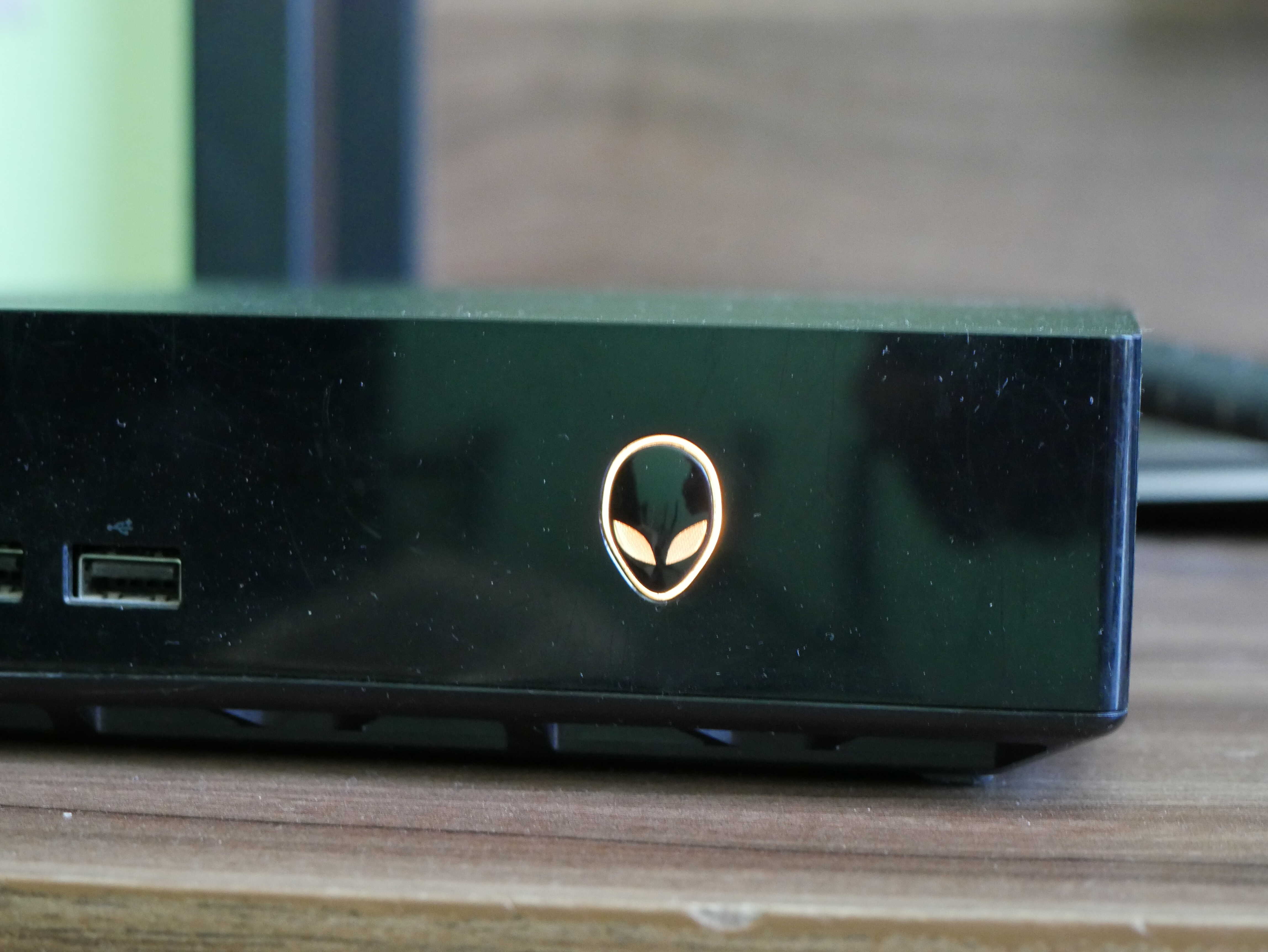
Yellow light on the Alien. This is YOUR fault, Dell.
Broken VAIO.
I had that broken VAIO I got for cheap from a grift, um, thrift store via the ebays. I purchased it in a lot of two for about $30 or so, the asking price for a single for parts VAIO. I paid a bit more than I wanted to, as someone else was bidding against me (because oh yes, supposedly anything with VAIO or a fruit on it is worth a bidding war). There was a white one in that lot. It works. All it needed was a hard drive and a Super Duper Special Cleaning.
The other one, a VGN-S360, was the reason I bought the lot. It is very similar on the exterior to the VGN-S380P. I decided the gamble would be worth it if I could get at least the keyboard and palmrest to work on the S380P. I turned it on, and the S360 did not post. I decided to press down on the machine where the CPU is on my S380P, and the machine posted, and crashed as soon as I quit applying pressure. At first I assumed it was the CPU. It turns out the GPU is what went bad. It somehow unsoldered itself from the logic board. I removed the board to try and fix it with a heat gun. Sadly, that did not work. I then harvested the keyboard, as it was the only part that seemed to work just right with my S380P. All I need is a ribbon cable (a very specific one) to get the trackpad to work right, and a new fan for it, as the S380P’s fan sounds awful and seems to barely work.
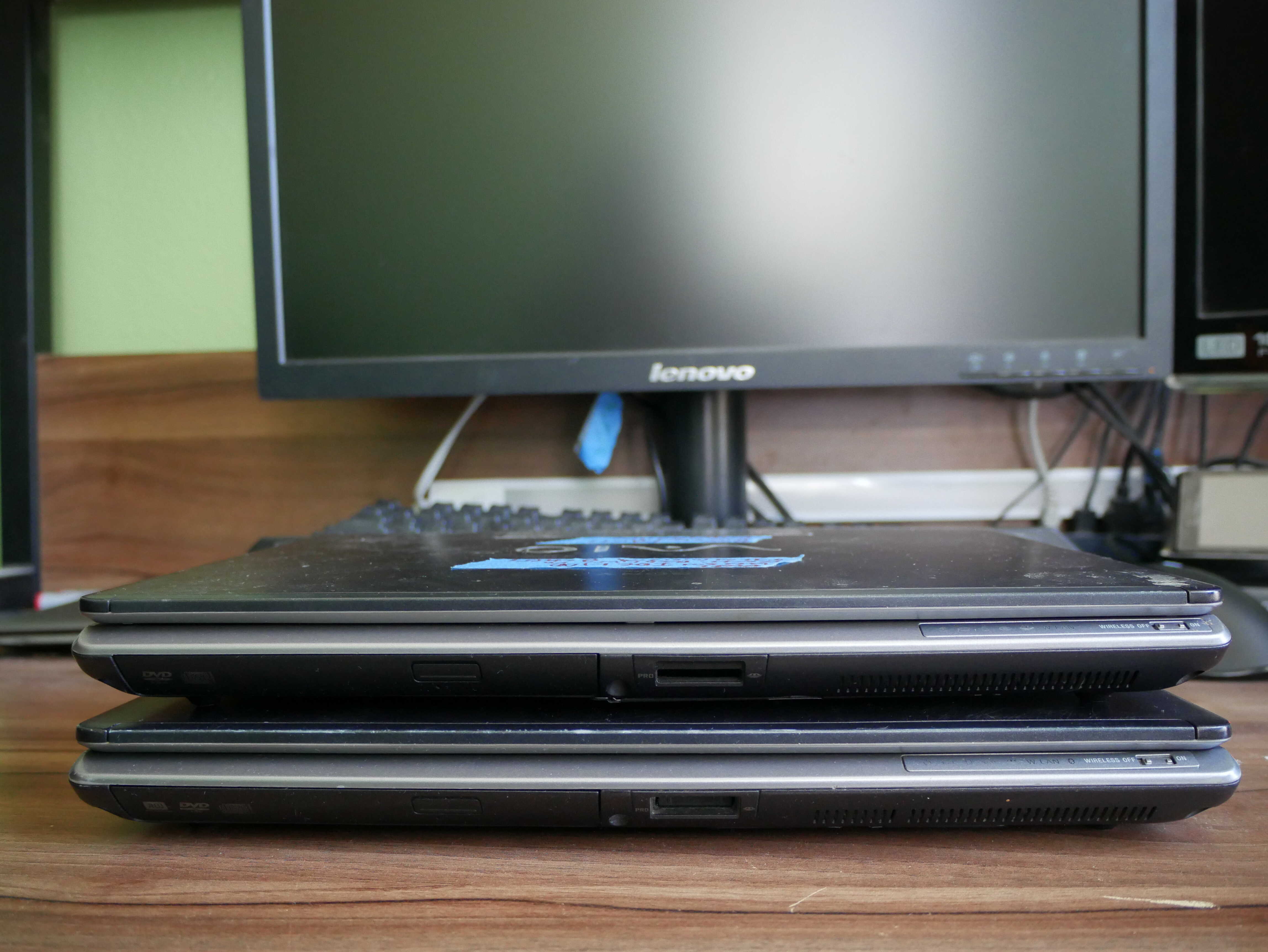
The VAIOs stacked up. The VGN-S360 is on the top, whilst the VGN-S380P is on the bottom.
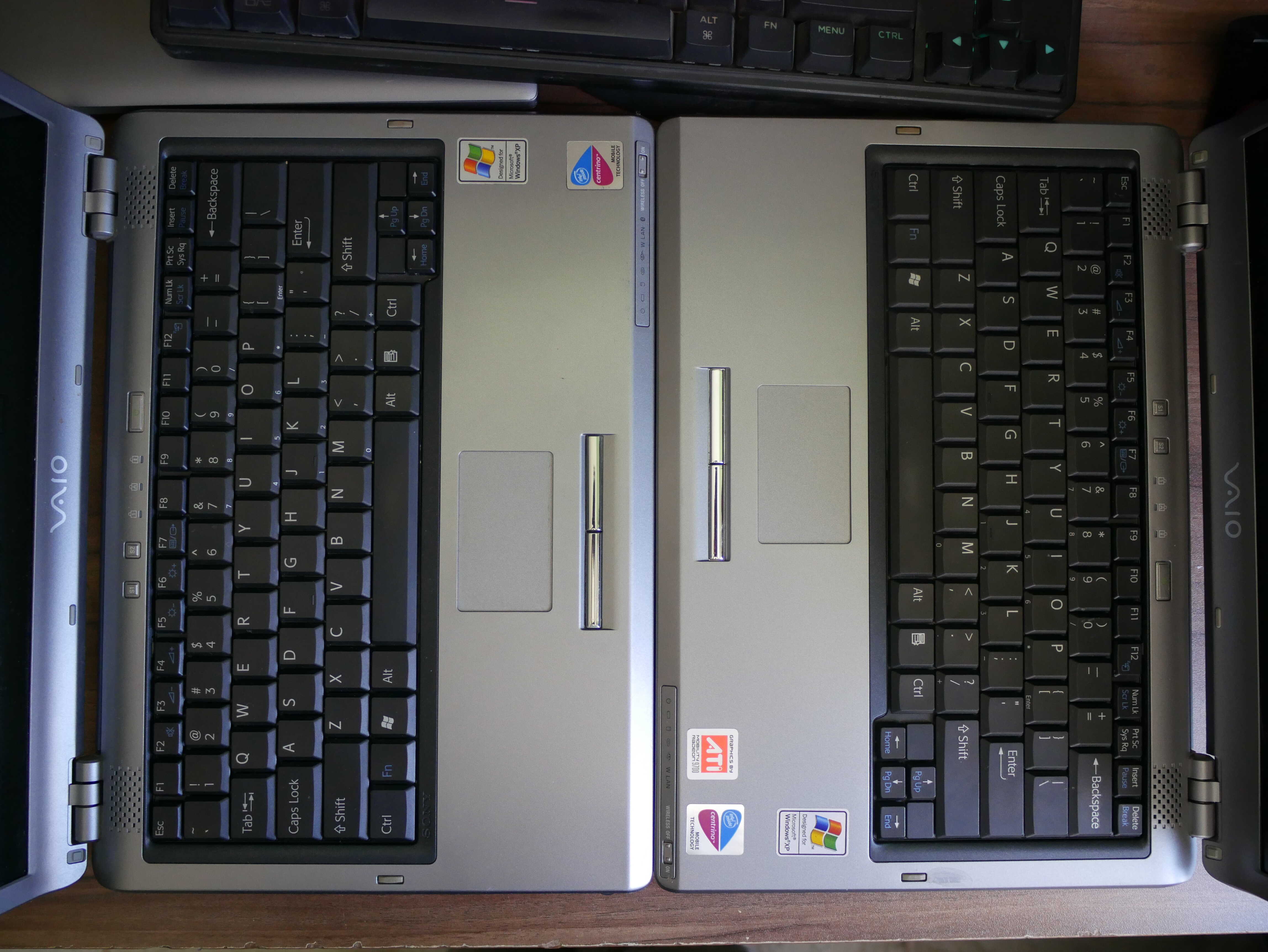
The keyboards on the VAIOs. VGN-S380P on the left, VGN-S360 on the righ.,
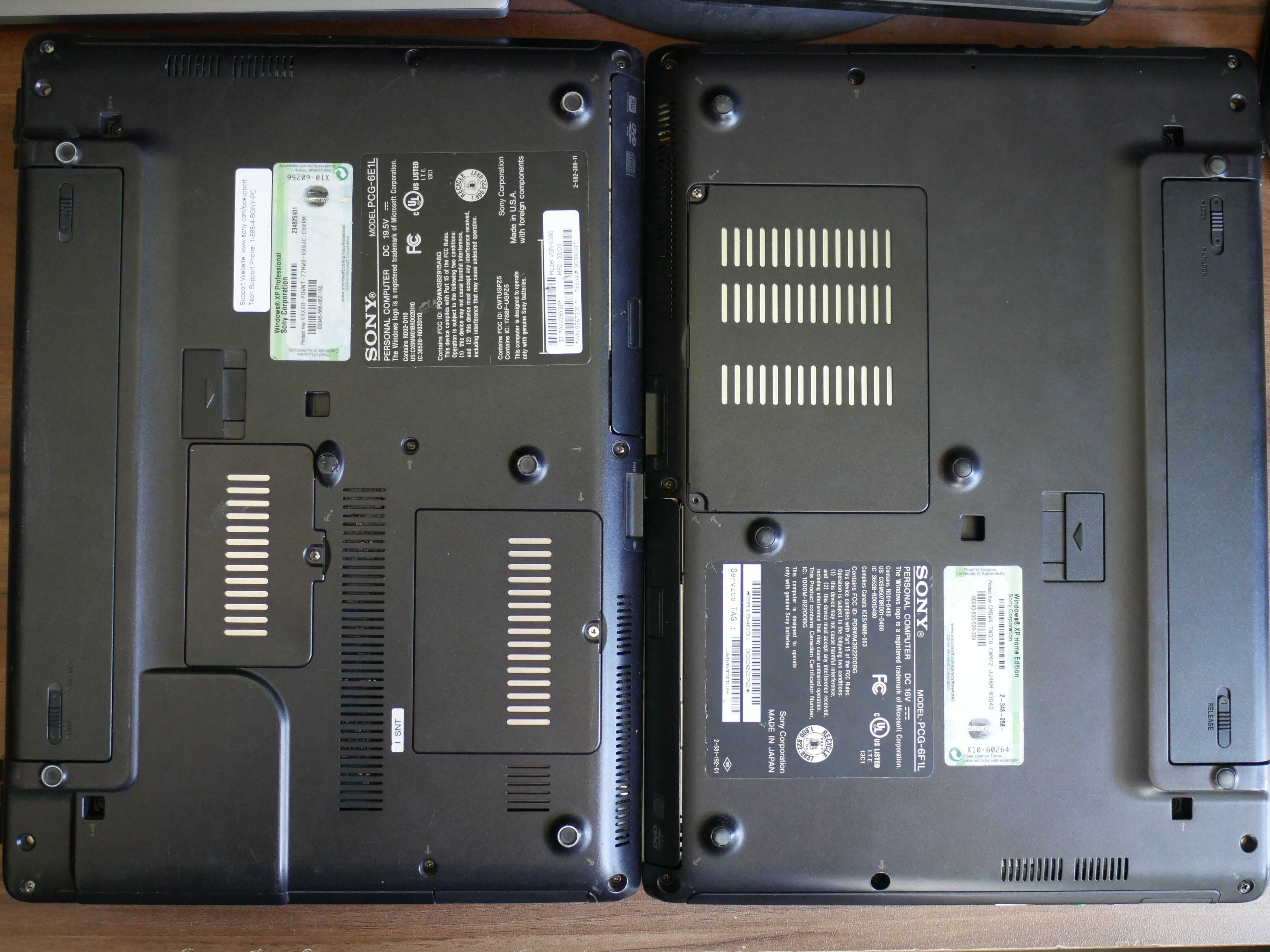
The bottoms of the laptops, my VGN-S380P on the left, and the parts VGN-S360 on the right. You can tell there's some differences right away. A big one is the use of mini-DMMM RAM on the S360.
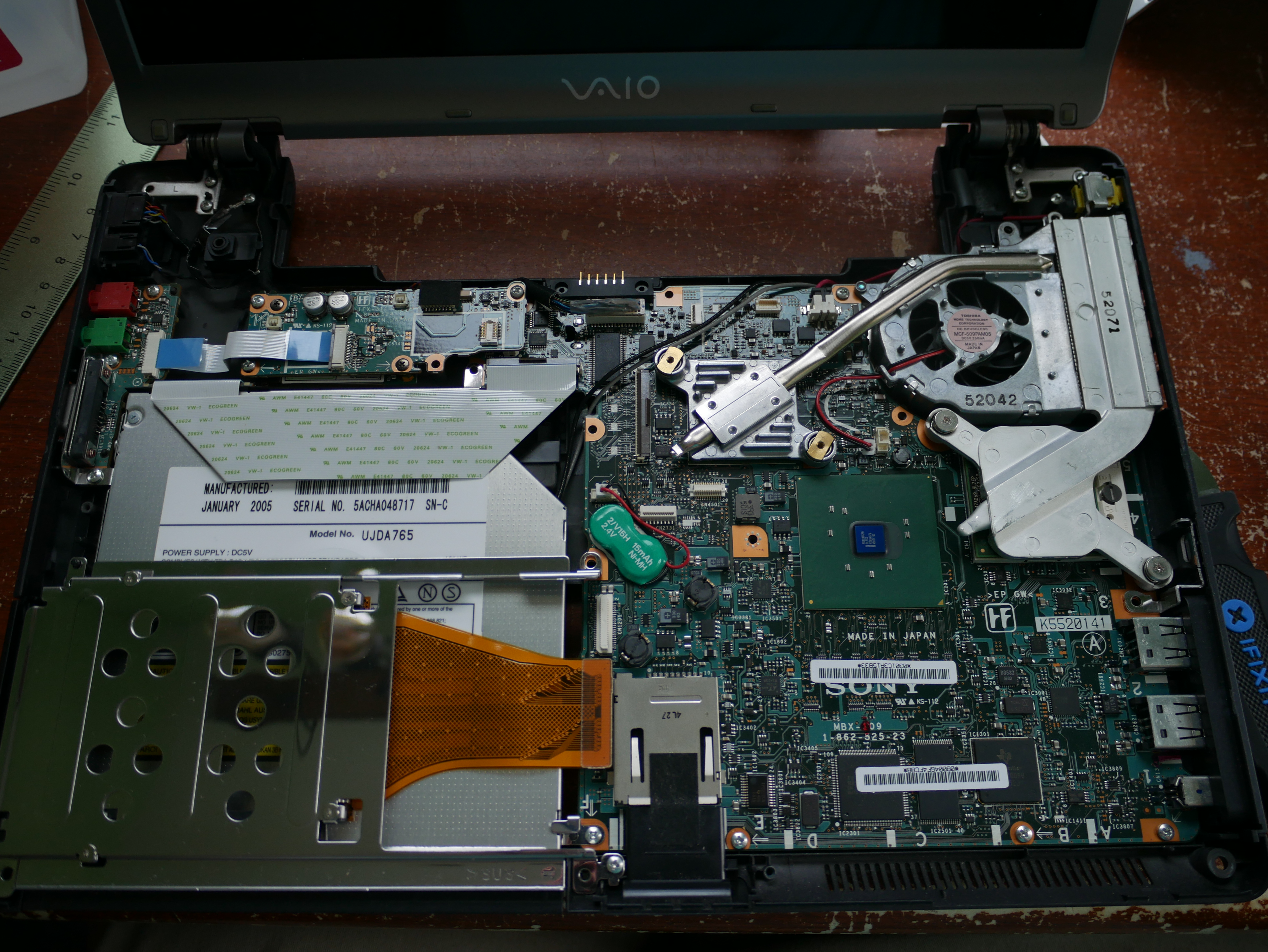
Inside the VGN-S360. The heatsink closest to the edge is the CPU, whilst the other is for the GPU.
Chickens.
I figured I’d wrap this up with the chickens. They’re doing quite alright. Agathae had some kind of egg issue a few days ago, but from what I can tell it seems to have cleared up. She also went broody again, much to the chagrin of Dominica, Gaby, Felicitas, and Empress Josephine.
It also rained, and they were quite happy to get out and dig around in the mud.
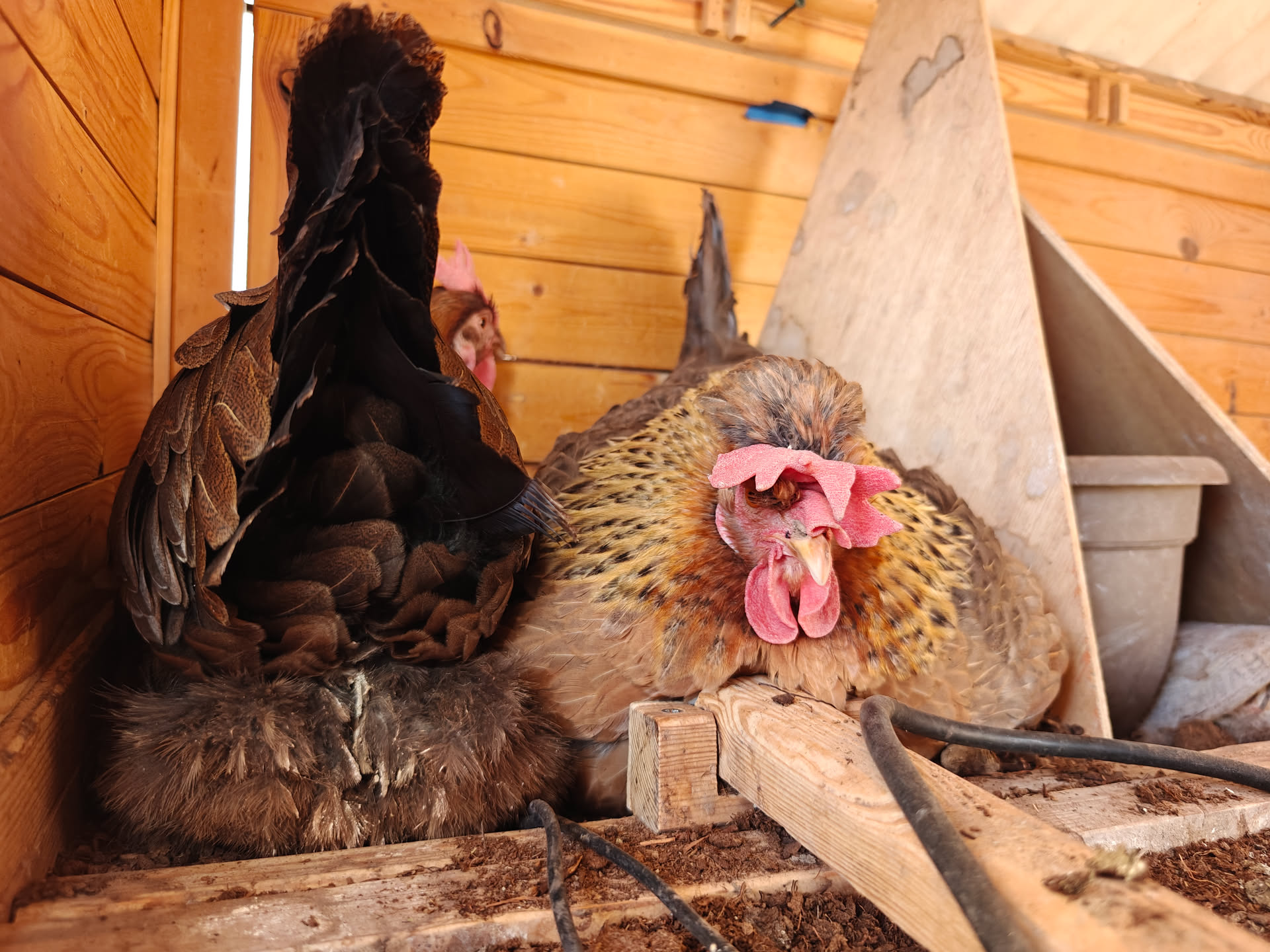
Agathae in the Chosen Box, tolerating Gaby for a bit.
Dominica. This was one of those rare times I could actually get a photo of her.

Felicitas glancing at the camera. She's wondering if I'm going to give here more food.