
July 17th, 2026
A Pink Laptop, A Dented Laptop, and Chickens.
Broadcom Drivers are Fun.
Broadcom and the Pink Laptop.
Recently, I was trying to get Linux Mint on a pink Dell Inspiron 1440 I had. Mint installed just dandy on the device. There was one unfortunate exception: it has a Broadcom card. There are two things that I find to be particularly a pain point on Linux, those being Nvidia graphics cards, as most of the older ones are not compatible with modern Linux, and Broadcom cards, because you pretty much have to install the driver for them.
To get the card working on Linux Mint, it seems simple. Connect to Ethernet, head into Driver Manager, select the card, and it’ll just work. It turns out this is not the case. Instead, you have to install a different package, then run modprobe, then update initramfs, and then you can finally enjoy good enough wireless. I have written a more detailed guide HERE. The worst part was the fact I had to sift through a pile of threads, and now I don’t exactly remember what thread I had followed to get it working. In fact, the only reason I was able to dredge the information up again was that I already did this on my 2007 iMac, and managed to find the commands on there. I do wonder if this is an issue with all Broadcom cards or just the newer ones. Either way, I’m happy it works. (EDIT TO ADD: search for “broadcom drivers linux apple” or something like that. You’ll find them. Or look on this site. I’ve added them here).
I’m also happy to say that that laptop is still usable. It is faster than the Gateway MT6840, my favorite “old” laptop. I still like the Gateway better due to its unique design and quirky processor, but this laptop is the better performing of the two. I was able to browse the web just fine, albeit a bit slower than I would like to. You can even do 480p youtube on it. The keyboard and trackpad are also quite nice.It is clear this is a more budget device, due to its Pentium Dual-Core, but it’s still “live-with-able” to this day (2026-07-17).
And here's a couple pictures of it:
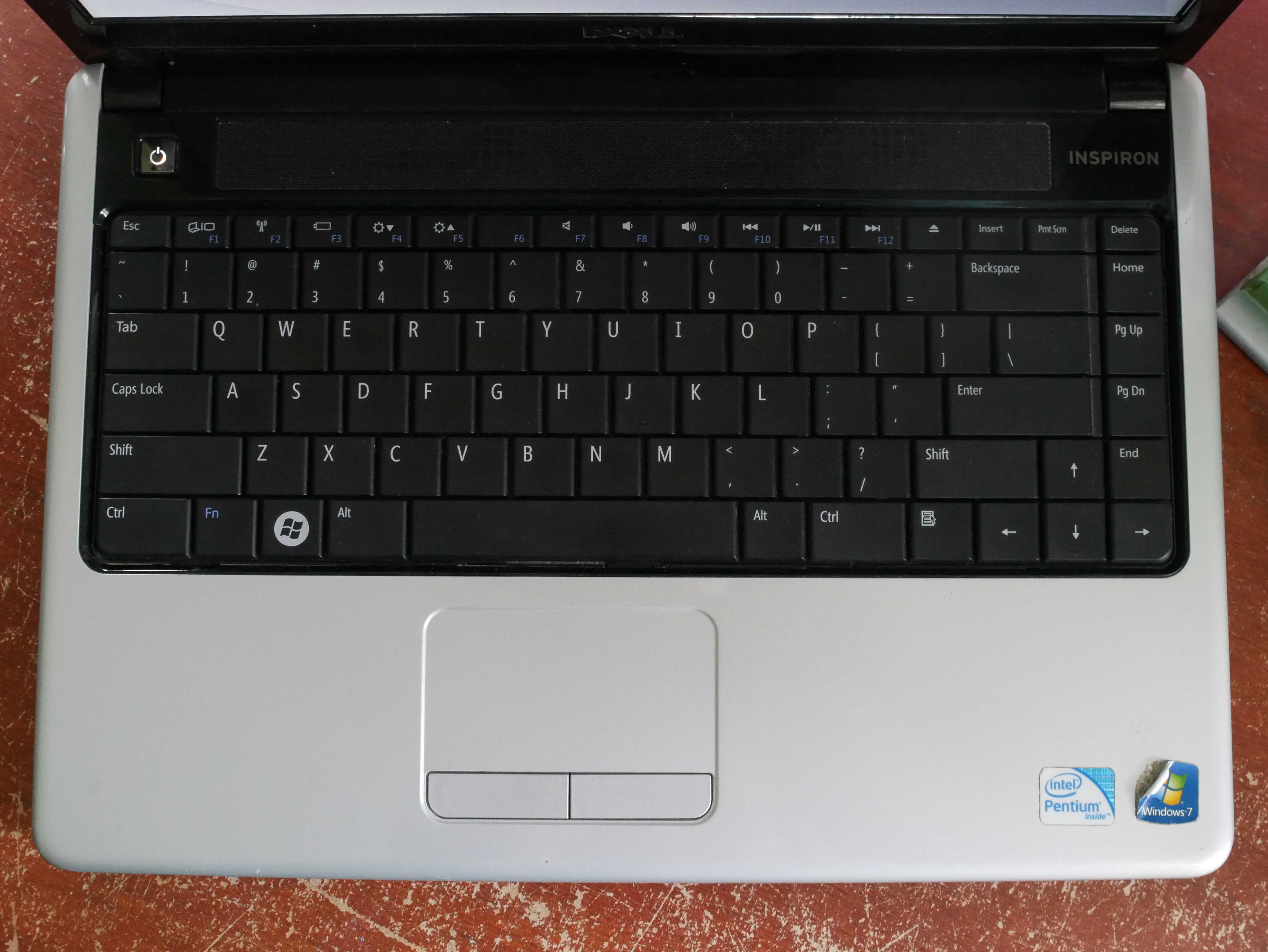
The keyboard.
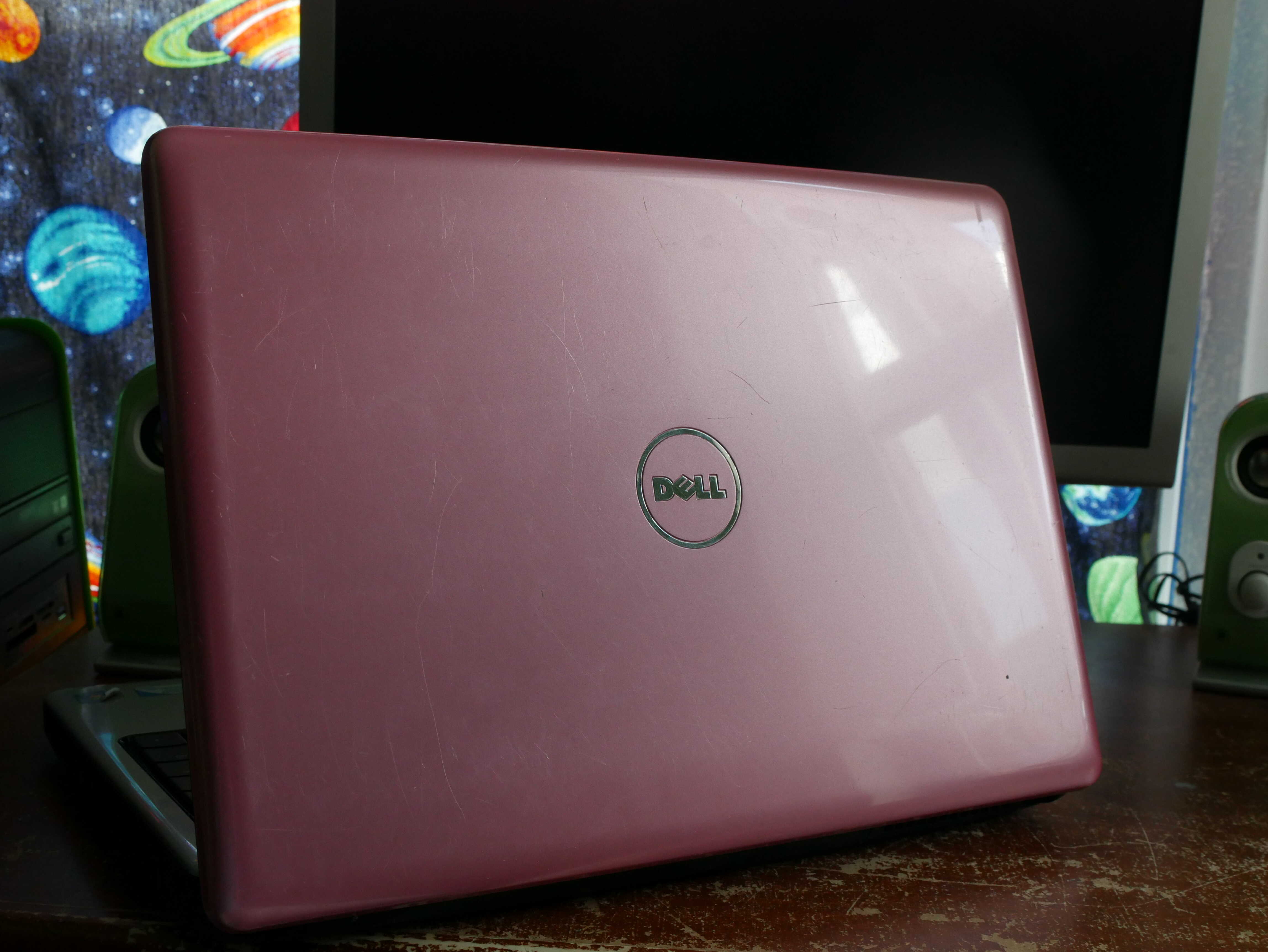
The lid on the Inspiron 1440.
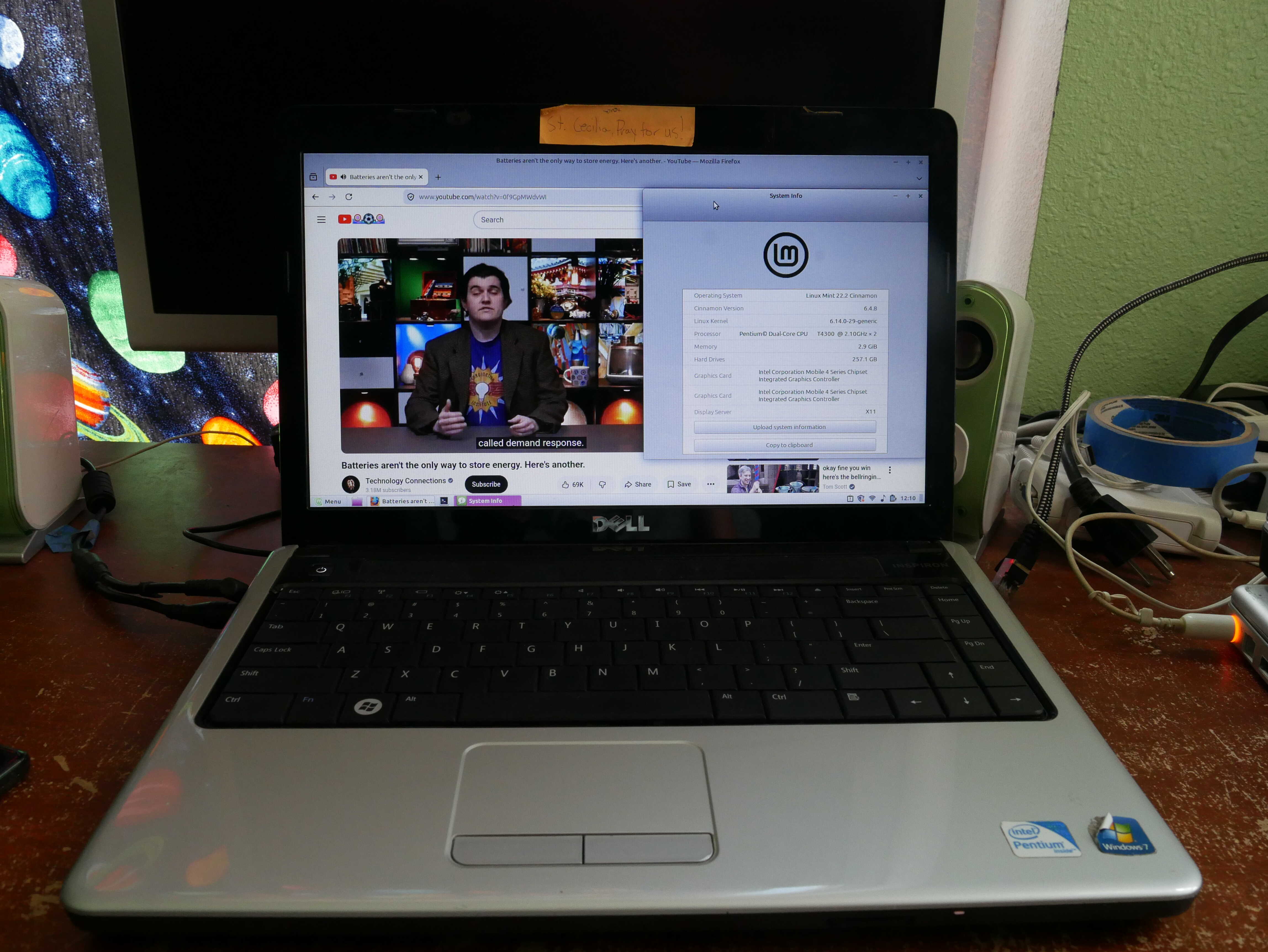
Yes, through the magic of WiFi, it can in fact play back a YouTube video.
One Year Later...
I bought my HP ZBook Firefly 14 G8 one year ago. Ignoring the software issues, it has held up to the One Year Test, and therefore it will continue to live happily ever after on my desk.
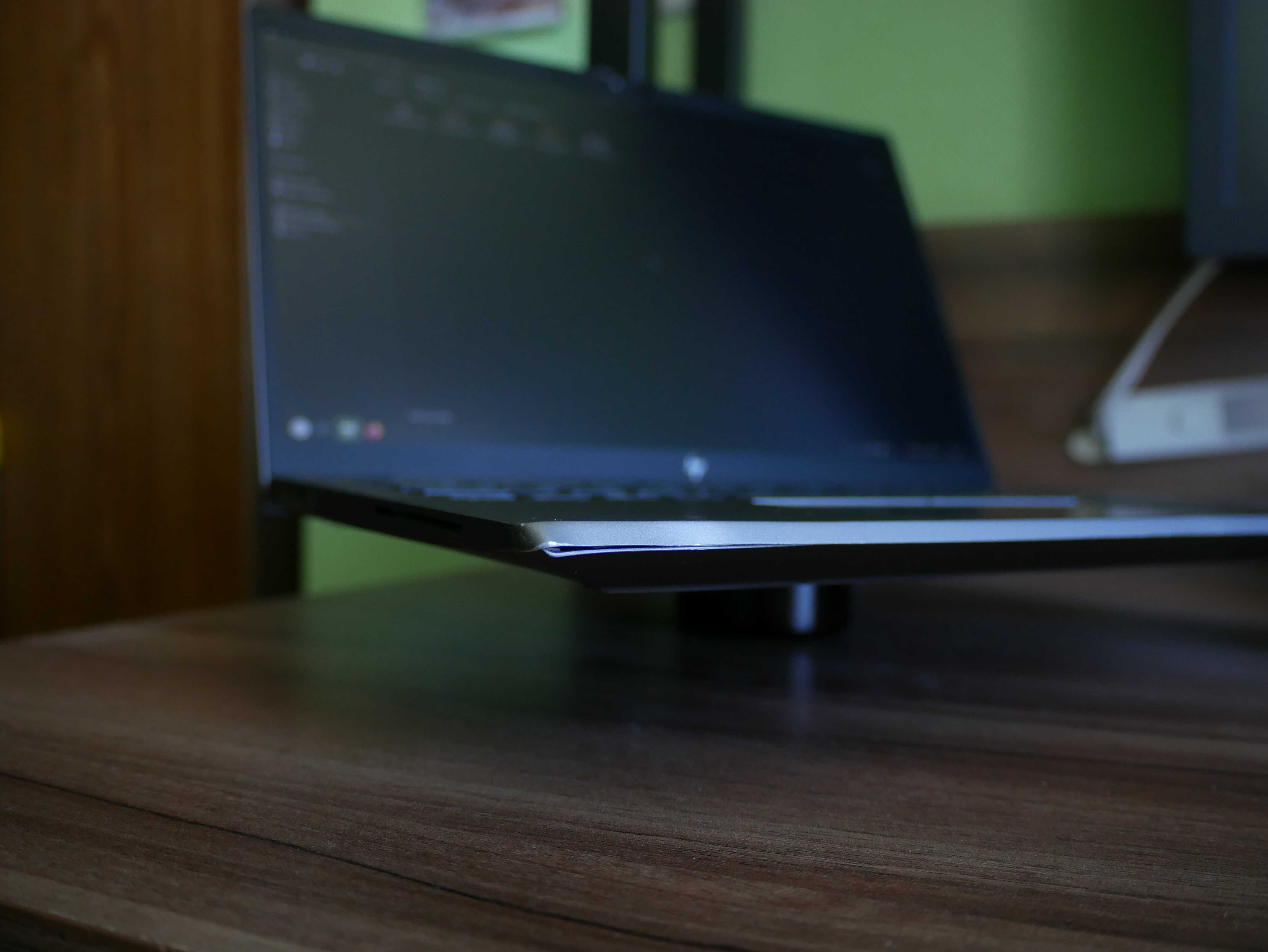
Durability wise, it has held up to my use of it. Once I dropped it into a bag, which then got bonked on the floor. The smart card slot is a bit dented, but it’s still just fine and doesn’t really affect me. The hinge got a bit loose, but opening it up and tightening the hinge screws fixed that. Otherwise this laptop has been the most durable one I’ve used as a daily. The Dell Latitude E6230 I had years ago didn’t like it when I dropped it. The bottom separated somehow and always hung off a little. The Lenovo ThinkPad X260 I had kept getting loose screws, along with the SD card slot breaking. No such thing has happened with this laptop. I am not the kindest to my laptop, and so I’m happy it’s held up this well.
As much as I despise buying HP stuff due to their deceptive printer practices, this is one HP thing I can recommend and still sleep well. It seems their enterprise/business stuff, such as this laptop, are made significantly better than their consumer-oriented stuff.
Chickens!
The chickens, in fact, are quite happy. I have not had too many issues. Agathae is still a broody. I gave her a rock and she decided to brood the rock instead of the smart plug she managed to roll under her. I don’t get it. Felicitas also has a massive comb now.

Agathae is grumpy, as always.
Felicitas wants you to know she has a BIG COMB.