October 23rd, 2026
3.14 5, $50 Experiences, and an Unwanted Help from Google.
Check with family and friends before you own your phone.
Missing Out on the Raspberry Pi 5.
Back when the Raspberry Pi 5 launched, I bought one. It was about $75 for it in its highest-end configuration at the time, that being the 8GB model. Despite being off by about a day for “first-wave” shipments, mine arrived with those shipments, and I didn’t have to wait for forever as a result. My last Raspberry Pi was a 3B, so I had high expectations.
Unfortunately, I was disappointed. Everything still ran slow on this one. Sure, it was faster than the 3B, but it was SLOW. I was looking forward to using something other than Raspberry Pi OS, say, something like Ubuntu, but that ran horribly. MicroSD cards were simply too slow to keep up with the demands of modern software, and the Pi 5 seemed slow as a result.
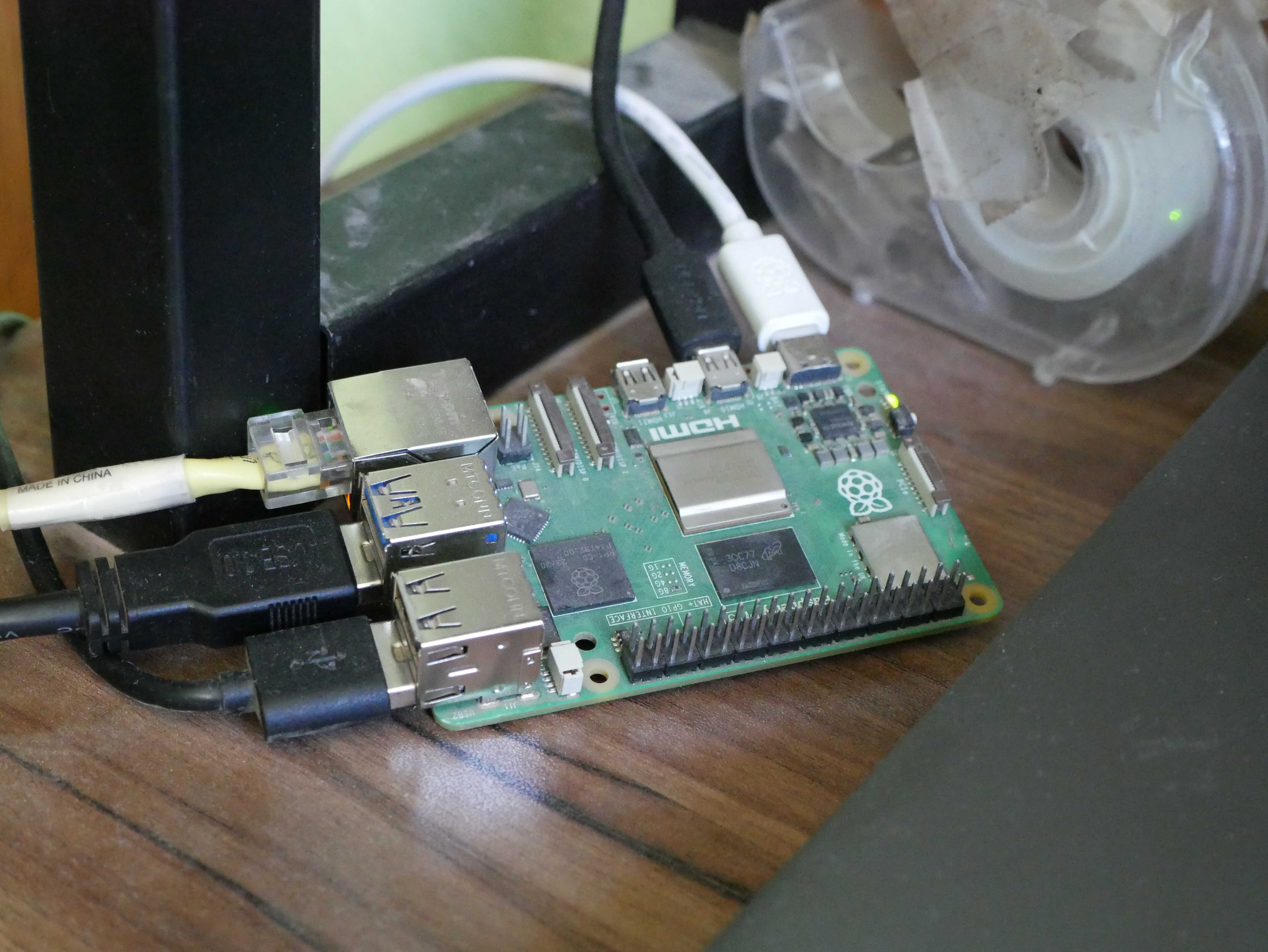
Recently, I had a revelation. The Pi 5 can accept SSDs. Not just over the PCIe port, but over USB. Somehow, I had forgotten that it could do that. After a couple years of having that thing sitting around and not doing much because it was “slow”, I grabbed a spare SSD I had laying around (an old 3GB/s one at that), my hard drive dock, and the Pi itself. I flashed the SSD with Raspberry Pi OS, plugged in all the annoying things to the Pi, and turned it on. It was the fastest I’ve ever seen a Pi boot. The initial boot took a bit of time, but after setting it up, it takes about twenty seconds to boot. I remember when Windows 8 laptops promised a ten-second startup time. Not only that, the Pi actually felt fast. I was able to use it with NO issue whatsoever. I don’t even have a cooler on it, but I believe I will now acquire one since the Pi is actually good. I nearly cannot believe I haven't done this before.
I ran the HPL benchmark on it, using the script from Jeff Geerling (link HERE).

It performed far better than I expected. It beat out the Pixel 6 and the Duet 3, both of which I was not expecting. Admittedly, I don’t have many “in-betweens” on that list yet, which makes the Pi look EVEN BETTER.
Overall, the Raspberry Pi 5 is more capable than I thought it was. All it needed was an SSD. For ages I believed my Pi to be horribly slow, when, in fact, it was the fault of the microSD card and its poor performance. Now that I know I can do more with my Pi, I plan to, well, do more with it in the future.
The janky Raspberry Pi setup.
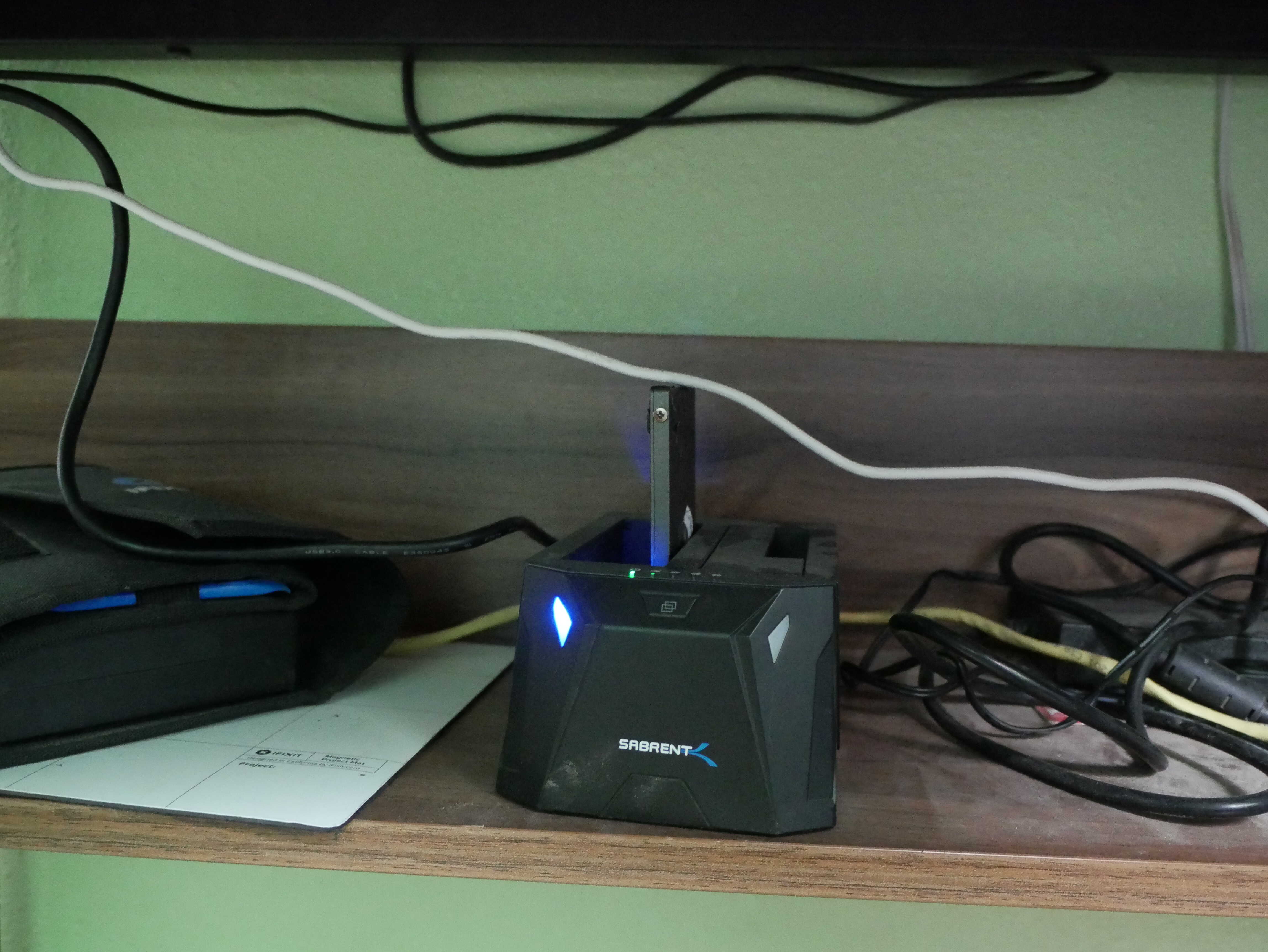
The SSD dock.
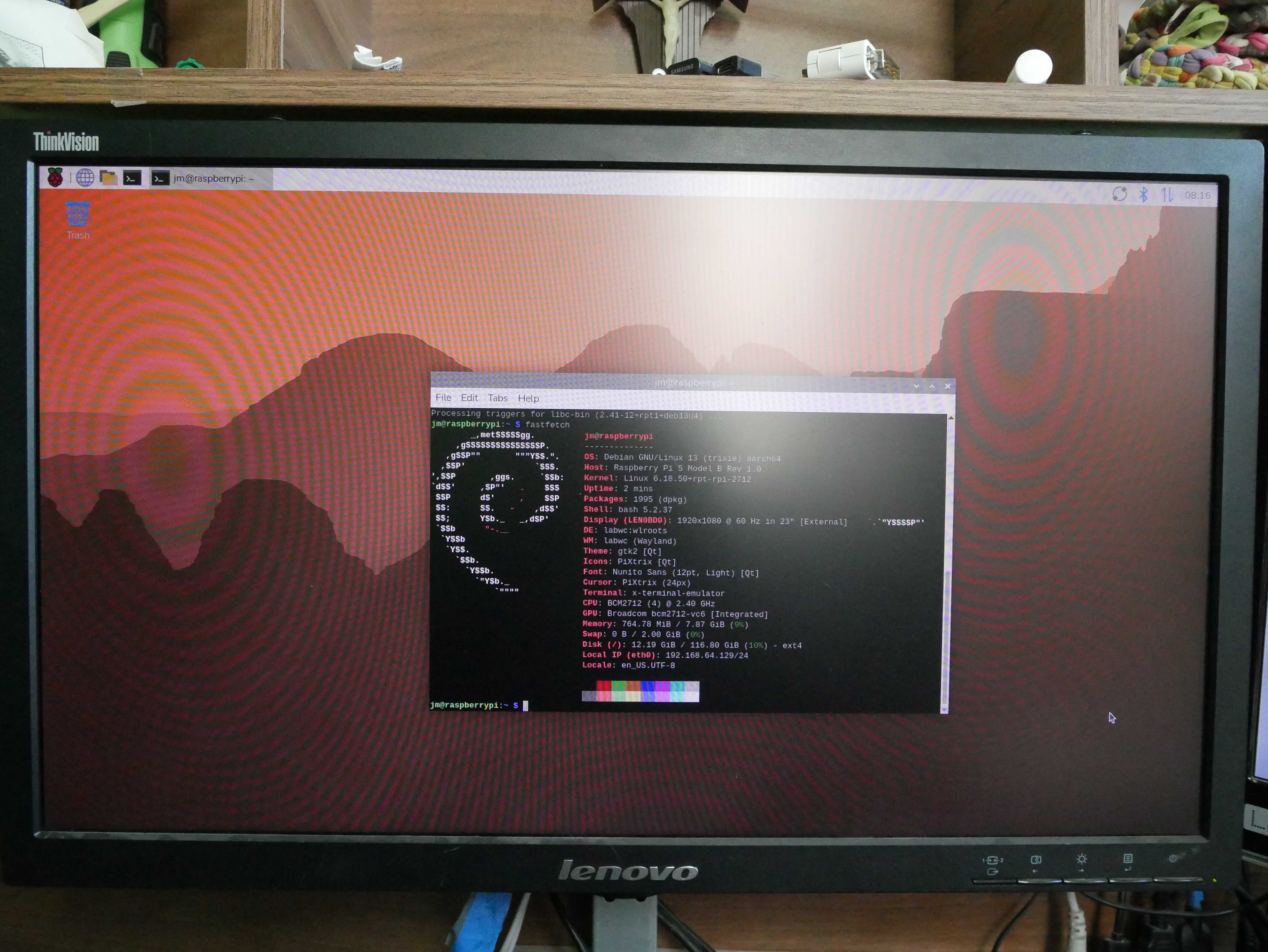
Raspberry Pi OS.
In Other Things.
I recently acquired, for the low low price of about $50, a Lenovo Chromebook Duet 3. It was “for parts”, with a broken screen that gets weird lines on it. And it was in the highest-end configuration, with 128GB of storage and 8GB of RAM. Since Nura Linux (postmarketOS) can run on it, I figured it’d make for a decent way to try Linux on a tablet without blasting $170 on one. Despite the screen issues, it has been a mostly fantastic device so far. The screen issues are issues when there are static elements in a color the screen does not like, but they go away if the colors are ones that the screen decides it likes. For instance, it hates plain white for ebooks, but when I set it to a gray color, it looks perfectly fine. And, since it has USB-C DisplayPort Alt Mode, I can plug it into my monitor. For $50, it may very well be one of the best “bang-for-my-buck” things I’ve ever purchased.
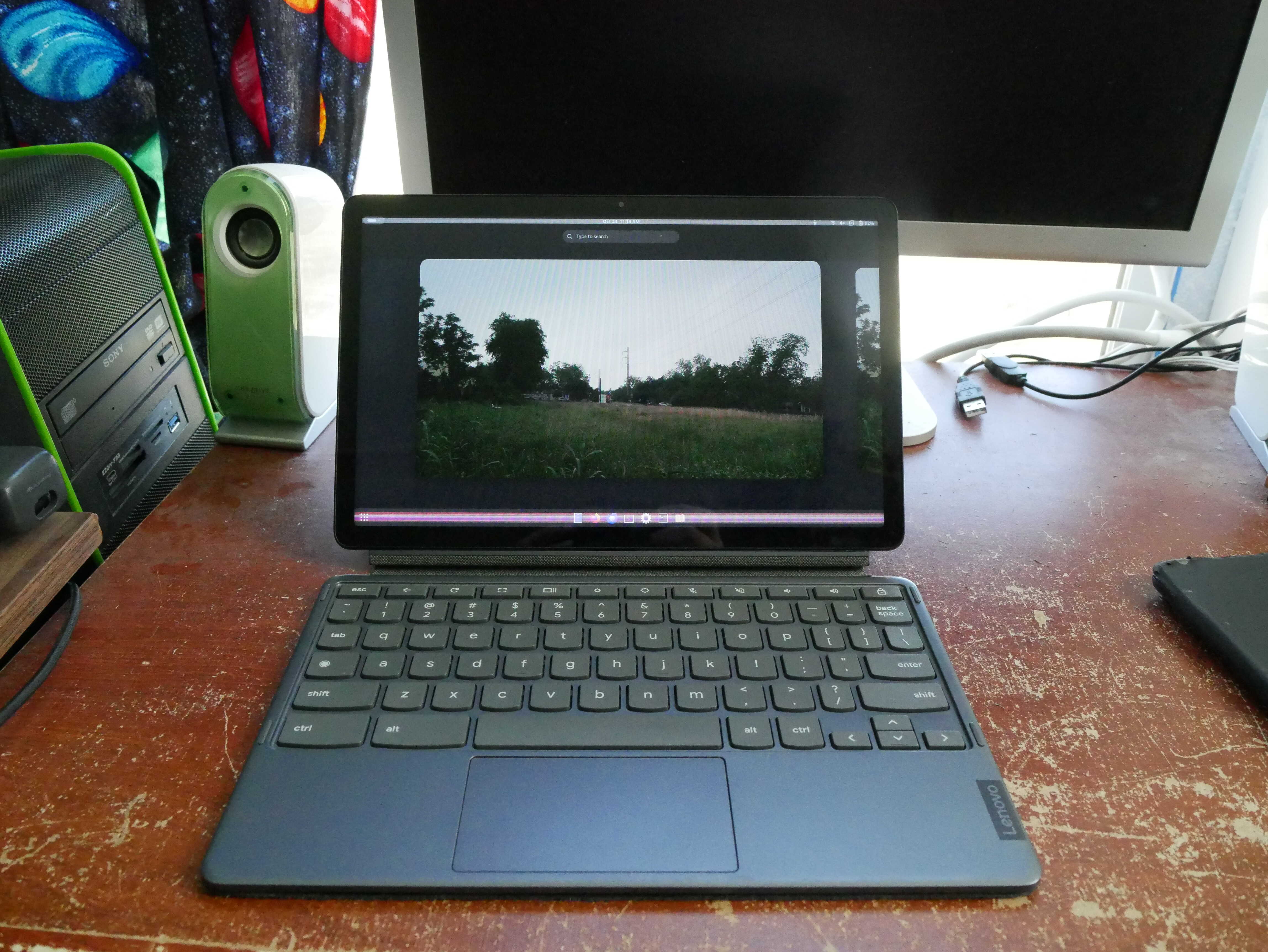
The Duet 3.
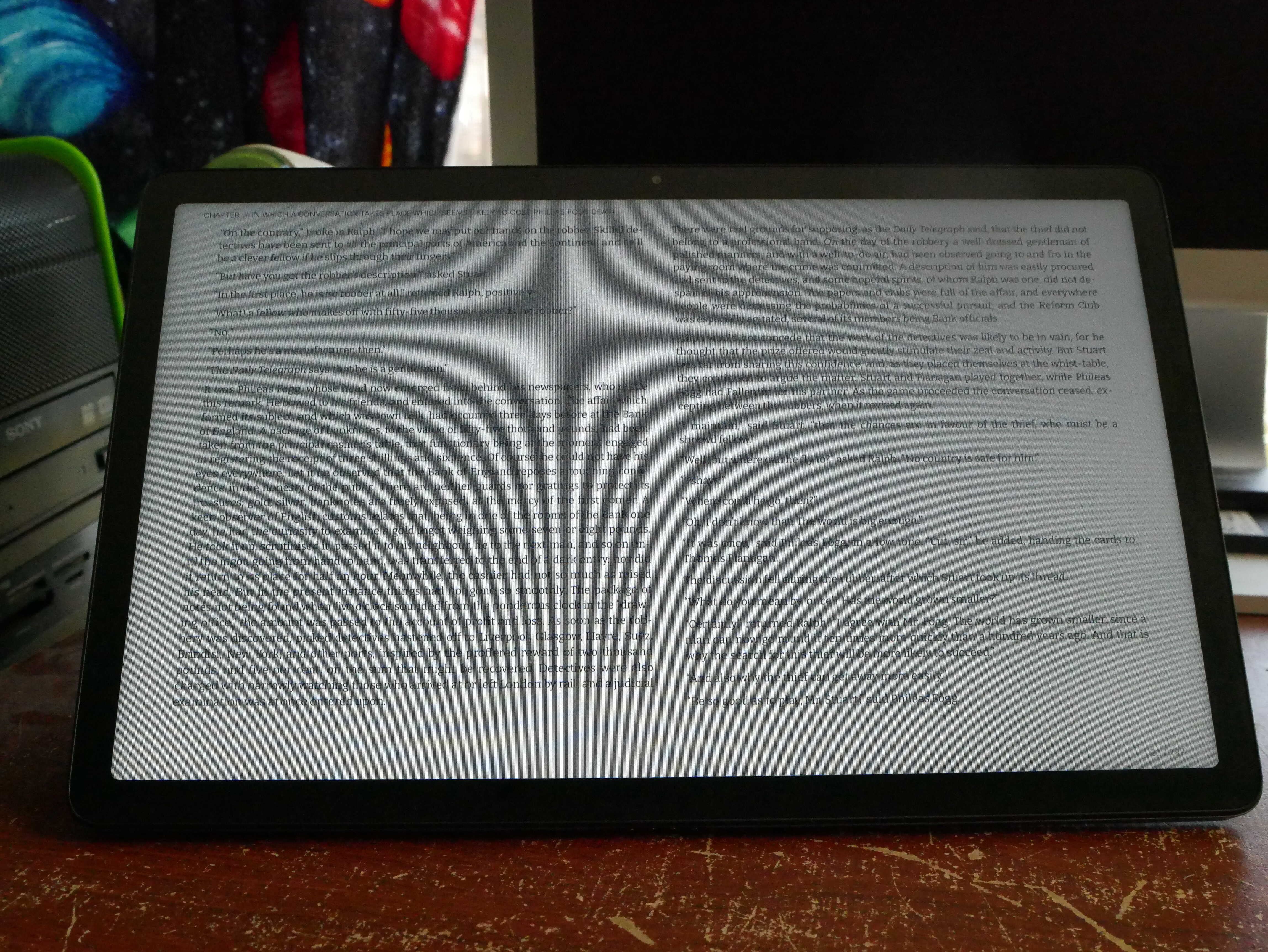
The ebook on gray.
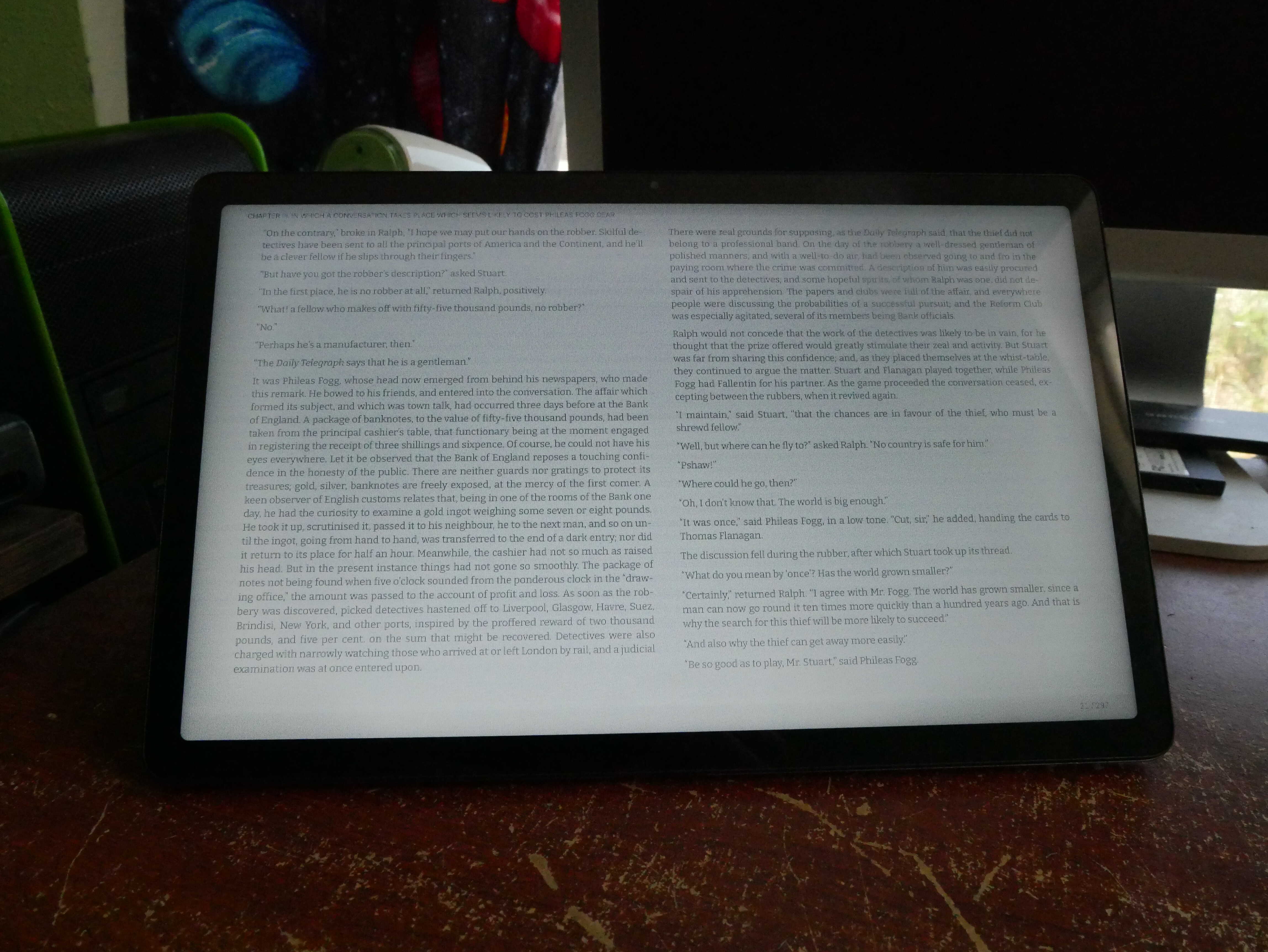
The ebook on white. Notice how the text is "fuzzier".
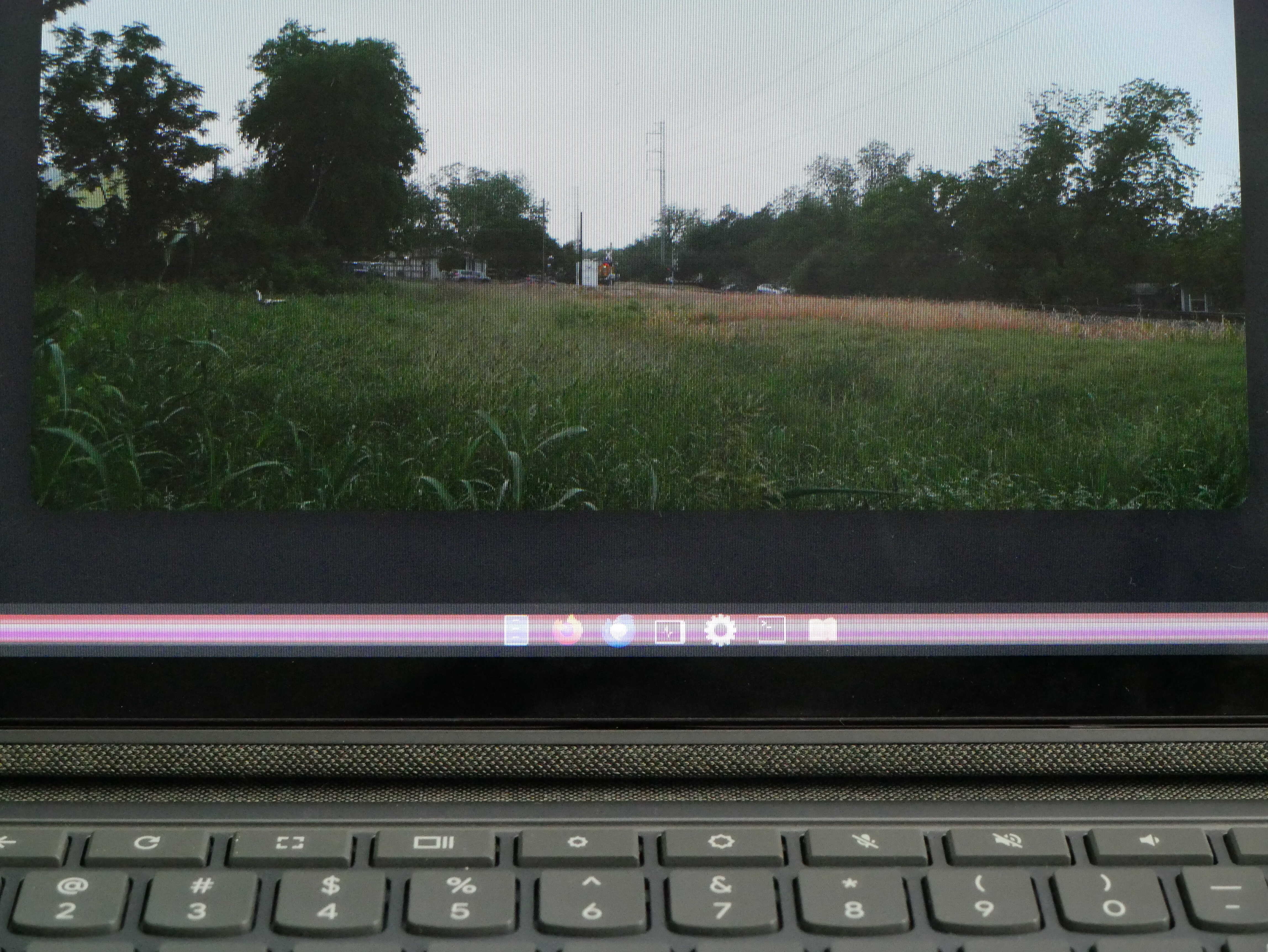
The line on the Duet 3. It goes away and can move.
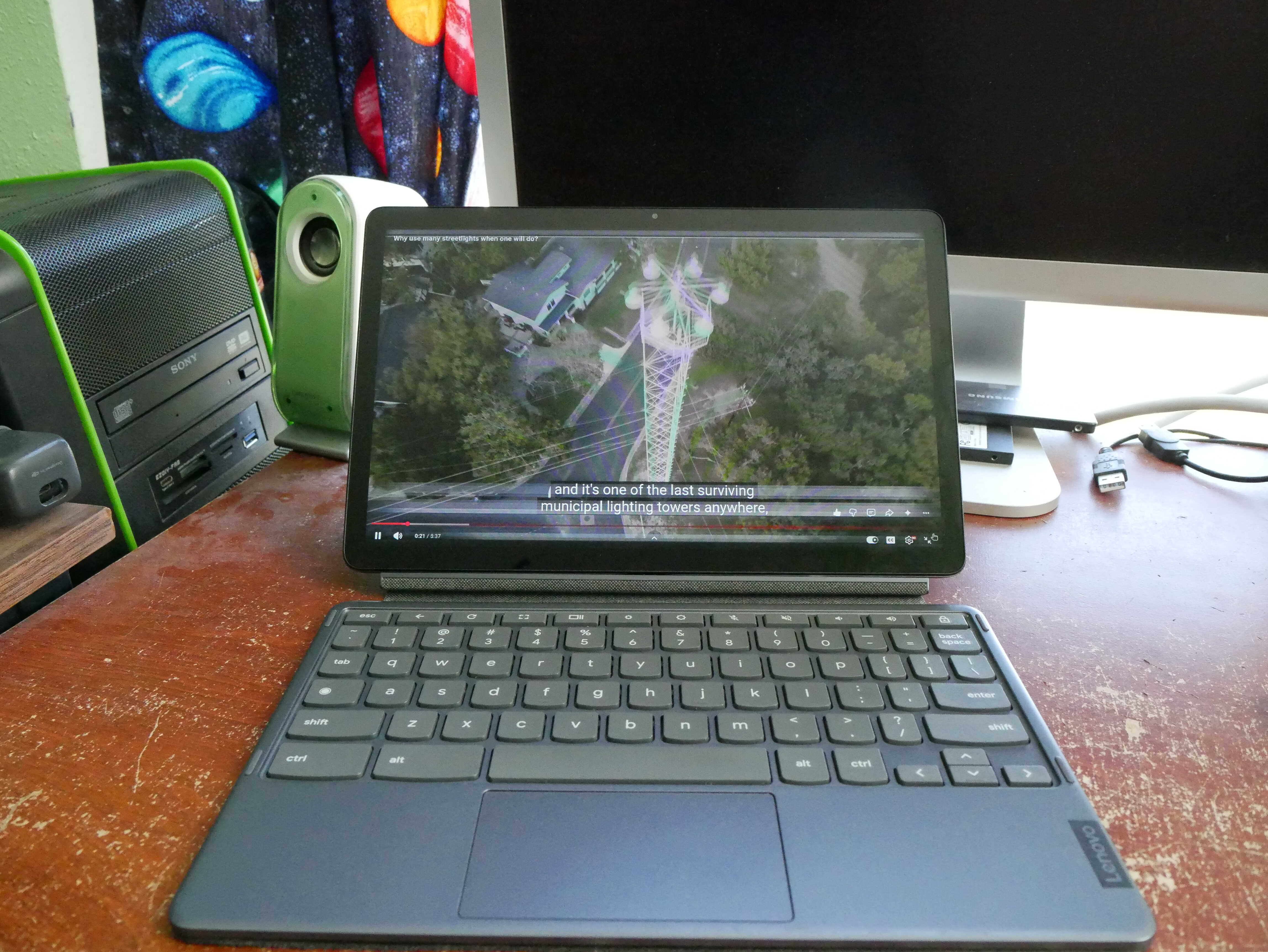
Video playback. Notice the line where the subtitles are.
LineageOS 24 was released a couple weeks ago, and on my old Pixel 6, it seems to be fairly good. Unfortunately, since I have the GApps on that phone, the Android Developer Verification thing has appeared in the Developer Options. It tells me, and I kid you not, to “check with my family and friends” to ensure allowing apps from unverified developers is OK. The first thing I’m going to do when my phone tells me to “check with family and friends” is to ignore the phone and do my own thing. I have a feeling that older people (the kind who typically get scammed), if they saw that message they would either do as it says, or ignore it because they don’t care at all. And if a scammer is on the other side of the line telling them to do so, well, the message most likely won’t change anything. Not to mention you can get scam apps from verified developers on the Play Store anyways. Otherwise, LineageOS 24 is fine.
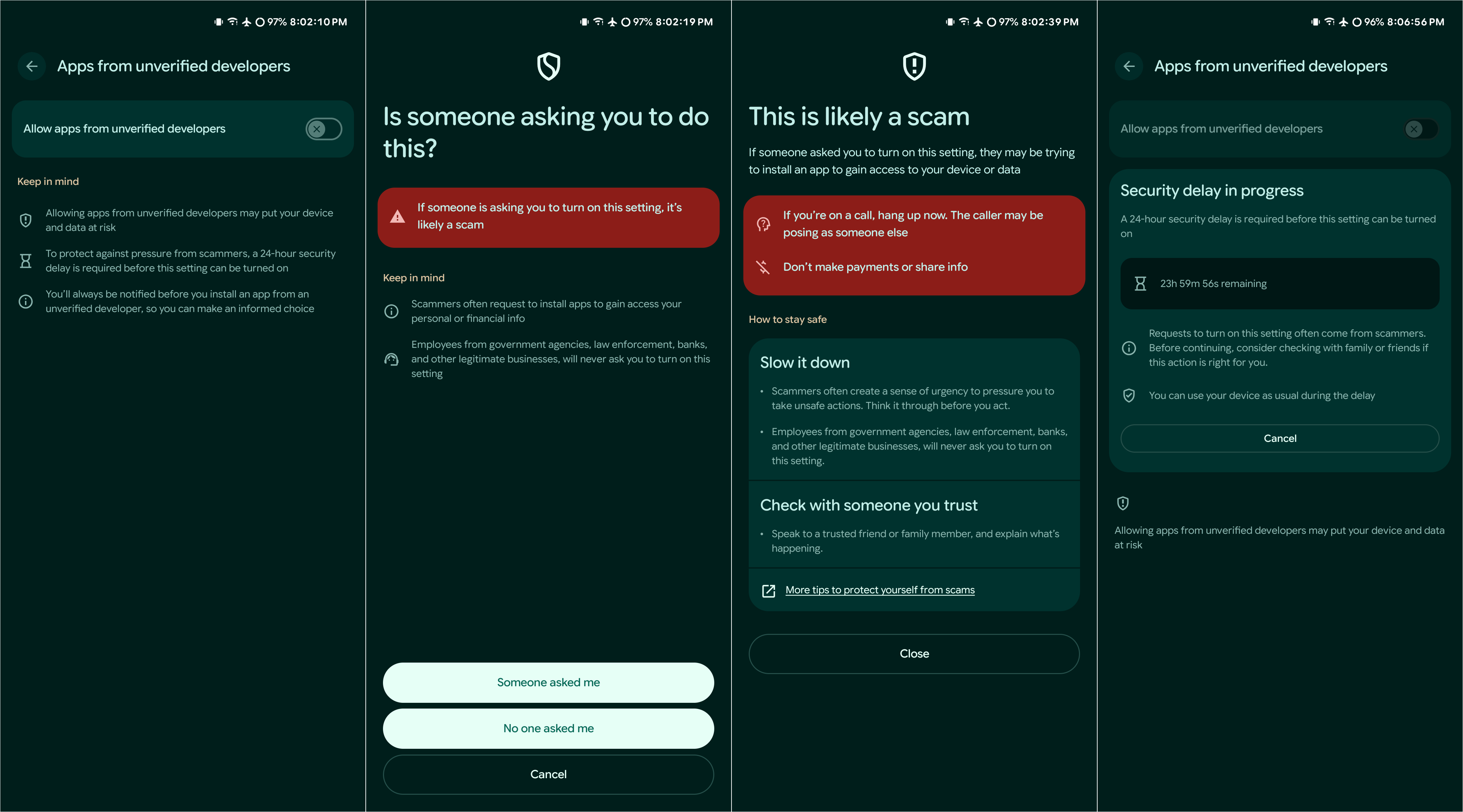
The unverified developer thing. I clicked on the "Someone Told Me" initially, though I did end up enabling it for obvious reasons.
Oh, and one other thing: I took a lot of photos recently, including some with a Pixel and others with a Hasselblad-branded phone camera. Carrying two phones and going on rocks is fun. And sorting through the photos is fun as well. Next post, if I’ve sifted them by that time, you should be able to see the photos side-by-side.

Click this link and scroll down afterwards.
Chickens!
Unfortunately, Agathae’s lovely eggs didn’t hatch. They went rotten instead. They were confiscated. Poor Agathae quit going back to the nest to brood them. I feel sorry for her, but it is quite late in the year to hatch. Godwilling sometime next year she’ll get at least a chick or two to enjoy. Otherwise, the rest of the chickens are fine.
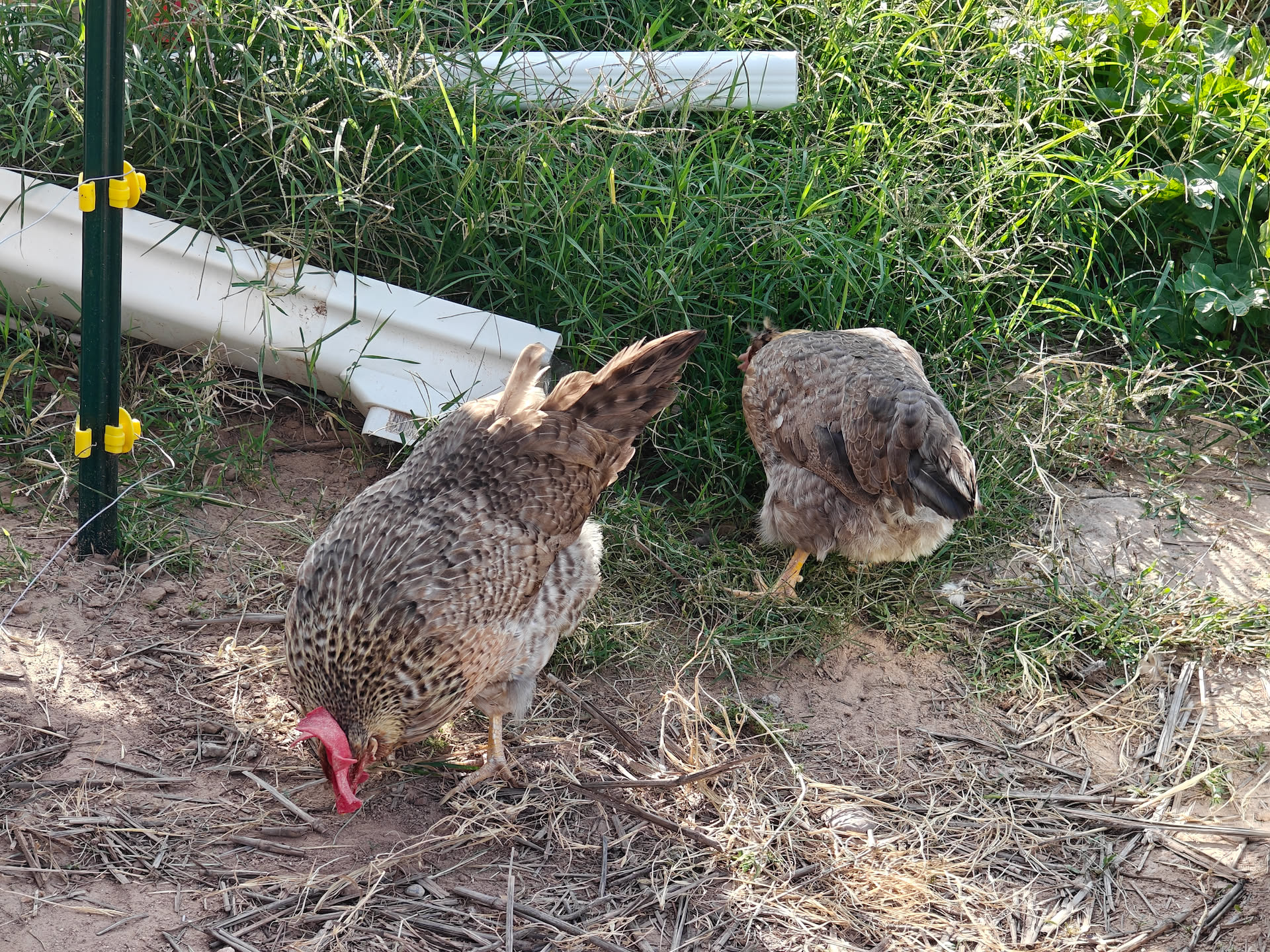
Agathae and Felicitas.